Photo-to-watercolor workflow
Turn a photo into a watercolor illustration
A convincing watercolor conversion should not merely soften the photo. It needs a clear drawing structure, selective pigment and enough source fidelity for the people, objects and spatial relationships to remain recognizable.
The short answer
Upload a photograph with clear objects and readable spacing, apply Softline Playground, then compare the result with the original. Keep the version whose object count, placement and identity remain correct while hard photographic texture becomes loose ink contours and transparent watercolor color.
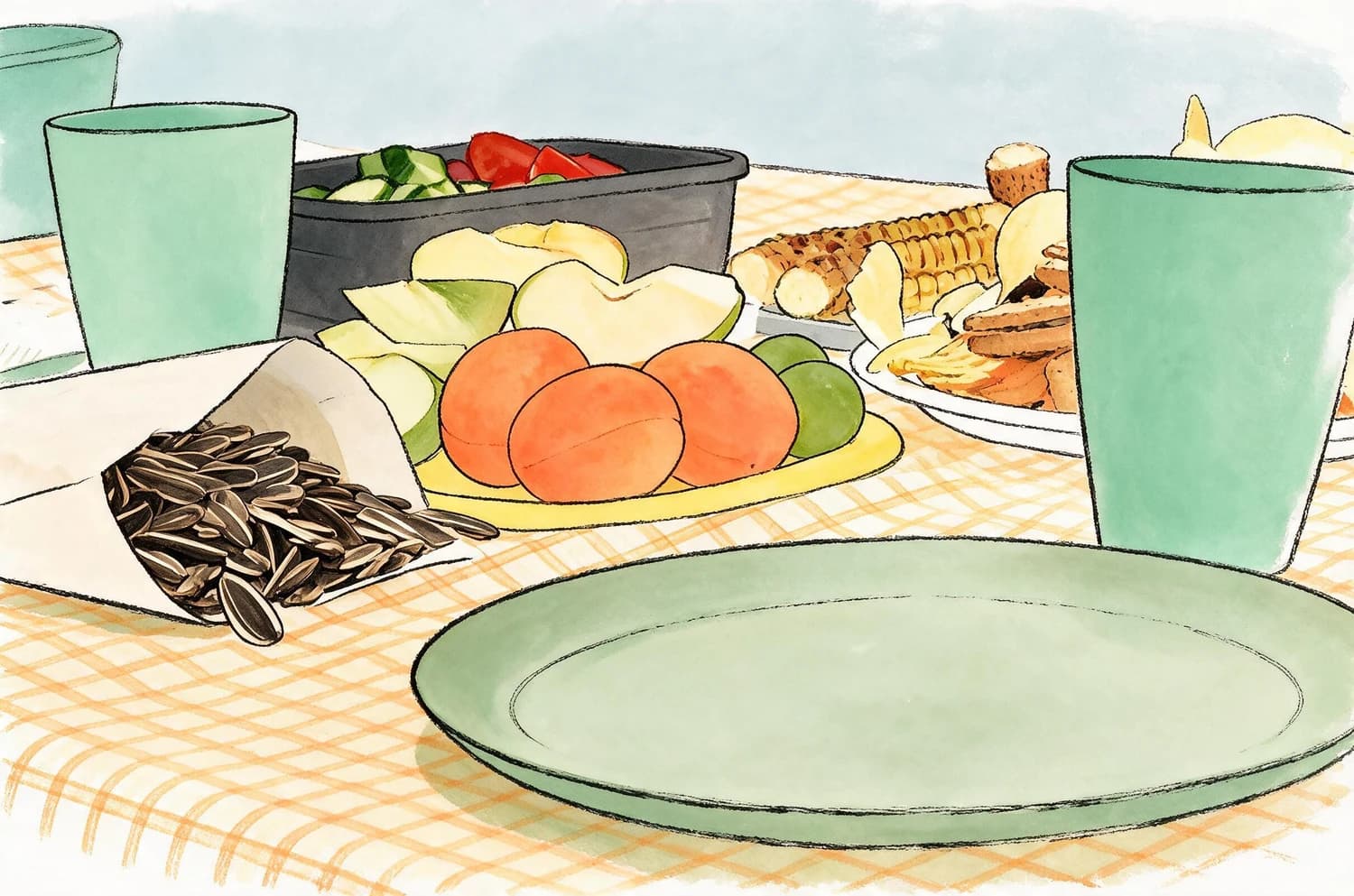
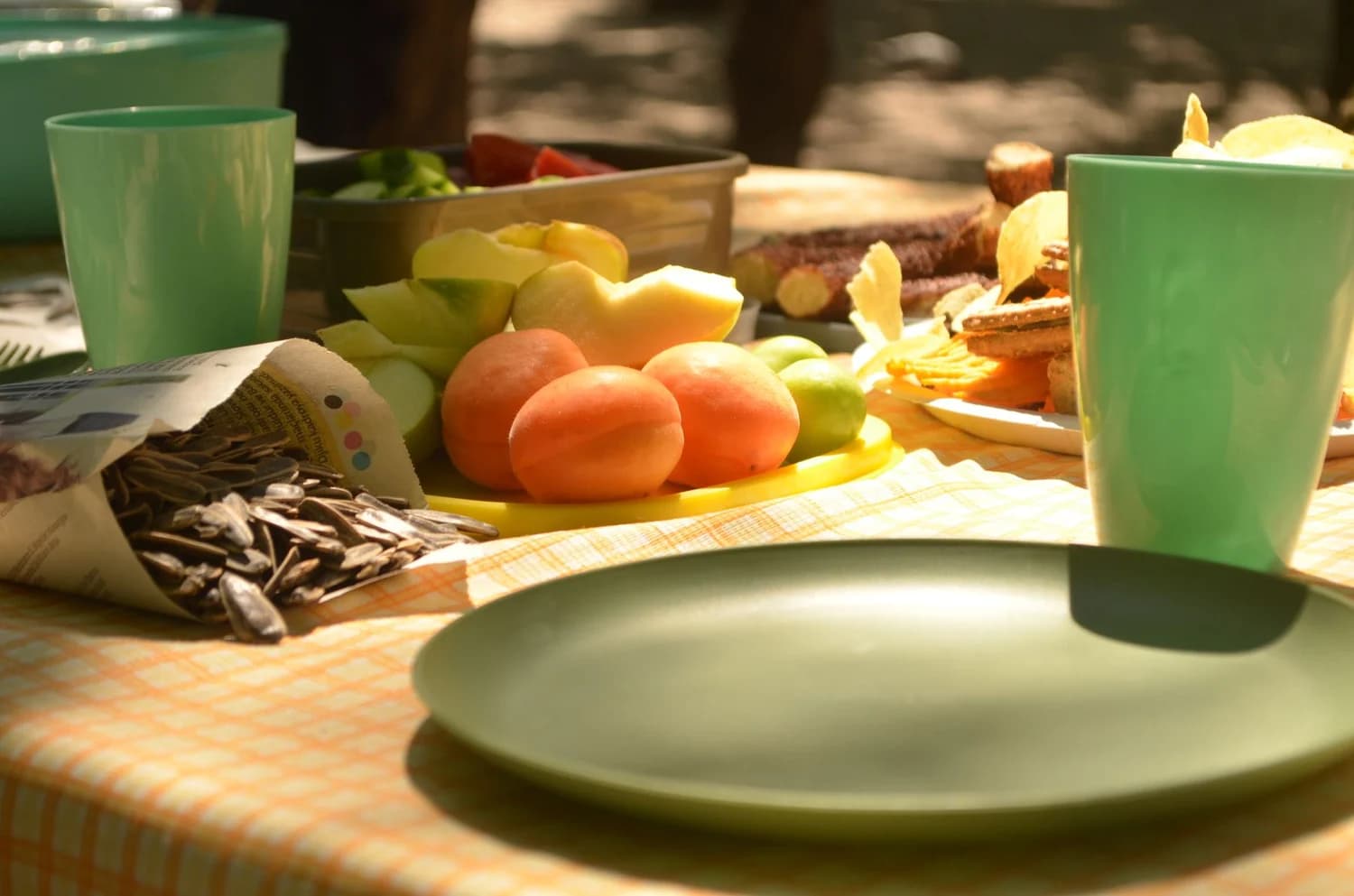
The picnic remains identifiable after the material changes
The source arrangement contains peaches, green cups, sunflower seeds, plates and grilled food. The watercolor result simplifies texture and shadows but keeps those objects in the same visual relationships, so it reads as an interpretation of the actual picnic rather than a generic painted table.
Convert the photo in three checks
- 01
Choose a readable source
Use clear subjects, visible edges and manageable overlap. Flat lays, food, travel objects, pets and simple portraits are easier to verify than crowded scenes.
- 02
Apply the illustration method
Use Softline Playground and let the Skill translate photographic detail into line weight, light washes and selective simplification without inventing a new scene.
- 03
Compare identity before style
Count important objects, check hands and faces when present, and trace the main composition. Reject a prettier result if it changes what the photograph actually contains.
What makes the result believable
- Recognizable structure
- The location, number and relationship of important objects should survive the transformation.
- Real watercolor logic
- Use varied line pressure, open paper, overlapping washes and restrained edges instead of a uniform blur filter.
- Controlled invention
- Minor simplification is useful; new props, changed faces or missing subjects break the connection to the source.
Photo-to-watercolor questions
Is this the same as applying a watercolor filter?
No. A filter mainly changes surface color and texture. This workflow redraws the scene while checking that its objects and composition still match the photograph.
Which photos work best?
Images with a clear subject, separated shapes and useful negative space are dependable. Very small faces, dense crowds and heavy motion blur are harder to preserve.
Can I print the result?
Yes after checking pixel dimensions, intended print size and color. The generated image is artwork; bleed, paper choice and print proofing remain separate.