
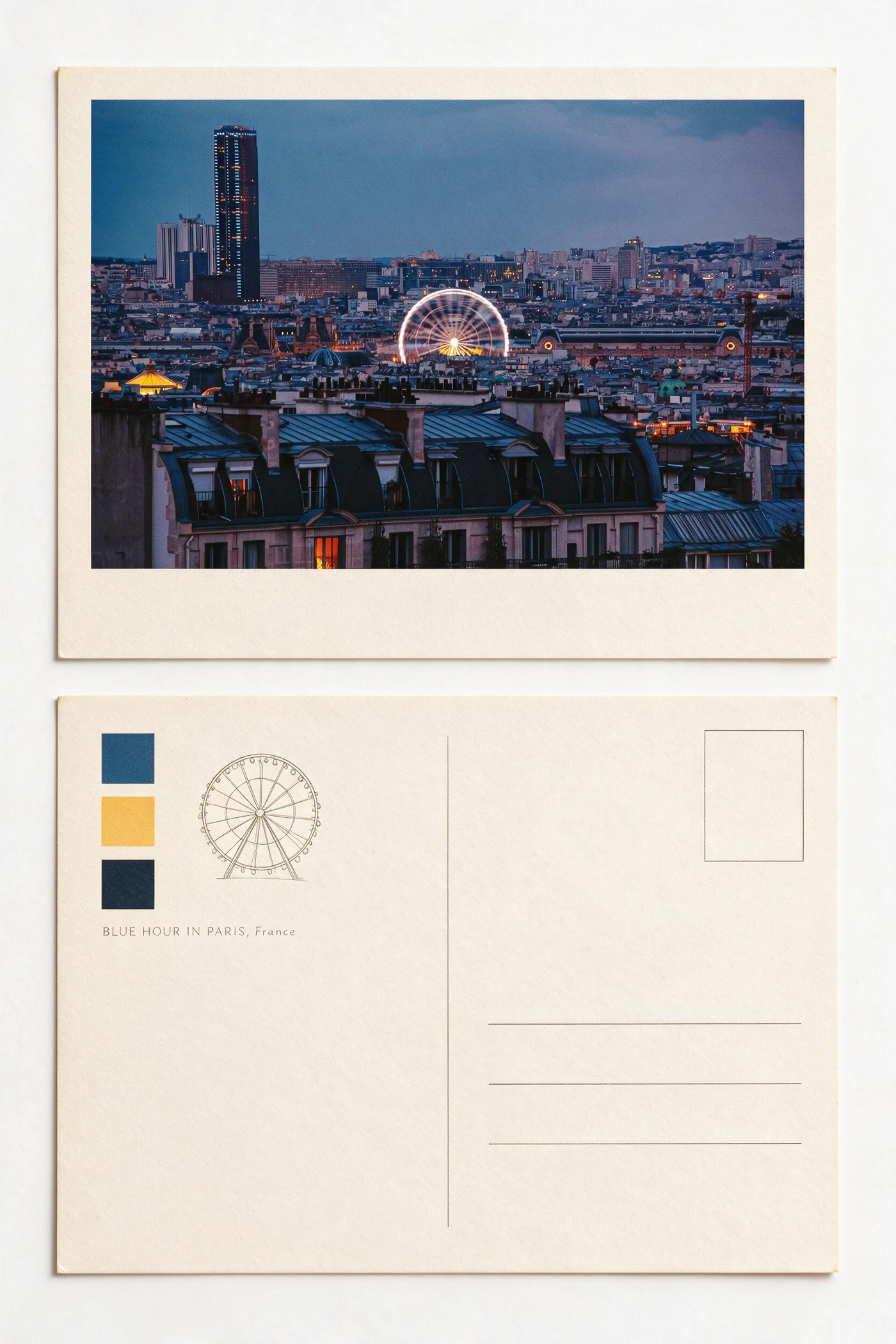
Choose Imagild when you want to judge a reusable photo transformation from a real before-and-after pair, apply it as a Skill, or make restrained corrections in the Photo Workbench. Choose Canva when the image must continue into a broader template-led design. Choose Fotor when the job begins with a large catalog of conventional editing and AI utilities. This comparison was checked against current public product pages on September 4, 2026.
One source photo, three different starting questions
Imagild starts with “which visual method should this photo use?” Its Skills package creative direction into a repeatable transformation. Canva starts from a design canvas and combines AI edits with layout. Fotor starts from an editing suite that includes enhancement, retouching, background work, filters and AI tools.
Pick the workflow in three questions
Do you want a repeatable visual recipe?
Use Imagild when the method itself matters: choose a Skill, apply it to another photo, or create a Skill that other people can reuse.
Does the image need to become a larger design?
Use Canva when the next task is arranging the result inside a social post, presentation, document or other template-led composition.
Is the job primarily correction or retouching?
Use Fotor when you begin with crop, resize, enhancement, portrait retouching, filters, object removal, background editing or upscaling.
The practical differences
Imagild
Best fit for reusable style workflows, before-and-after discovery, and creator-published photo Skills. It is intentionally narrower than a general layout suite.
Canva
Best fit for combining AI photo edits with templates and broader design assembly. Its public AI editor also supports prompt-led element and background changes.
Fotor
Best fit for a familiar photo-editor path with enhancement, retouching, effects, background tools and a broad set of AI utilities.
Comparison questions
Is Imagild a complete replacement for Canva?
No. Imagild focuses on reusable photo transformations and creator-made Skills; Canva covers a much broader design and layout workflow.
Is Imagild a complete replacement for Fotor?
No. Fotor exposes a broad conventional editing toolkit. Imagild is better understood as a Skill-based creative transformation workflow.
Can I use more than one tool?
Yes. A practical sequence is to create the visual direction in Imagild, then finish exact text, layout, resizing or production details in the editor that suits the final format.
Which workflow fits a photo collage: a grid or an AI transformation?
For several existing photos in adjustable cells, start with a layout editor: the Canva and Fotor collage pages describe this workflow. Imagild Skills instead offer a styled interpretation of a source photo. The Paris example here is one generated postcard-style image, not a multi-photo grid editor. Choose by the deliverable, not a best-app label.
Can I edit every caption or move the panels in an Imagild result?
A generated Skill result is a raster image, not an editable collage template. For exact names, dates or independent panels, keep the original photos and finish those elements in a layout editor. Review generated lettering, subject details and the actual pixel dimensions before sharing or printing. A decorative postcard image is not a mailed postcard or a layered project.
Is this an independent ranking or a hands-on benchmark of all three tools?
No. This guide is published by the Imagild team. The displayed result is an Imagild example, not a matched three-tool test. The two linked collage feature pages were reviewed on September 13, 2026; broader descriptions retain their September 4 review date. We have not measured comparative speed or quality and do not award a universal winner. Check each provider for current access and export conditions.