Photo-to-illustration workflow
Turn a photo into a graphic illustration with vector-style shapes
Vector-style art succeeds when a complex photograph becomes a smaller system of readable shapes. The goal is not to trace every pixel; it is to preserve the scene’s identity through silhouette, layering and disciplined color.
The short answer
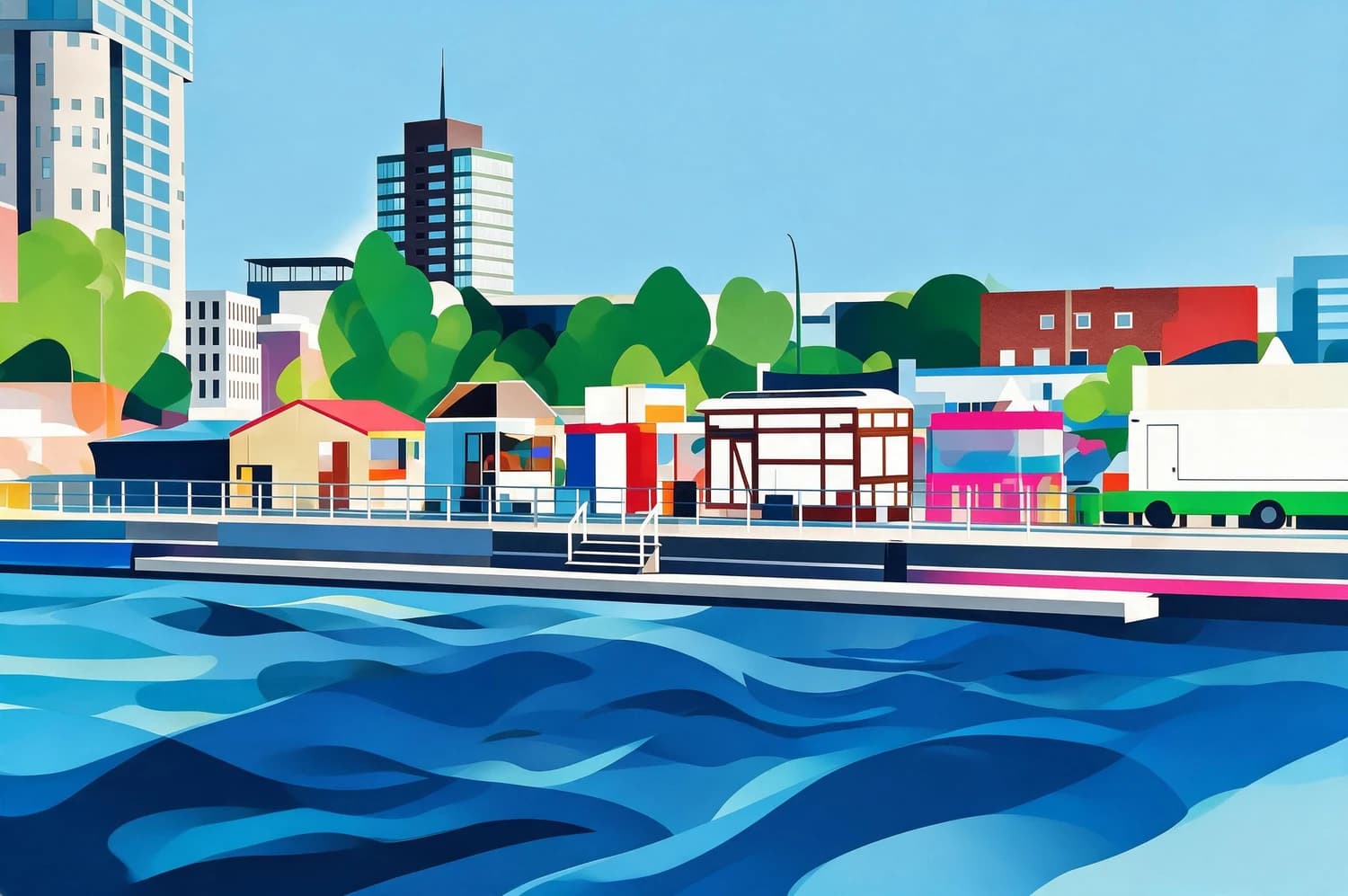
To turn an image into a graphic illustration, start with strong silhouettes and clear color zones, apply Dopamine Ribbon, and compare landmarks, horizon lines, and object groups with the source. Imagild simplifies the photo into vector-style color shapes but returns a raster image; an editable SVG or EPS still requires tracing and cleanup in a vector application.
The city becomes a system of color fields
Buildings, trees, waterfront and waves remain in their original zones while small photographic texture becomes broad geometric areas. The scene is still recognizable because the skyline and depth order survive the simplification.
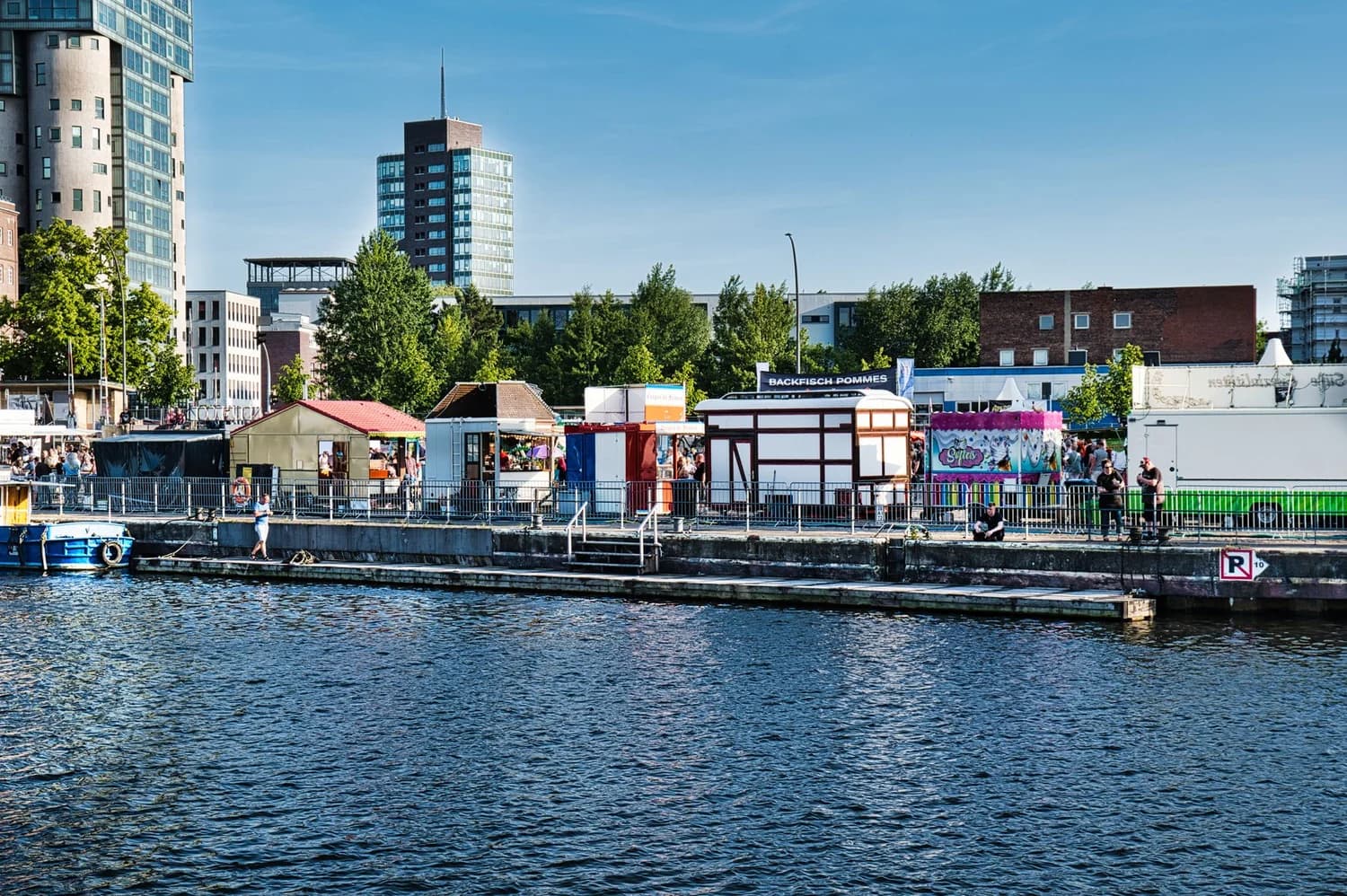
Build vector-style clarity in three passes
- 01
Find the large shapes first
Choose architecture, landscapes, products or portraits with a strong silhouette and clear foreground, middle ground and background.
- 02
Generate the graphic interpretation
Apply Dopamine Ribbon and judge whether the image uses a limited hierarchy of color fields instead of breaking every surface into equal detail.
- 03
Decide whether raster is enough
Use the generated result directly for digital artwork. For logos, cutting, large production or editable paths, redraw and clean the accepted concept in a vector application.
Artwork versus true vector file
- Scene identity
- The skyline, subject silhouette and main depth layers should still match the photograph.
- Shape economy
- Fewer purposeful forms are stronger than hundreds of noisy fragments that imitate every pixel.
- File-format honesty
- A vector look does not make a raster output infinitely scalable or path-editable.
Official sources checked
Photo-to-vector questions
Does Imagild export SVG or EPS?
This Skill generates a raster artwork with vector-style shapes. Editable SVG or EPS production files require a separate tracing and cleanup step.
Which photos convert well?
Architecture, landscapes, vehicles, products and portraits with clean silhouettes and distinct color zones are good sources.
Can I use the result as a logo?
Use it as visual direction, then redraw a logo with intentional geometry, verified small-size legibility and the required ownership checks.