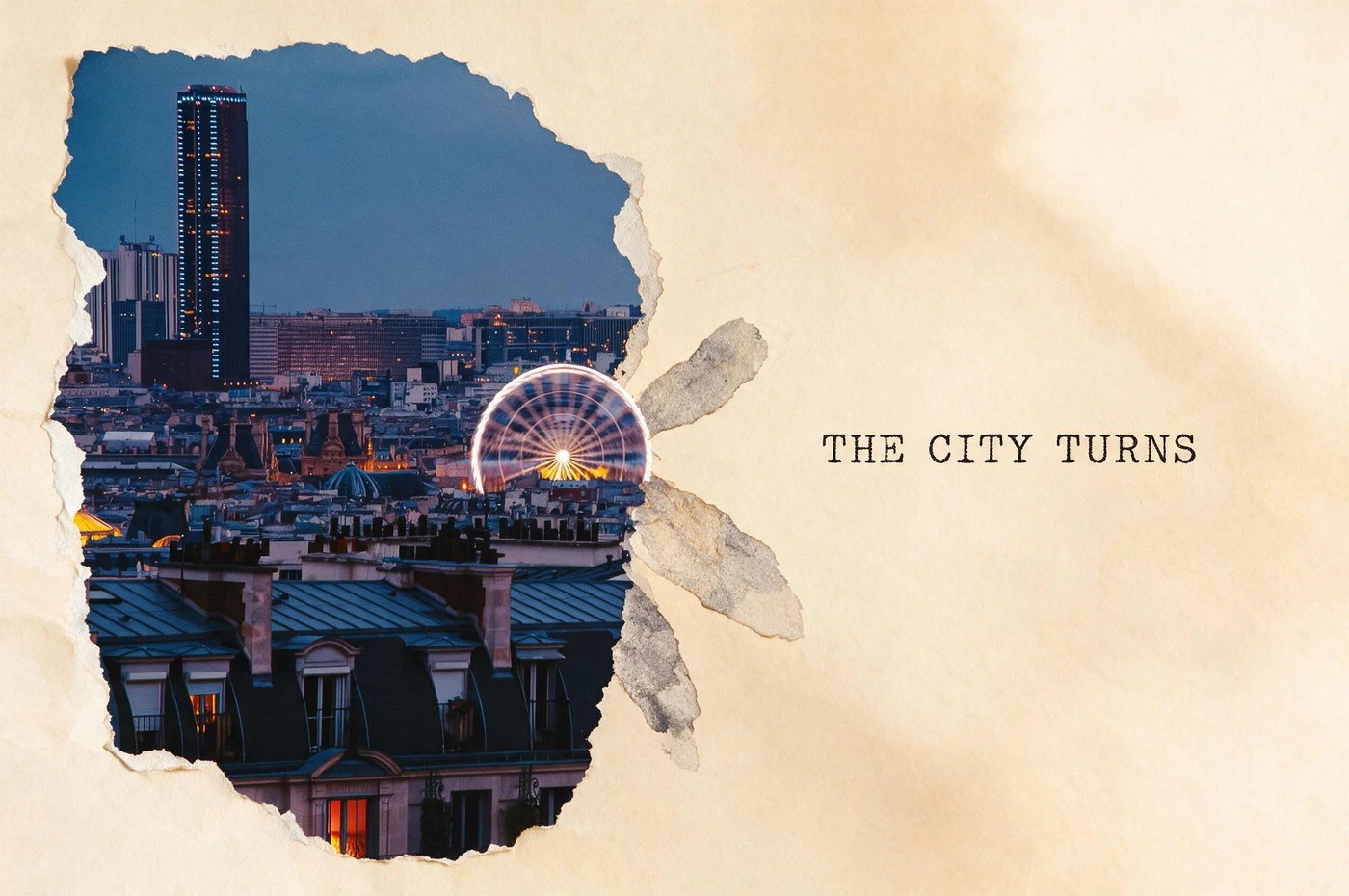
To convert a picture to a poster, upload a photo with one irreplaceable landmark or silhouette and apply Gathered Landscape. The Skill keeps a photographic anchor while extending its lines into dry ink and torn paper. Add exact event or campaign text in a separate layout pass: the output is poster artwork, not a tiled PDF or automatically press-ready file.
The photograph becomes the anchor, not the background
The Paris skyline remains a continuous island of photography. Rooflines and the wheel continue into larger paper and ink shapes, while open space gives the composition enough distance to read as a poster.
Build a readable poster in three passes
Choose one visual anchor
Use a clear landmark, person, product or silhouette. If the source has no dominant element, the poster will inherit that uncertainty.
Generate hierarchy before lettering
Apply Gathered Landscape and judge the photographic island, one vivid color and blank field. Keep the version whose eye path works without relying on words.
Finish type and print specifications separately
Replace generated lettering with exact copy, then set the final size, bleed, resolution and color profile in a layout application when the piece will be printed.
Artwork versus finished poster file
Source fidelity
The landmark, face or product that carries the message should stay recognizably photographic.
Readable hierarchy
One anchor, one supporting gesture and enough quiet space are stronger than equal attention everywhere.
Production remains separate
Large-format output may need upscaling, proofing, bleed and a printer-specific color workflow.
Questions about turning photos into posters
How do I make a poster from a picture online?
Upload a picture with one clear subject, apply Gathered Landscape, and compare the generated artwork with the source. Keep the version with the clearest visual hierarchy, then replace generated lettering with exact text. Use a layout application for final dimensions, bleed, resolution, and print color.
Can I print the result at a large size?
Check the downloaded pixel dimensions against the intended print size and viewing distance. Upscale and proof it when necessary.
Which photos work best?
Landscapes, architecture, products and portraits with a strong silhouette and usable negative space are dependable sources.
Photo to zine postcard, stamp or poster: which result do you mean?
These searches describe different deliverables. Imagild creates downloadable raster artwork from your photo. It does not print or mail a card, issue valid postage, assemble a multipage zine PDF, or divide a poster across printer sheets. Choose the visual format first; finish exact text and production specifications separately.
[A postcard-style keepsake](/en/guides/photo-to-postcard): Choose Photo to Postcard for a travel image with a paper-card composition. Zine Postcard is the Skill name, not a promise of a complete booklet or mailing service. Verify landmarks and every generated word.
[An editorial zine-style composition](/en/guides/photo-to-zine): Choose Photo to Zine when crops, repeated details and page rhythm matter. The result is a zine-inspired image; page order, binding, bleed and a print PDF remain a separate layout job.
[A collectible stamp-style image](/en/guides/photo-to-stamp): Choose Photo to Stamp for a compact subject, decorative stamp border and archive-like presentation. Check the face or landmark at small size. Generated denominations and cancellation marks have no postal value.
[A large graphic poster composition](/en/guides/photo-to-poster): Choose Photo to Poster for a strong silhouette and a clear reading order at a distance. This creates new artwork rather than a tiled printing file; inspect download dimensions before planning a print.