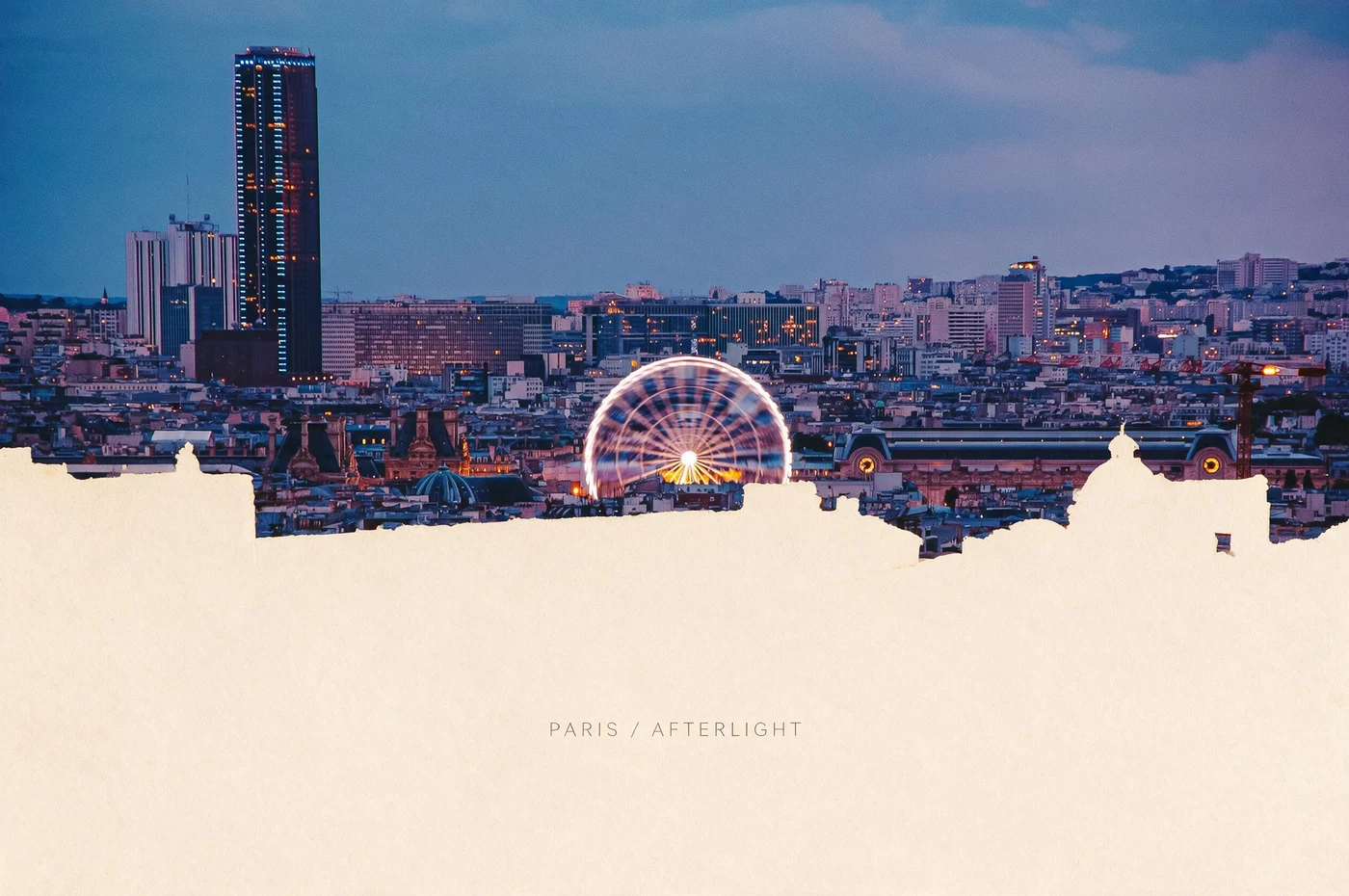
Use Split Scene Zine to divide one source photo into a bold zine-style composition with repeated details, crop shifts and paper character. The result is a visual spread or poster—not a complete multi-page zine, page sequence or print imposition. Build those editorial decisions separately.
One image can become a visual spread
The Paris photograph offers scale changes: a distant skyline, a tower, a wheel and rooftop details. Split Scene Zine reorders those elements so the eye moves through the page rather than reading one conventional photograph.
Build a zine-style image without losing authorship
Pick a photo with several useful crops
Look for a wide scene that contains one main anchor and two or three supporting details. These become the visual rhythm of the spread.
Generate a single visual spread
Apply Split Scene Zine and inspect each repeated crop. Keep the version where hierarchy feels intentional and the subject remains traceable to the source.
Sequence the full zine yourself
Choose the surrounding pages, write captions, verify facts, replace generated text and prepare the correct booklet imposition in a layout tool.
The line between style and a finished zine
Style can establish rhythm
Crop, repetition, contrast and paper surface can suggest the voice of a spread.
Authorship establishes meaning
Image order, captions, pacing and what you leave out remain editorial choices.
Imposition is production work
A printable folded booklet needs page counts, margins, bleed and page order beyond a generated image.
Questions about photo-to-zine workflows
Does this generate a complete zine?
No. It creates a zine-style visual composition from one photo. Assemble and sequence a complete publication in dedicated layout software.
Can I use several photos?
This Skill starts from one source. You can create several compatible results, then curate them into a larger sequence yourself.
Should I keep generated text?
Use it only as texture or layout inspiration. Replace captions, names and factual copy with your own checked writing.
Photo to zine postcard, stamp or poster: which result do you mean?
These searches describe different deliverables. Imagild creates downloadable raster artwork from your photo. It does not print or mail a card, issue valid postage, assemble a multipage zine PDF, or divide a poster across printer sheets. Choose the visual format first; finish exact text and production specifications separately.
[A postcard-style keepsake](/en/guides/photo-to-postcard): Choose Photo to Postcard for a travel image with a paper-card composition. Zine Postcard is the Skill name, not a promise of a complete booklet or mailing service. Verify landmarks and every generated word.
[An editorial zine-style composition](/en/guides/photo-to-zine): Choose Photo to Zine when crops, repeated details and page rhythm matter. The result is a zine-inspired image; page order, binding, bleed and a print PDF remain a separate layout job.
[A collectible stamp-style image](/en/guides/photo-to-stamp): Choose Photo to Stamp for a compact subject, decorative stamp border and archive-like presentation. Check the face or landmark at small size. Generated denominations and cancellation marks have no postal value.
[A large graphic poster composition](/en/guides/photo-to-poster): Choose Photo to Poster for a strong silhouette and a clear reading order at a distance. This creates new artwork rather than a tiled printing file; inspect download dimensions before planning a print.