Identity-conscious portrait repair
Natural AI portrait retouching without changing the person
A useful portrait repair should remove a temporary distraction, not redesign the person. Imagild limits this workflow to four restrained treatments and asks you to compare every result with the source.
Quick answer
Use Imagild Portrait Repair to target temporary blemishes, under-eye darkness, flyaway hair, or uneven skin tone. The instruction excludes changes to face shape, body, age, and identity. Each run returns one result; compare facial proportions, expression, hairline, clothing, and background with the source, and rerun only if the result is not acceptable.
The product boundary is part of the feature
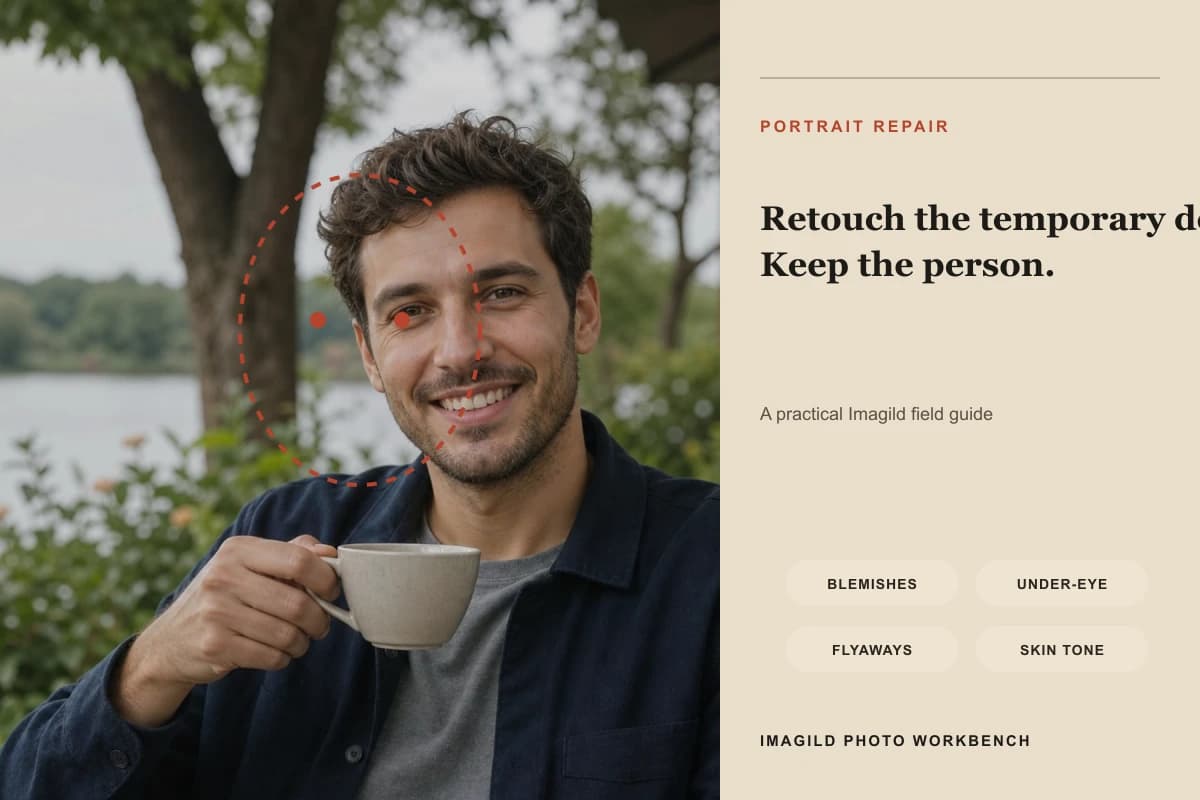
The workbench exposes only four portrait treatments: temporary blemishes, under-eye darkness, flyaway hair, and even skin tone. It does not present slimming, face reshaping, age change, or identity replacement as portrait-repair controls. The editorial visual marks the review area rather than claiming an assured before-and-after result. Each run creates one independent result, so the source photo remains the reference for likeness, expression, skin texture, accessories, hands, clothing, and scene continuity.

A controlled three-step workflow
- 01
Choose only the repairs the image needs
Open Portrait Repair and deselect treatments that do not apply. A small temporary blemish, uneven under-eye tone, a few distracting flyaways, or a local color imbalance are reasonable targets. Do not use a repair request as a vague instruction to make someone younger, thinner, more symmetrical, or like a different person.
- 02
Generate one restrained result at a time
Each run creates one result, uses one image credit when completed, and stores that result in Library. Compare it with the source before continuing. If it smooths too much, changes the mouth or eyes, shifts the hairline, or alters jewelry and clothing, reject it and rerun deliberately rather than accepting it as final.
- 03
Compare at face scale and full-frame scale
Zoom in to inspect pores, eyelids, lashes, teeth, hair edges, and the transition between repaired and untouched skin. Then zoom out to check expression, head shape, posture, hands, lighting, and background. Accept the version that removes the distraction with the least unrelated change, then continue with reversible color adjustments if needed.
What to inspect before accepting the edit
- Texture should remain believable
- Even skin tone does not mean one flat color. Keep natural tonal variation, pores, fine lines, freckles, and directional light unless the person specifically wants a different treatment. Waxy highlights, repeated texture, or blurred facial edges are reasons to reject the result and, if needed, run another attempt.
- Identity must be reviewed
- The prompt constrains identity changes, but a generative result is not biometric evidence and cannot promise exact biometric likeness. Compare stable anchors such as eye spacing, nose and mouth proportions, jaw outline, hairstyle, visible accessories, expression, and pose against the uploaded source.
- Use the lightest acceptable intervention
- A restrained repair is often more credible than a polished but unfamiliar face. If only one area is distracting, avoid selecting every treatment. Keep the original available, use the press-and-hold comparison, and stop when the temporary issue no longer controls attention.
Official sources checked
Frequently asked questions
Will Imagild change my face shape?
Face shape, body, age, and identity are explicitly excluded from the portrait-repair instruction. An AI result can still introduce unintended differences, so this is a constraint rather than an assurance. Compare the result with the source and reject any version that changes facial structure or recognizable traits.
Why does the workbench create one result per run?
Generative repair is not deterministic, but the workbench returns one result at a time so the cost and review step stay clear. A completed run uses one image credit and saves one result to Library. Compare it with the source; if it fails the identity or texture check, reject it before choosing whether another run is worthwhile.
Can I edit the result after choosing it?
Yes. After accepting the result, continue with crop, perspective, global adjustments, semantic local adjustments, or export settings. Keep later edits restrained and use the original comparison frequently so a sequence of small changes does not accumulate into an unfamiliar portrait.