Semantic local adjustments
Edit a person, sky, or background with local AI masks
A global correction can solve one region and damage another. Semantic masks provide a focused starting area, while the photographer remains responsible for checking boundaries and overall balance.
Quick answer
Run region detection, select Person, Sky, or Background, and inspect the overlay and confidence value before editing. Imagild applies local exposure, saturation, and warmth to the chosen semantic region. Automatic segmentation is a starting point rather than a precision cutout, so review hair, horizons, windows, reflections, and overlapping subjects in the completed result.
One frame can hold three different editing needs
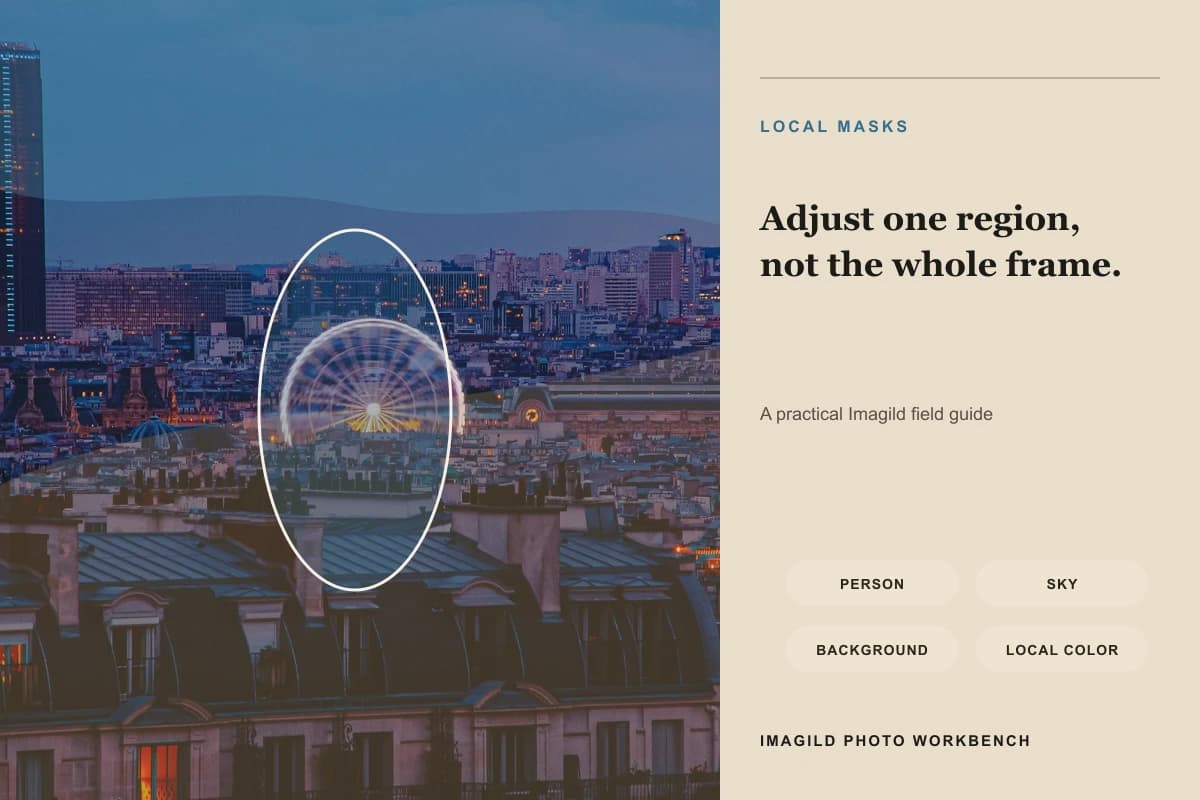
The workbench can return person, sky, and background regions from a source photo. The selected polygon is shown over the preview, together with a confidence value, before local exposure, saturation, or warmth is submitted to the AI workflow. The guide visual uses colored regions to explain scope; it is not a pixel-accurate segmentation result. Real photographs contain translucent hair, reflected skies, glass, foliage, smoke, and overlapping people that can make a semantic boundary uncertain.

A controlled three-step workflow
- 01
Detect regions and inspect the overlay
Open Local Masks and run detection after uploading the source. Switch between Person, Sky, and Background and read the confidence value as a clue, not proof. Follow the overlay around hair, shoulders, tree lines, roof edges, windows, water, and reflections. If the chosen region clearly includes the wrong subject, do not generate the edit.
- 02
Make one purposeful local correction
Use exposure to change brightness, saturation to control color intensity, and warmth to move the selected region cooler or warmer. Start with a small change and name the purpose: recover a pale sky, lift a shadowed person, or quiet a distracting background. Avoid pushing all three controls simply because they are available.
- 03
Judge the local edit inside the whole photograph
Each run returns one result. Inspect the boundary for halos, color spill, banding, and abrupt transitions, then step back. The selected area should still belong to the same light, weather, lens, and scene. Accept the result only if the intervention is restrained; otherwise lower the correction or improve the region before deciding whether another run is worthwhile.
What to inspect before accepting the edit
- Select the region that matches the intent
- Choose Person to lift or cool the main subject, Sky to manage brightness or color above the horizon, and Background to reduce competition behind the subject. Background may be derived by excluding a detected person or sky when a direct region is unavailable, so its overlay deserves extra review.
- Confidence is a signal, not a score of final quality
- A high confidence value means the detector recognizes a likely region; it does not certify every pixel. Fine hair, glass, water, smoke, tree branches, similar colors, and overlapping objects can cross a boundary. The rendered result, not the number alone, decides whether the edit is acceptable.
- Preserve a shared lighting story
- A brighter person still needs shadows consistent with the scene. A warmer sky should not leave cold reflections untouched when that mismatch becomes visible. Local control is useful because it limits scope, but the final photograph must be reviewed as one physical and visual environment.
Official sources checked
Frequently asked questions
Are person, sky, and background masks exact?
No. They are automatically detected semantic regions and can miss fine or ambiguous boundaries. Preview the overlay and check difficult edges in the completed result. Do not use the mask for medical, biometric, forensic, or other precision measurement.
Should I use a mask or a global adjustment?
Use a mask when one region needs a different correction from the rest of the frame. Use a global adjustment when the entire image shares the same exposure or color problem. Often the cleanest sequence is one small local correction followed by a modest global finish.
What causes halos around hair or the horizon?
The selection may cross a soft edge, transparency, reflection, or high-contrast boundary. Reduce the adjustment strength, refine the region, or leave that correction global. A dramatic correction makes small mask errors more visible than a restrained one.