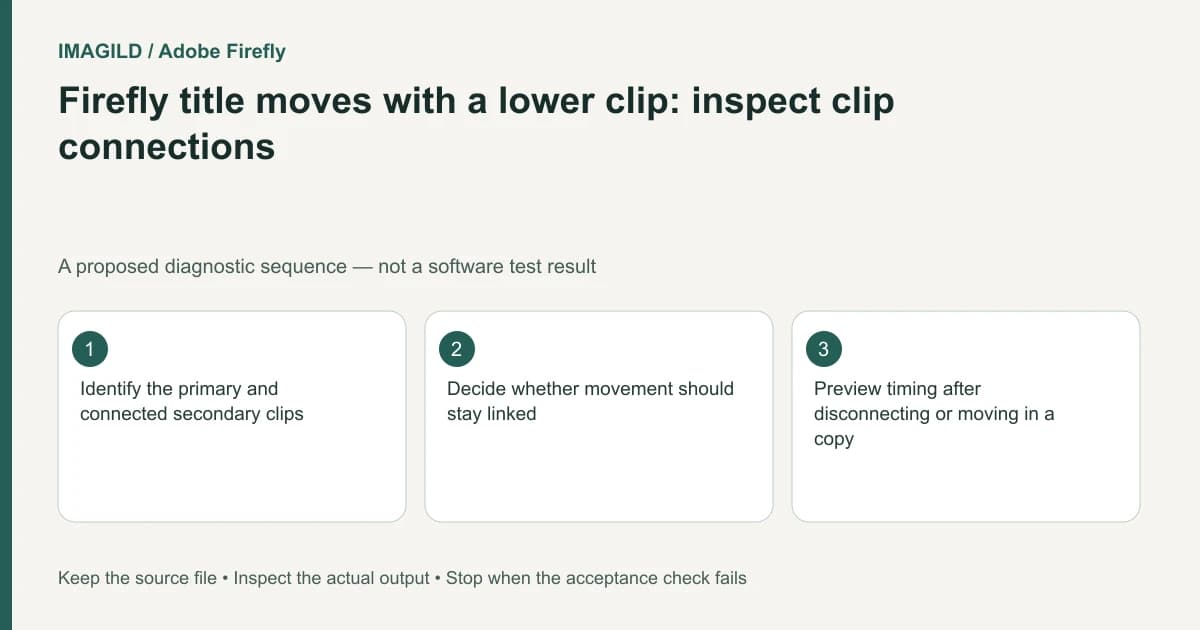
If a Firefly title or overlay moves when a lower primary clip moves, inspect clip connections. Connected secondary media follows its primary clip. That relationship is different from locking a track, and disconnecting it changes how later edits preserve timing.
Decide what should stay together
For a proposed product demonstration, a callout label may need to follow its product shot whenever the shot moves. A music bed may instead need to stay at the same project time. Those are different editing requirements even if both are displayed above the main clip.
Adobe's Connect clips documentation describes connecting secondary media to a primary clip and moving them together. It also allows secondary media to move individually and provides Disconnect. Do not infer from one linked movement that every layer in the project is locked or grouped permanently.
Keep a timeline copy or another recoverable state before testing. Note the title's original starting position and its relationship to the underlying content. The objective is correct timing, not merely making a layer stop moving.
Identify the primary and secondary relationship
Select the relevant clip and inspect its connection state using the documented controls. Identify the lower primary clip that anchors the secondary media. If an overlay is supposed to remain attached to that shot, the observed movement may be working as intended.
Make one small movement in the copy and inspect both elements. Undo the test after recording the result. Avoid dragging several clips at once; that makes it hard to separate a connection from a multi-selection.
| Editorial intent | Relationship to investigate | Check after moving |
|---|---|---|
| Label belongs to one product shot | Connected secondary clip | Label stays aligned with that shot |
| Title belongs at a fixed project time | Independent timing may be needed | Title starts at the intended project position |
| Overlay must shift within its shot | Move the secondary media deliberately | Its internal timing changes without disturbing unrelated clips |
| Several elements unexpectedly move | Connections and selection state | Only intended elements remain linked |
Disconnect only when the new timing is intentional
Use the documented Disconnect action when independent timing is required. Then move the primary clip and inspect the secondary media. Independence can prevent an unwanted move, but it can also leave a title attached to the wrong visual content after later rearrangement.
The timeline creation guide helps establish which project and timeline contain the test. Keep that context recorded if the same media appears in several edits.
Verify meaning as well as position
Play through the full section, not just the moved boundary. A title can remain at its requested timestamp while describing the wrong product shot. Check the label text, underlying image, duration and adjacent cuts together.
Adobe's export instructions cover rendering the assembled timeline. Open the resulting MP4 and verify that the relationship survives the actual delivery. A correct-looking selected frame in the editor is insufficient.
Stop if the team has not decided whether the overlay is shot-relative or project-relative. Record that choice in the handoff so future editors know whether to preserve the connection. The correct outcome is a deliberate timing relationship that remains understandable during the next revision.
Worked connection test: a callout moves with its shot
In a proposed timeline, a product shot begins at project time 00:10 and its connected callout starts one second into that shot. Record both relationships before moving the primary clip. If the primary moves to 00:14, inspect whether the callout remains one second into the same shot rather than assuming its old absolute time is still appropriate. These values define a test plan, not an observed Firefly result.
If the callout belongs to that shot, preserving the connection may be correct. If it must appear at a fixed project cue independently of the shot, use the documented Disconnect action and inspect the result in a copy. Moving secondary media individually is another deliberate edit. After any change, read the callout while watching the underlying product; a stable timestamp can still describe the wrong shot.
- check a title’s visible interval: Use this if a correctly positioned callout is still absent at the intended time.
- review linked timing as an editorial relationship: Use the general relationship check without assuming another editor’s linking controls are Firefly commands.
- compare the saved callout passage: Use this to confirm the actual output, not only a selected timeline frame.
Prepared by Imagild Editorial. AI assisted research and drafting. Documentation checked on 4 November 2026; the examples are proposed review plans, not claims of hands-on software testing. Report a correction.