
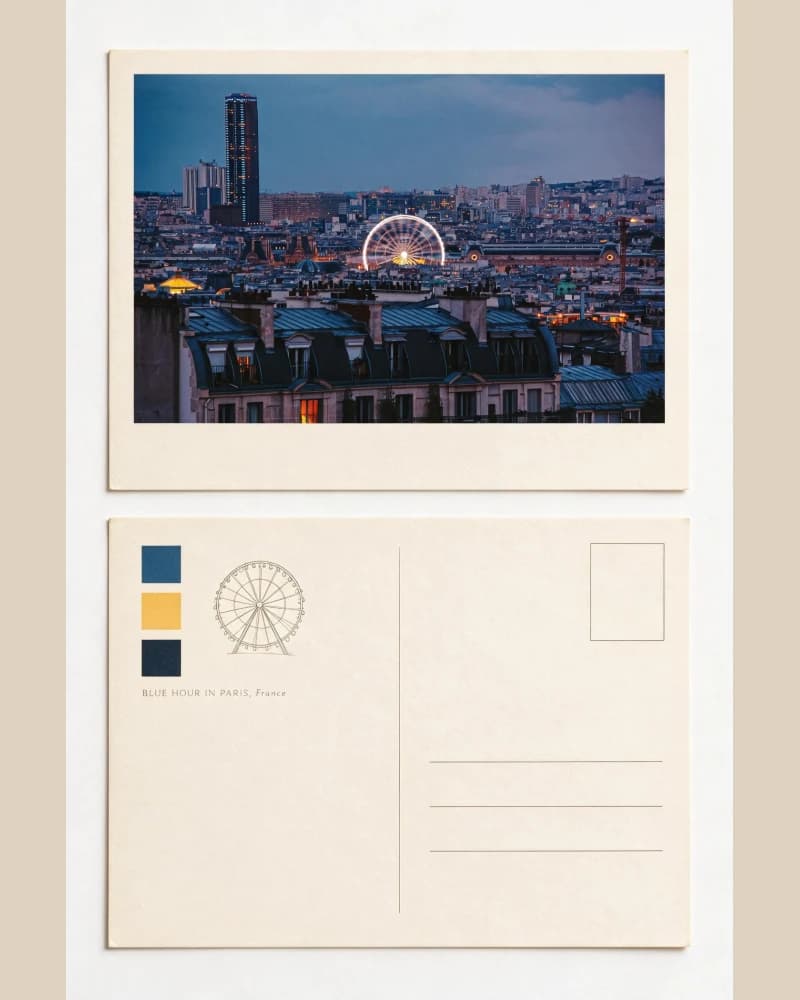
Zine Postcard
Reframes a travel photograph as a compact editorial postcard while keeping the place recognizable.
Inspect this SkillImagild for mobile
Compare real before-and-after examples, pick a photo style, and try it with your own picture. Start on the web today; use the same account and Library in the mobile app.
Store release preparation is in progress. Official App Store and Google Play download links will appear on this page only after each public review is complete.
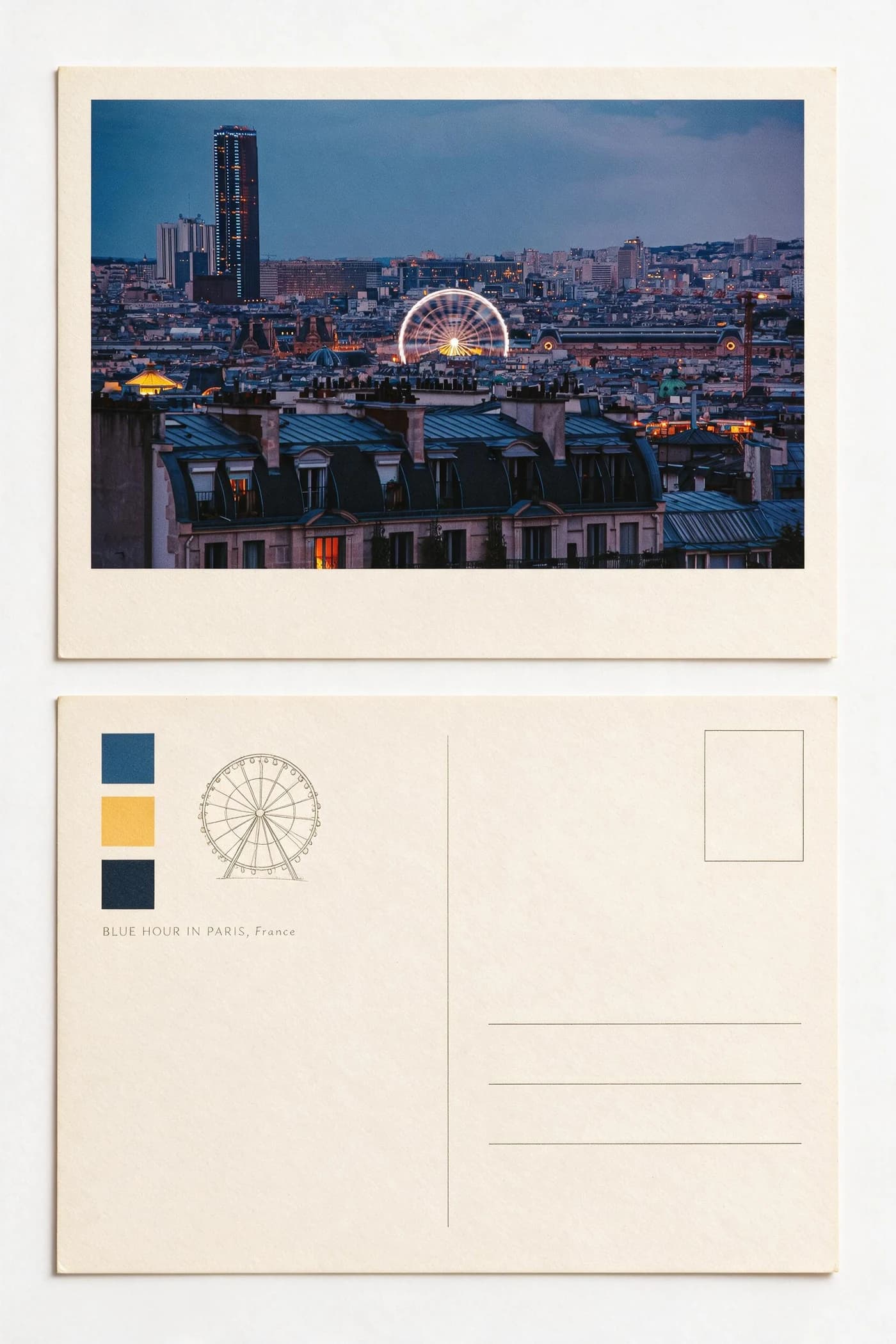 Zine Postcard
 Organic Knit
01
Imagild is an AI photo transformation app for iPhone and Android in store release preparation. A Skill is a reusable photo style with a real before-and-after example, such as a travel postcard or ink diptych. Choose one, upload a photo, and generate without writing a prompt. You can try the web experience today; app and website use the same account and Library.

A mobile-ready workflow
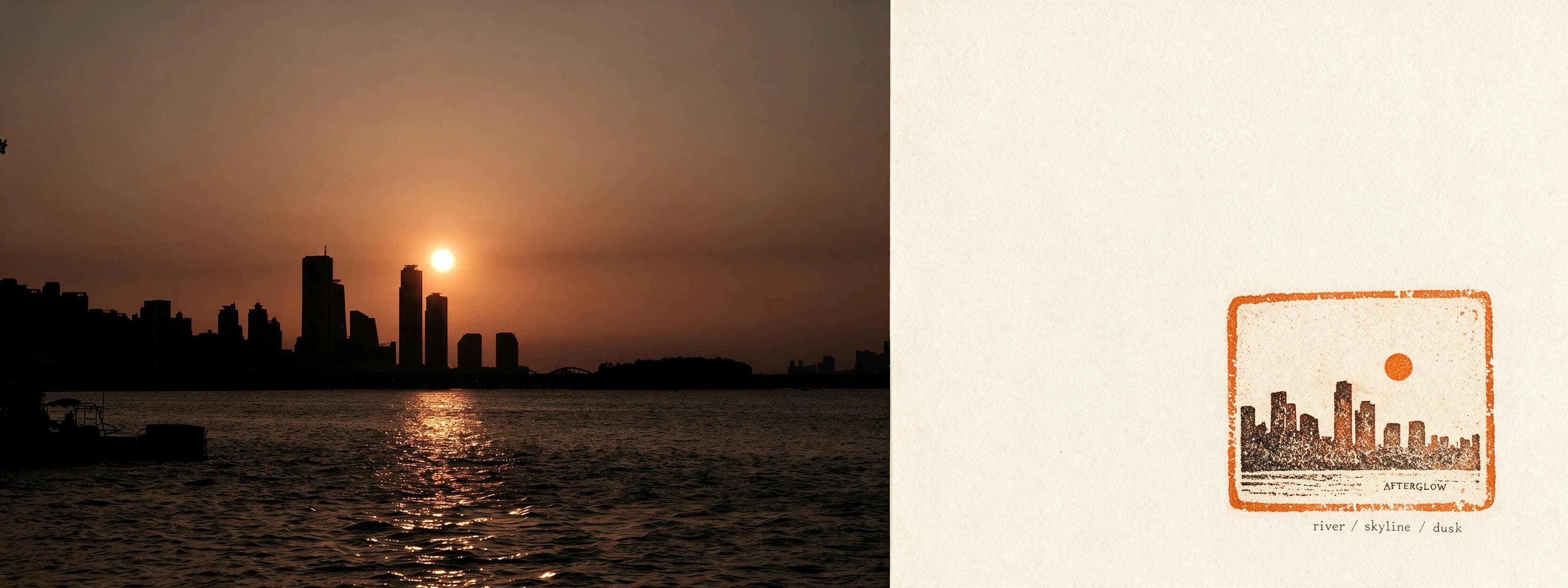
Start with one recognizable subject. Photo Stamp Archive keeps the source photograph visible and distills its strongest signal into a tactile ink mark, so you can judge preservation and interpretation in the same result.
A skyline, face, pet, flower or sign should still read when reduced to a thumbnail.
Compare the public source and result before selecting a photograph from your camera roll.
The finished image returns to the same Library used by your Imagild account on mobile and web.
02
Reframes a travel photograph as a compact editorial postcard while keeping the place recognizable.
Inspect this Skill
Reinterprets the same scene through soft textile structure and a poster-like composition.
Inspect this Skill
Pairs photographic evidence with a restrained ink interpretation for a quieter two-part result.
Inspect this Skill03
| Workflow | You start with | Best when | What to review |
|---|---|---|---|
| Prompt-first editor | A written instruction | You already know the exact edit to request | Whether the instruction preserved every important detail |
| Preset or filter | A named look | You want a quick tonal or texture treatment | Whether the surface effect fits the subject |
| Imagild photo Skill | A real source-and-result pair | You want to inspect a reusable visual method before upload | Subject anchors, generated details, lettering, hands, and geometry |
04
Every public Skill begins with real source-and-result evidence, so you can inspect the visual direction before choosing a photo.
Select a photograph already on your device, add an optional concrete direction when needed, and submit it through the same Imagild service.
Account identity, published Skills, Library results, recommendations, and image allowance come from the same Imagild database used by the website.
05
Prepare your mobile account
You do not need to wait for the public store listing to set up Imagild. Register on the web, use the welcome image, and keep the same account identity, Skills, Library results, recommendations, and image allowance when the mobile release becomes public.
This creates an Imagild account; it is not a claim that a public App Store or Google Play download is already available.06
A public store download is not being claimed yet. This page will link only to verified App Store and Google Play listings after the relevant review is complete.
Yes. The mobile client signs in to the same Imagild service, so account identity, Library data, Skills, recommendations, and image allowance stay associated with that account.
No. A curated Skill supplies the visual method. When a specific detail matters, compatible Skills can also accept a short optional direction.
Yes. Each verified Imagild account receives one welcome image once, not a daily allowance. On the web you can select a standard Skill and upload before signing in, then verify your email to generate. The welcome image does not unlock member-only Skills.
No. Examples show the visual direction, not a guaranteed result. AI generation can take time and can change details. Check faces, lettering, hands and important objects against your original before sharing or printing.
Purchases made inside the iOS or Android app are processed by Apple or Google Play and applied to the same signed-in Imagild account. Website checkout remains separate.