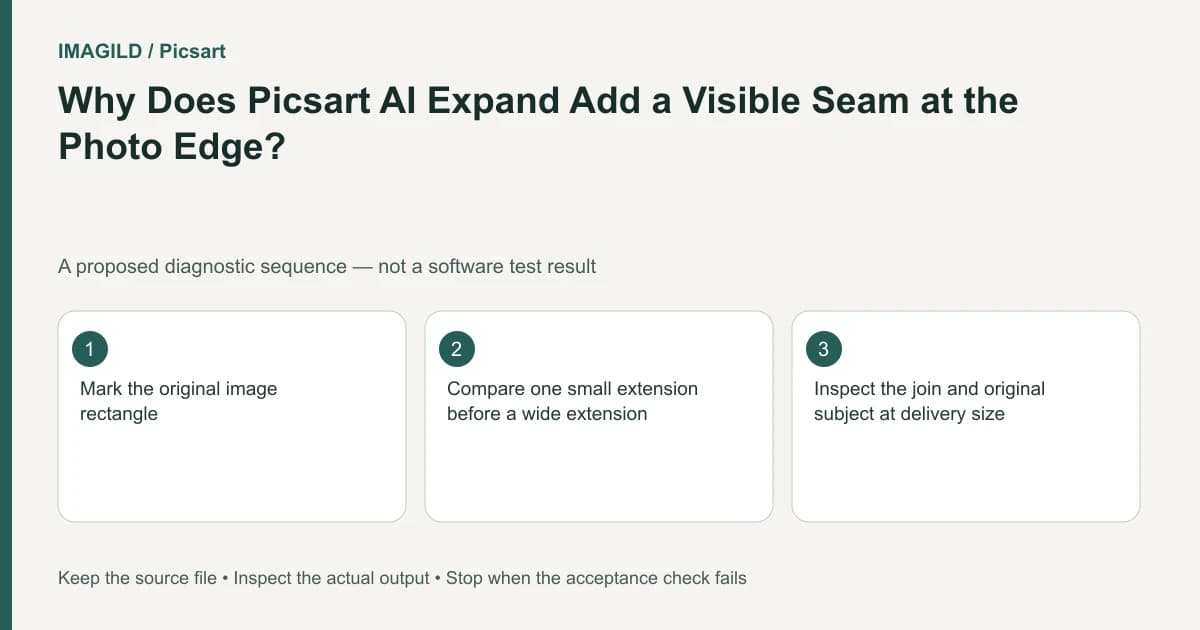
Reduce the expansion and inspect the join before generating a much wider scene. Picsart recommends simple edge textures and smaller expansion steps. A seam can reflect difficult source geometry or generated texture; changing the frame does not recover the real scene that was outside the original photograph.
Locate the seam relative to the original rectangle
Keep the untouched source and note its width, height and aspect ratio. On a review copy, mark the original rectangle so you can distinguish original pixels from added scene area. Do not draw this marker onto the only working source.
Use the same zoom and background when comparing versions. A seam that is obvious at an extreme zoom may be irrelevant to a small social post, while a faint repeated line can become conspicuous on a large print. Decide the intended delivery size before accepting or rejecting the result.
Consider a hypothetical portrait photographed beside a painted studio wall. The original edge includes both plain wall and the corner of a striped shirt. The requested wider banner needs space on the right. The proposed check treats the smooth wall and the stripe crossing separately: a plausible wall extension can coexist with an implausible duplicated sleeve.
Make the first expansion deliberately small
The AI Expand help page advises starting from a sharp photo, preferring simple edges and trying a smaller area or different ratio when a result disappoints. This is guidance for choosing an input and scope, not a guaranteed seam-removal setting.
Create one modest extension using the current environment's supported frame controls. Record which side grows and how much empty room is actually required for the finished composition. Keep the subject's intended placement visible; a technically smooth expansion still fails if it centers someone who was supposed to sit beside a headline.
Review the proposed pilot in three passes. First inspect color continuity across the old edge. Next trace long features such as wall joins, railing lines or fabric patterns. Finally look for repeated fragments of the subject. Treat a discontinuous stripe as a geometry problem rather than merely a sharpness problem.
Compare alternatives using the same requirement
Prepare two candidate crops from the same source: one with a smaller generated extension and one that uses existing space more efficiently. Keep the headline or layout placeholder identical. This tests whether expansion is necessary, rather than comparing unrelated attractive pictures.
| Check | Acceptable for the hypothetical banner | Reject or revise |
|---|---|---|
| Wall tone | No distracting boundary at delivery size | A visible vertical color band |
| Shirt edge | Sleeve remains anatomically coherent | A repeated cuff or broken stripe |
| Text area | Enough quiet space for the actual headline | New scenery competes with the words |
| Original subject | Identity and key details remain suitable | Unrequested changes hidden by the wider view |
Do not label this table as a performed experiment. It is a reproducible review plan the reader can apply to an authorized photo. Record the outcome only after examining their own exported file.
The existing window-grid outpainting checklist is useful when repeated architecture crosses an expansion boundary. For unrelated local removal, use controlled object selection instead of broadening an expansion prompt.
Check frame placement when the extra space is misplaced
If you use the web canvas rather than the standalone tool, the separate Flow instructions describe Outpaint frame handles and frame positioning. Verify the active input and intended new region before running another generation. A perfect blend on the wrong side does not meet the layout brief.
Changing the ratio and moving the subject are separate decisions. A banner can have the correct final ratio while placing all the new space beside the wrong shoulder. Sketch the required layout first, then confirm the frame matches it. This simple diagram can be more informative than another elaborate style prompt.
If the real defect is an unwanted object at the original edge, the AI Replace route concerns selected-area modification. It does not turn the expansion into a faithful record of the original location. Choose the operation according to the defect you can identify.
Keep invention separate from evidence
Generated surroundings should not be used to prove the physical dimensions of a room, the contents of a shop shelf or the presence of a product accessory outside the original frame. If those facts matter, use another original photograph or capture a wider frame.
For a promotional portrait, an invented wall may be acceptable after review. For a property record, a generated continuation of that same wall may mislead. The visual technique is similar; the acceptable claim about the output is different.
Stop if repeated structure remains broken or the required extension is too large for a convincing result. A new crop, a plain layout panel or a wider authorized photograph can be a better deliverable. Preserve the rejected pilots so the decision is based on visible evidence rather than memory.
Before handoff, reopen the downloaded image, check its actual dimensions and inspect the join at the planned use size. Do not assume an expanded frame establishes sufficient resolution for every print. The photo export format guide addresses a separate delivery choice after the visual review.
Prepared by Imagild Editorial. AI assisted research and drafting. Documentation checked on 4 November 2026; examples and checks above are proposed, not claims of hands-on software testing. Report a correction.