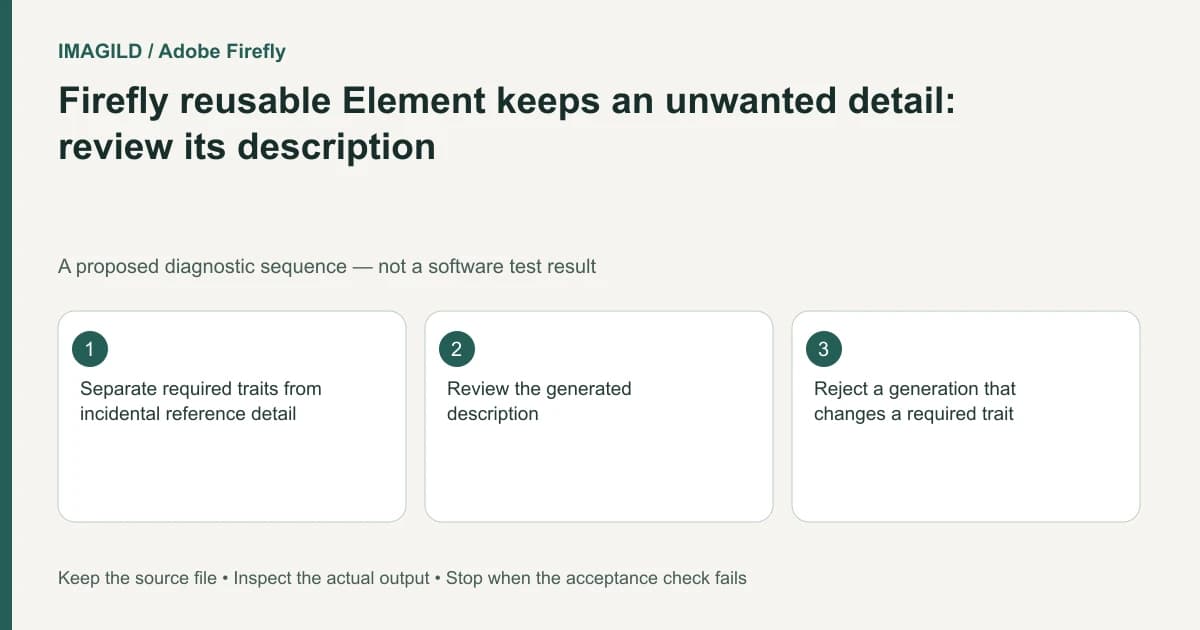
When an unwanted accessory or background detail keeps appearing in a Firefly Element workflow, inspect the element description as well as the images. Separate the traits that define the entity from incidental details you want ignored. Do not assume that every visible part of a reference should become part of the reusable character or object.
Write the protected and optional attributes separately
For a hypothetical portrait series, the required entity may be the same person with the same hair and glasses, while a conference lanyard is incidental. For a product series, a printed logo may be essential while the display stand is optional. These are different kinds of requirements and should not be mixed into one vague instruction to “keep it the same.”
Adobe's Create an element instructions include a description review and allow attributes to be identified for ignoring. Use that field to make the intended entity clearer. It is a generation control, not a guarantee that every requested exclusion will be obeyed.
Prepare two lists before editing the description: required traits and incidental reference content. Keep the list short enough to verify visually. If the reference set contradicts itself, resolve that contradiction rather than using a longer description to hide it.
Correct the description without inventing missing evidence
Read the current element description for an accidental requirement. It may describe the setting, prop or garment that you wanted to leave flexible. Revise the relevant wording in the element's supported details interface, retaining the required identity or product features.
Use a proposed review record like this:
| Reference detail | Role in this brief | Output review |
|---|---|---|
| Approved glasses | Required character trait | Shape and placement remain suitable |
| Conference lanyard | Incidental accessory | Absent when the scene does not require it |
| Product logo | Required marking | Readable and not redesigned |
| Studio stool | Background prop | Not silently attached to the entity |
Do not infer that removing an accessory from the description proves it was removed from all future views. Generate and review a bounded candidate only when the current settings are ready. Repeated uncontrolled changes make it difficult to identify which description produced a result.
Check type and model before blaming the words
The unified generation guide explains where Element references are available. Confirm that the intended element is actually selected and the model supports that reference route. Editing a saved description cannot affect a generation that uses only an unrelated image reference.
The workspace overview helps distinguish the active project, its history and the referenced asset. Record the element and selected output together, rather than assuming a result's appearance proves which reference was used.
Review what changed and what should have stayed
Compare the new result with the authorized sources at the same visible scale. Inspect required features independently from the unwanted detail. A missing lanyard is not a success if the person's face or the product label has also changed beyond the brief.
If removing the incidental detail is the only task and the rest of the source must remain intact, a local edit to the approved image may be more appropriate than generating another complete entity view. Stop when the reference itself cannot support the required factual accuracy. Keep the original description, revised wording and selected result as a small reproducible handoff record.
Worked description revision: keep glasses, omit the lanyard
A proposed description review might start with: “Presenter with round glasses, short dark hair and a conference lanyard.” If the lanyard is incidental, a more useful requested description is: “Presenter with round glasses and short dark hair; ignore the conference lanyard in the reference.” This is suggested wording for a human-reviewed description, not an official magic phrase or a tested exclusion guarantee.
Open the element's details, review its Description and change only the unintended attribute. Keep the source images and required glasses/hair cues fixed for the first comparison. In a subsequent candidate, inspect two independent outcomes: the lanyard is absent when unwanted, and the glasses and face remain suitable. If the accessory disappears but required identity changes, reject the candidate. If the task is merely removing a lanyard from one already-approved picture, choose a local edit instead of rebuilding every character view.
- decide which reference cues are binding: Use this to separate required identity from incidental scene or accessory cues before rewriting the description.
- plan a local removal on an approved photo: Use this alternative when the accessory is the only unwanted part and broader regeneration is unnecessary.
- record the reviewed description and chosen result: Use this to prevent a collaborator from returning to the old element revision.
Prepared by Imagild Editorial. AI assisted research and drafting. Documentation checked on 4 November 2026; the examples are proposed review plans, not claims of hands-on software testing. Report a correction.
Documentation and production boundary
Runway: Creating with Gen-4 Image References is a vendor-specific workflow reference. The decision record above is our original manual review method. Use Imagild's current film planning workspace for supported planning steps and inspect the current interface before choosing an input or generation mode. Do not infer an available control from another vendor's documentation.