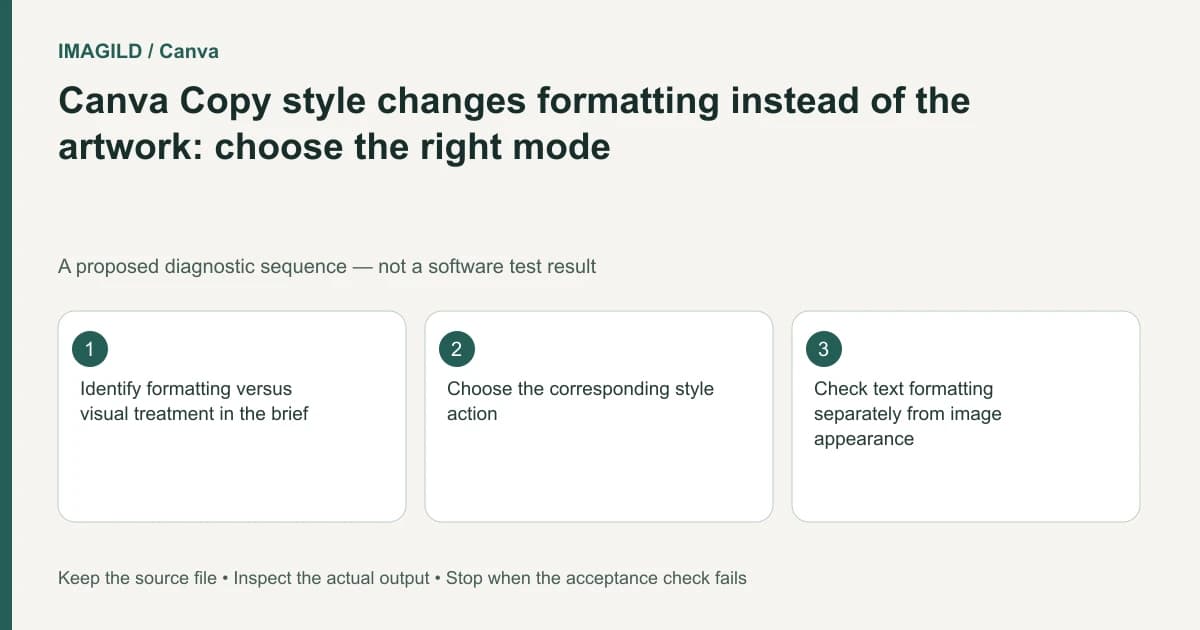
Choose the style operation according to what must change. Canva's basic-style transfer concerns formatting; visual-style matching concerns the artwork's appearance. Preserve the original, try one representative target, and approve typography separately from image treatment before applying a change across the design.
Translate the brief into observable differences
“Make this match” can mean the same font size, equal transparency, a coordinated color treatment or a different illustrated finish. These are not interchangeable. Ask the requester to identify one reference element and one target, then name the attributes that should transfer and the content that must remain.
The Canva style-copy guide describes formatting properties, while the Style Match instructions distinguish basic properties from visual treatment. A command changing typography when you expected painterly artwork may be the wrong operation rather than a failed paste.
Write a two-column brief: intended changes and protected content. For a sales card, the changes might be heading size and accent color; protected content might be the product photograph, wording and legal footer. That record is more actionable than a general request to make everything consistent.
Choose the actual copy command
The desktop route in the Style Match instructions starts with the source element selected. Open the toolbar's Copy style icon, then choose Copy basic style for properties such as color and transparency, or Copy visual style for an artistic treatment. Next select the target graphic or photograph; let visual processing finish before judging it.
For a heading's font and formatting, use the ordinary formatting route in the copy-style guide rather than assuming that an image's visual-style operation is a typography command. For photos, Canva also documents Style > Copy visual style from the source image's toolbar. These are documented variants, not instructions to click every similarly named control in sequence.
Check the selected source before entering copy mode and the selected target afterward. The paint-roller cursor is a useful cue in the element-copy route; it does not prove that the intended object received the change.
Preserve a baseline before copying
Save a separate design revision or another supported recoverable copy. Identify the source element by location and content, not just the fact that it is selected. A transparent decorative shape can be difficult to distinguish from the object underneath it.
Select one uncomplicated target first. Avoid selecting every page or combining typography and photographs in the first experiment. Inspect its current values and appearance, apply the intended command, and compare only the attributes named in the brief. Undo a wrong result before trying another mode, so several operations do not accumulate invisibly.
If text changes but the requested font weight remains unavailable, inspect the actual font variant. Our Canva bold and italic variant guide explains that separate issue. Visual styling is not a substitute for having an appropriate font face.
Use different acceptance tests for the two modes
| Requested change | Review after applying it | Reason to reject the result |
|---|---|---|
| Heading formatting | Font, size, alignment and line breaks | Correct color but a clipped heading |
| Element transparency | Visibility over the actual background | Artwork becomes too faint to read |
| Illustrated appearance | Subject detail and visual treatment | The treatment changes meaningful content |
| Coordinated portrait look | Recognizability and skin appearance | A person no longer matches the source |
| Brand consistency | Approved palette and typography | A similar-looking but unapproved substitution |
| Repeated page treatment | Representative and exceptional pages | One choice damages a special layout |
Do not approve an image treatment from a font-control screenshot. Likewise, do not approve typography simply because the overall card looks more polished. The two checks answer different questions.
Keep AI usage separate from simple formatting decisions
Check the account's current AI usage information before authorizing visual-style experiments. Do not assume that repeated attempts at a generative operation have the same resource implications as copying ordinary formatting.
Set a review point after the representative target. If the wrong content changes, return to the brief rather than immediately processing the whole design. When the requested difference is a known color or font value, applying those values directly may be easier to verify than an open-ended visual transformation.
For a shared design, identify whether a resized copy or the original design is open before copying the style. Matching the wrong revision's typography can produce a consistent but outdated campaign.
A hypothetical campaign-card comparison
Suppose a team has an approved blue heading on one card and a new product photo on another. The requester says the new card should match. Ask whether they want the heading formatting copied, the photo artistically transformed, or both as separately approved changes. This is an editorial example, not an executed Canva test.
Apply formatting to a duplicated heading, check the wording and line breaks, and compare it against the original approved heading. Then consider the photograph independently. If its literal product appearance must remain accurate, an artistic transformation may be inappropriate even when the card's typography is correct.
Record the decisions as two approvals. A reviewer who accepts the heading has not automatically authorized a changed product label or invented packaging detail. Keep that distinction visible when requesting feedback from another teammate.
Verify the final artifact and its revision
After applying the accepted changes to the intended targets, inspect long headings, short labels and pages with unusual spacing. Reopen the exported file at its expected size. Look for clipped text and changes that were easy to overlook in a zoomed-out editor.
Retain the reference, revised design and delivered export with an explicit approved-version record. Note whether the accepted operation was formatting transfer or visual-style generation. This documentation-based guide reports no application run, appearance score or guarantee that a transferred style preserves all image details.