Atlas Enamel
Sets the real destination beneath a small landmark-derived enamel souvenir in a quiet luxury travel poster.
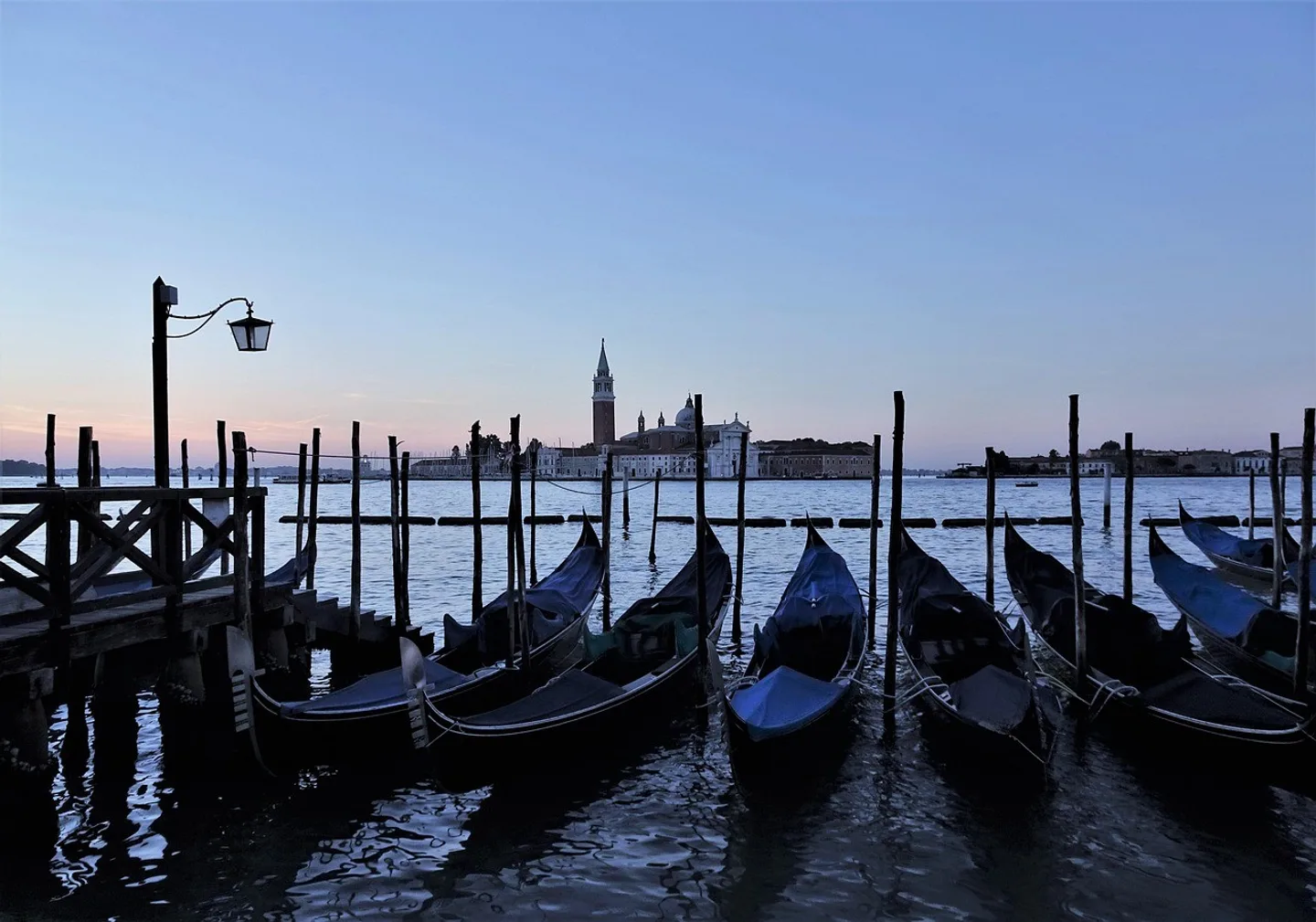
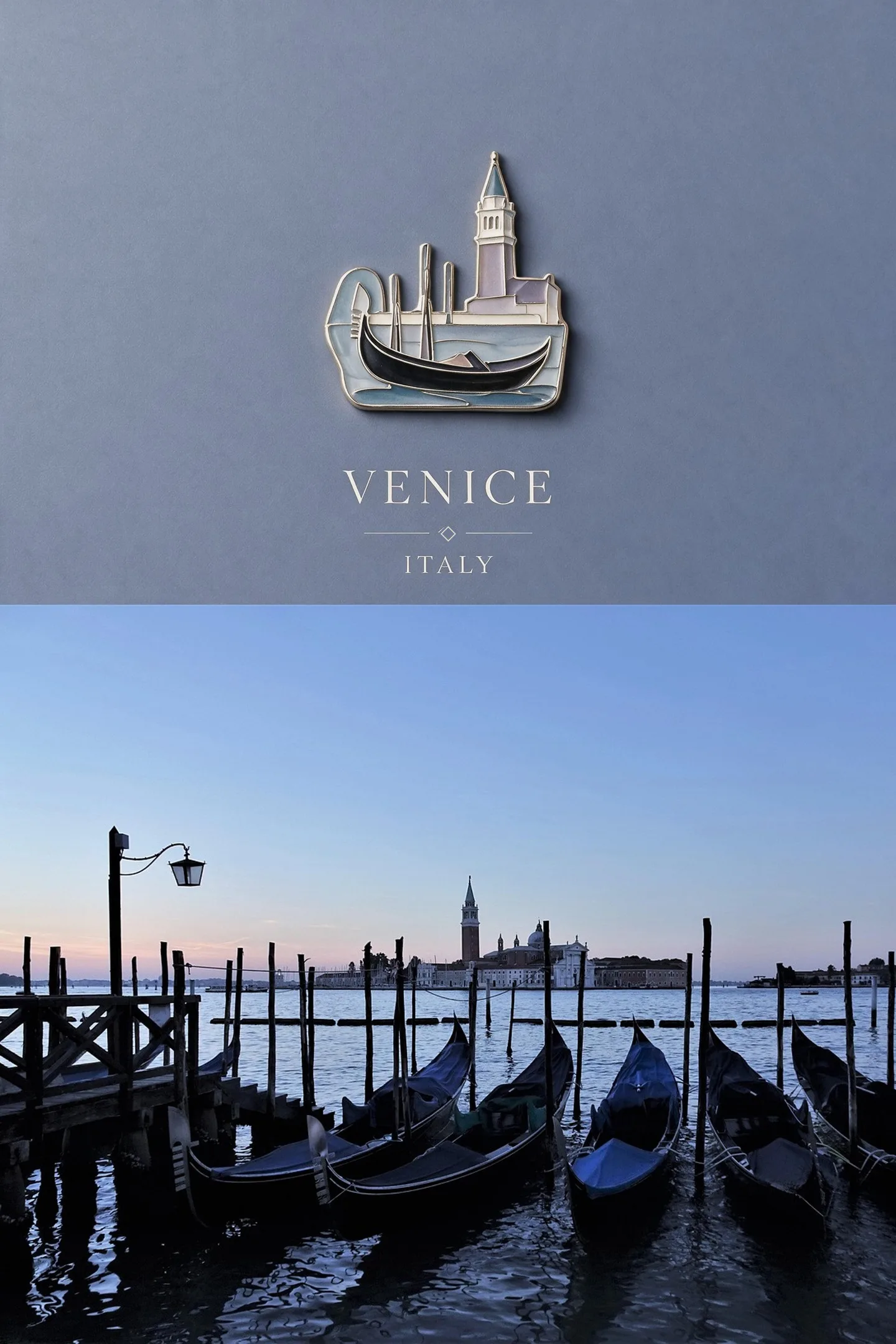
Sets the real destination beneath a small landmark-derived enamel souvenir in a quiet luxury travel poster.
Photo to enamel-style art
Atlas Enamel reduces a photograph to the shapes that make the subject immediately recognizable, then rebuilds those forms with bold outlines, separated color cells, and a compact emblem-like composition. It is especially effective for landmarks, pets, vehicles, food, and objects with a distinctive silhouette.
The result borrows the visual language of enamel pins and badges but is still generated raster artwork. It is not a manufacturer-ready vector, mold drawing, color specification, or proof of physical production. Use it as finished digital artwork or as an early visual concept, then ask a fabricator for their own technical template if you plan to manufacture an object.
Towers, wheels, bridges, façades, and monuments can remain recognizable after smaller architectural detail is removed.
A distinct ear, tail, handle, wheel, or contour gives the enamel cells a readable boundary.
Strong light and a limited palette help the subject divide into coherent color regions rather than visual noise.
Choose a photo with a clean view and remove unnecessary surrounding context through cropping.
Shrink the result and verify the subject still reads before focusing on decorative color or shine.
For digital sharing, export the image directly. For manufacturing, provide it as reference and rebuild it to the supplier’s technical requirements.
Treat it as concept art unless the manufacturer explicitly accepts raster artwork. Most production workflows need technical vector paths, specified colors, and minimum line widths.
Enamel-style graphics rely on separated, readable regions. Reducing tiny detail helps the subject survive at badge size.
A simple background or a close crop is most reliable. Busy scenery can compete with the outline and create too many small color cells.