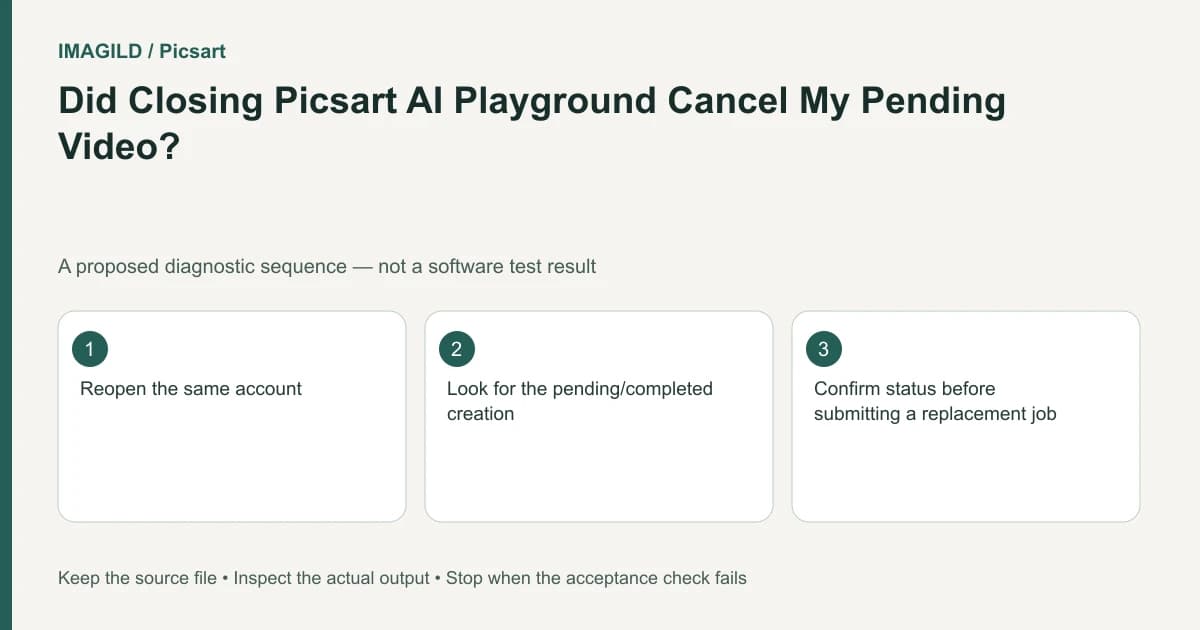
Reopen Playground and check the existing creation before submitting the same video again. Picsart documents that a generation can continue after the page or app closes. An absent local progress screen does not prove the remote job stopped, failed or needs a duplicate request.
Recover the existing job's context
Use the same account and identify the approximate submission time, model and prompt. If several similar requests exist, distinguish them with their inputs or settings. Do not assume the most recent thumbnail is the request whose browser tab was closed.
The AI video failure guide says a Playground video continues after closing the page or app and can be found in Creations when ready. Follow that existing-job route first. This is different from assuming every tool in every product continues processing in the same way.
Imagine a hypothetical creator generating a short lighthouse shot on a laptop. The lid is closed before completion. Later, the creator opens the site on another device and sees no video in the old local preview. Starting the prompt again at this point could create two requests rather than recover the first one.
Verify account and creation identity before waiting longer
The Playground introduction describes using the same Picsart account across environments. Confirm the account actually matches before treating an empty list as evidence of lost work. A browser can have a different account session from an installed app.
Look for the existing creation and its status using the supported current interface. Record whether it is still processing, completed or failed. If the status is unavailable, retain that uncertainty rather than inventing a queue duration or server failure.
Check the correct project as well. A creation placed in another board can appear missing from the board you expected. The Boards documentation explains project organization; a project-location error is not the same as a cancelled generation.
Use a recovery decision tree
| Observed state | Next action | Avoid |
|---|---|---|
| Existing job still processing | Keep its details and follow current status | Submitting an identical request without a reason |
| Completed video available | Open and review that result | Judging from an old progress preview |
| Service reports failure | Record the message and use its supported route | Calling it a cancellation merely because the tab closed |
| Wrong account or board | Restore the correct context | Assuming the original job was deleted |
| No identifiable job/status | Document what is missing and seek support | Claiming the server never received it |
The proposed decision tree uses observed states, not a promise that every request completes within a fixed time. A long wait and a confirmed failure are separate facts.
The abort-is-not-cancellation article addresses an analogous boundary in Imagild's API. It is useful conceptual background, but its implementation and billing details should not be imported into Picsart.
Review a recovered video before delivery
When the lighthouse result is available, play the whole clip. Check the camera movement, coastline and light behavior against the original brief. A job recovered from Creations has not yet passed visual approval merely because it is playable.
Download the approved creation using the current supported route and reopen the saved file. Confirm it is the recovered result rather than a reference image or another variation. The preview-versus-export comparison helps separate a correct online preview from an incorrect delivery artifact.
If you need a smaller review copy, identify it as a proxy. The proxy versus master guide explains why an approval copy should not quietly replace the intended production master.
Prevent ambiguous retries on future sessions
Before leaving a running generation, record enough information to recognize it later. A project note can contain the model, short prompt summary, time and intended shot name. Keep private prompt material in the appropriate production record rather than posting it publicly for convenience.
Do not intentionally close and reopen paid jobs merely to test persistence. The documentation already supplies the expected behavior; your practical need is to recover an existing request and verify its actual outcome. If the service behaves differently, document that discrepancy for support.
In the hypothetical laptop example, success means the original lighthouse request is located and classified correctly. If a second request was already submitted, keep both entries in the record and do not assume one supersedes the other. Review each returned candidate before deciding which file to use.
If the job remains unidentifiable, provide support with the device, account context, model, prompt, approximate time and observed message. Avoid promising that a local closed-tab event automatically establishes a refund, cancellation or lost server request. Those conclusions require the actual job record.
Prepared by Imagild Editorial. AI assisted research and drafting. Documentation checked on 4 November 2026; examples and checks above are proposed, not claims of hands-on software testing. Report a correction.