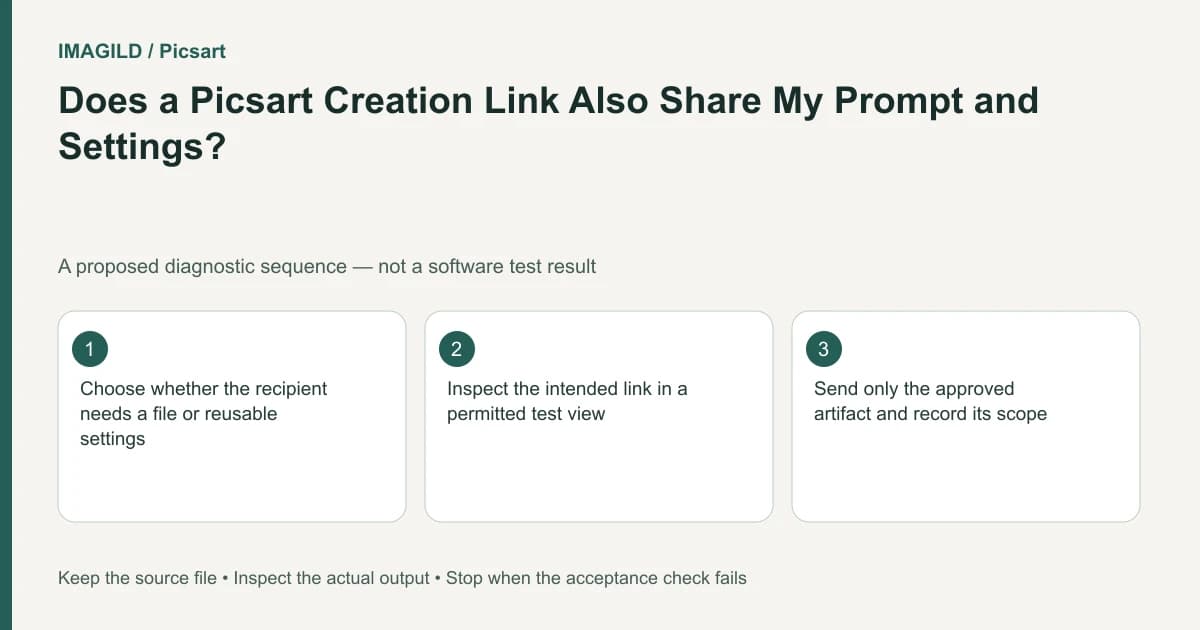
Copy Link shares a Playground creation together with its prompt and settings. A downloaded file is a different artifact. Before sending either, identify the approved result, inspect what the recipient will receive and verify the exact link or bytes intended for handoff.
Choose the handoff before selecting Share
The Playground sharing instructions distinguish Copy Link, posting to a profile and downloading. Copy Link opens the creation context; downloading saves media to the device. Do not assume the link contains only the picture because that is all you meant to share.
For a hypothetical campaign, the image shows a generic bottle, but the prompt contains an unpublished product codename. A creation link and an image download therefore expose different material. Review the prompt and settings before deciding which is appropriate. This example is an information-check proposal, not a claim about access controls beyond the documented link contents.
| Recipient need | Artifact to consider | Required check |
|---|---|---|
| Continue the generation setup | Creation link | Prompt, settings and reference context are suitable to share |
| Review one visual revision | Identified review file or agreed link | It opens the approved candidate |
| Upload finished media elsewhere | Downloaded image, video or audio | Saved format and content meet the destination |
| Continue editable production | Appropriate project/file access | A flat download is not falsely described as editable source |
Confirm the actual service and recipient arrangement when access matters. A successful link opening in your own account does not establish another person's permissions or public indexing.
Inspect the exact selected artifact
Open the intended creation and check a distinctive approved detail: the final logo, corrected crop or selected video ending. Similar thumbnails are not enough. The approved-version handoff checklist helps distinguish a chosen revision from rejected alternatives.
Perform the compact pre-send check below instead of reorganizing the whole workspace:
- Confirm the current project and selected creation. The Boards guide explains project organization; its presence does not prove approval.
- Decide whether the recipient needs a finished creation or a reusable character/prop reference. The Assets Library guide describes a different object from a finished scene.
- Read the prompt and settings if sharing a creation link.
- Choose the link or download route that matches the agreed artifact.
- Open that exact link or saved file and verify the approved detail before sending.
These checks concern the item being sent. There is no need to create a new board or Library asset merely to deliver an already-approved file.
Verify the downloaded bytes
For a file handoff, reopen the saved media in an ordinary viewer. Check dimensions or duration, visible revision and the required format. Available download formats can differ between the website and app, so inspect the current options rather than promising an export type from another environment.
The JPEG, PNG and WebP guide applies when the destination specifies a still-image format. A screenshot of the creation page is not a substitute for the actual downloaded asset unless a screenshot was explicitly requested.
For the campaign example, the exported image should contain the approved bottle treatment and appropriate visible text. A working file link to an earlier uncorrected candidate fails the handoff even if the link works perfectly.
State what was approved
Describe whether the recipient is receiving a draft, a setup for further work or a final media file. The concept, content and master approval guide explains why approving a look is different from accepting the delivered bytes.
Completion means the correct artifact reaches the intended recipient with appropriate context. It does not mean the creation is publicly indexed, every recipient can access it or a flat file preserves the editable workflow. This guide proposes checks; it does not report a performed sharing or download test.
Prepared by Imagild Editorial. AI assisted research and drafting. Documentation checked on 4 November 2026; examples and checks above are proposed, not claims of hands-on software testing. Report a correction.