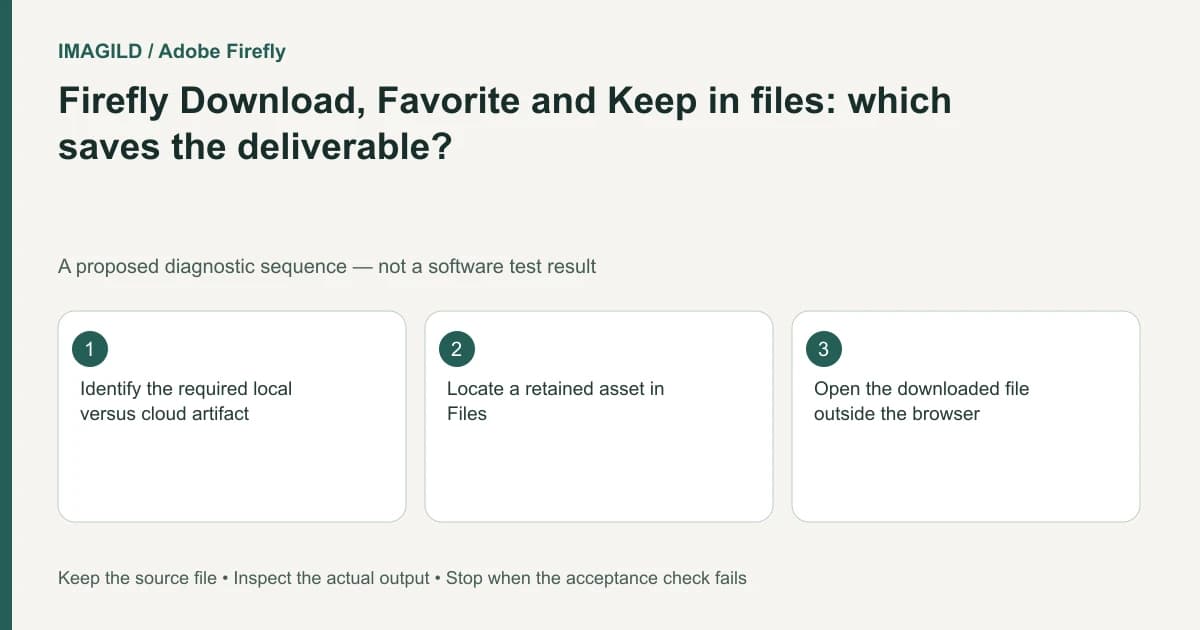
Firefly Download, Favorite and Keep in files serve different purposes. Download creates the local deliverable you must inspect outside the browser; Favorite marks a result for retrieval; Keep in files retains it in the workspace. Choose the required destination before telling a teammate that an image has been saved.
Define what “saved” means for this job
A creator can mean three different things by the same word: “I can find it again,” “the project contains it,” or “the client has the actual file.” Those are different acceptance conditions. A star beside a preview cannot prove that a recipient received a usable image.
Adobe's generation and editing instructions list Download, Favorite and Keep in files as distinct result actions. Do not invent a synchronization guarantee between them. Record which action you used and where you expect its output to appear.
For a proposed product campaign handoff, the editor may need both a retained workspace asset and a downloaded final image. The project owner may also mark the selected candidate as a favorite. Completing one action does not remove the need to check the other requested artifacts.
Use the action that matches the destination
| Requirement | Relevant action | Check before calling it complete |
|---|---|---|
| Find the selected candidate again | Favorite | The intended result appears in the appropriate favorite view |
| Keep an asset in workspace files | Keep in files | The intended asset is visible in Files |
| Send a local image or video | Download | The downloaded file opens independently |
The workspace overview explains the Files panel and history strip. Use those views to locate the cloud-side asset, but do not treat the presence of a thumbnail as a test of a local download.
Check the selected result before every action. Multiple similar candidates can make a successful download the wrong deliverable. Compare a distinctive detail or the result information, and use a filename that identifies the chosen revision rather than relying on the browser's default name alone.
Separate retention from approval
An asset can be retained without being approved. For the hypothetical campaign, keep the rejected and selected versions clearly distinguishable. A favorite is a retrieval signal, not proof of a rights check, a product-accuracy review or client acceptance.
The generation-history guide documents additional history actions. Opening a copy in another editor can create another file with its own editing state. If that copy becomes the final version, identify it explicitly; downloading the original history result may still retrieve the unedited candidate.
Test the artifact at the handoff boundary
Open the local file in a separate viewer. Check visible content, dimensions or duration, and whether the final revision is present. If a teammate needs an editable project, confirm that a rendered download is an acceptable deliverable before sending it. A raster image does not carry an editor's original layers merely because the workspace retained the source.
Record three locations in the handoff note when relevant: the workspace project, the retained asset and the delivered local filename. If the local file is missing, repeat the download action for the correct selected result rather than repeatedly starring it. Stop once the required artifact is independently accessible; additional saves in unrelated places can create avoidable version confusion.
Worked destination check: clean source versus approved banner
For a proposed campaign, call the generated image bottle-clean-v1 and the approved layout bottle-banner-v2. These are illustrative job-note names, not automatic Firefly naming rules. A favorite marker on bottle-clean-v1 proves neither that bottle-banner-v2 exists nor that a client has received it.
Use the result menu for the intended asset and choose Download, Favorite or Keep in files according to the destination. Then verify the destination itself: a favorite in its retrieval view, an asset in Files, or a downloaded file in a separate viewer. If the brief requires the banner's headline and logo, open the local file and read those elements. A clean bottle image with the correct dimensions is still the wrong revision. Retain the source while checking the revised layout; do not delete it to make the file list look unambiguous.
- record which revision is approved: Use this to distinguish the clean source from the selected layout before saving or downloading.
- agree on an editable master or flat image: Use this if the recipient expects further text or layer changes; a downloaded picture may not satisfy that handoff.
- check photo export format choices: Use this for the final local artifact after its content and destination have been verified.
Prepared by Imagild Editorial. AI assisted research and drafting. Documentation checked on 4 November 2026; the examples are proposed review plans, not claims of hands-on software testing. Report a correction.