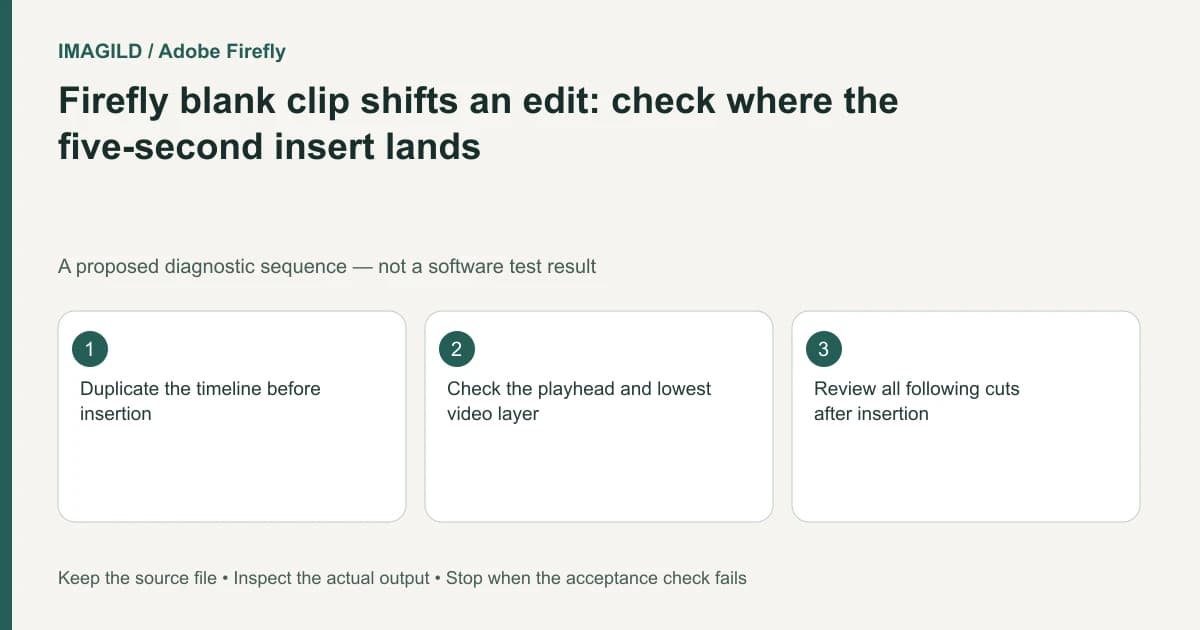
Firefly's blank-clip command inserts a five-second clip at the playhead on the lowest video/image layer and can split existing media. Treat it as a timeline insertion, not a harmless overlay. Check the destination and surrounding timing in a copy before using it inside an approved edit.
Define whether you need an insert, a gap or an overlay
A blank title card between shots, an empty interval and a graphic placed above a running shot are different constructions. They can look similar at one instant but affect sequence duration differently. Write down which result the brief requires before selecting a blank-clip action.
Adobe's Add a blank clip instructions specify a five-second insert at the playhead on the lowest image/video layer, splitting existing content there. The documented default length is a starting state, not proof that five seconds is appropriate for your film.
For a proposed tutorial, the editor wants a two-second pause for a heading between two demonstrations. Inserting a default blank and forgetting its duration can make the film longer and shift the next explanation out of alignment.
Prepare a reversible insertion test
Preserve the approved timeline. In a working copy, put the playhead exactly where the new section should begin. Inspect the lowest video/image layer, including any clip extending under the playhead.
Insert the blank, then look at the cut that was created. Identify the blank as its own clip before trimming or moving it. Do not assume a black viewer means you selected the inserted blank; a gap can also show an empty image.
Use this before-and-after record:
| Boundary | Before insertion | After insertion |
|---|---|---|
| Insertion point | Named frame or visible cut | Blank begins at the intended point |
| Blank duration | Requested duration in brief | Clip is trimmed to that requirement |
| Following shot | Original starting position | New timing is deliberate |
| Narration or music | Relationship to the next shot | Still aligned or explicitly adjusted |
Check connected and independent layers
Some secondary elements may follow a primary clip, while others remain independently timed. Adobe's clip connection guide describes that relationship. Review what moved rather than assuming all tracks respond identically to the insertion.
The existing track-destination checklist covers another application's insert mechanism. Do not import Premiere's exact targeting controls into Firefly. The shared practical lesson is to inspect the destination layer and surrounding timing before treating an insertion as safe.
Render a section check before final handoff
Play from before the new blank through the following shot. Look for a frozen unintended frame, an extra black gap or an overlay that appears too soon. Listen for narration that now describes the wrong image.
Use Firefly's project export route for the assembled result, then open the MP4 independently. Verify duration and the three boundaries around the inserted section. If the requirement was only a graphic over an existing shot, undo the insertion and use an appropriate layering workflow instead. The check passes when the blank's timing and its effect on the whole sequence are intentional.
Worked insertion check: preserve the spoken cue after the new card
For a proposed tutorial, a heading card should sit before the speaker says “turn the cap.” Record the original speech cue and the frame where the hand reaches the cap. Place the playhead at the intended insertion point, then inspect the lowest video/image layer before using Add blank clip. The documented action inserts five seconds and splits existing media there; trim the inserted blank deliberately if the brief needs a shorter card.
Play from before the card through “turn the cap.” Verify the words still accompany the intended hand action, and that the heading does not linger over an unintended silent gap. Inspect connected and independently timed layers rather than assuming every track shifted identically. If the request was only a title over the running shot, undo the insert and choose an appropriate overlay construction instead.
- inspect an insert destination before changing a sequence: Use the destination-check concept while following Firefly’s own blank-clip action.
- recheck music changes after a recut: Use this if the inserted pause changes where narration and music meet; do not assume existing automation still suits the edit.
- review the inserted passage in the saved movie: Use this after the timeline check to find an output-only gap or wrong ending.
Prepared by Imagild Editorial. AI assisted research and drafting. Documentation checked on 4 November 2026; the examples are proposed review plans, not claims of hands-on software testing. Report a correction.