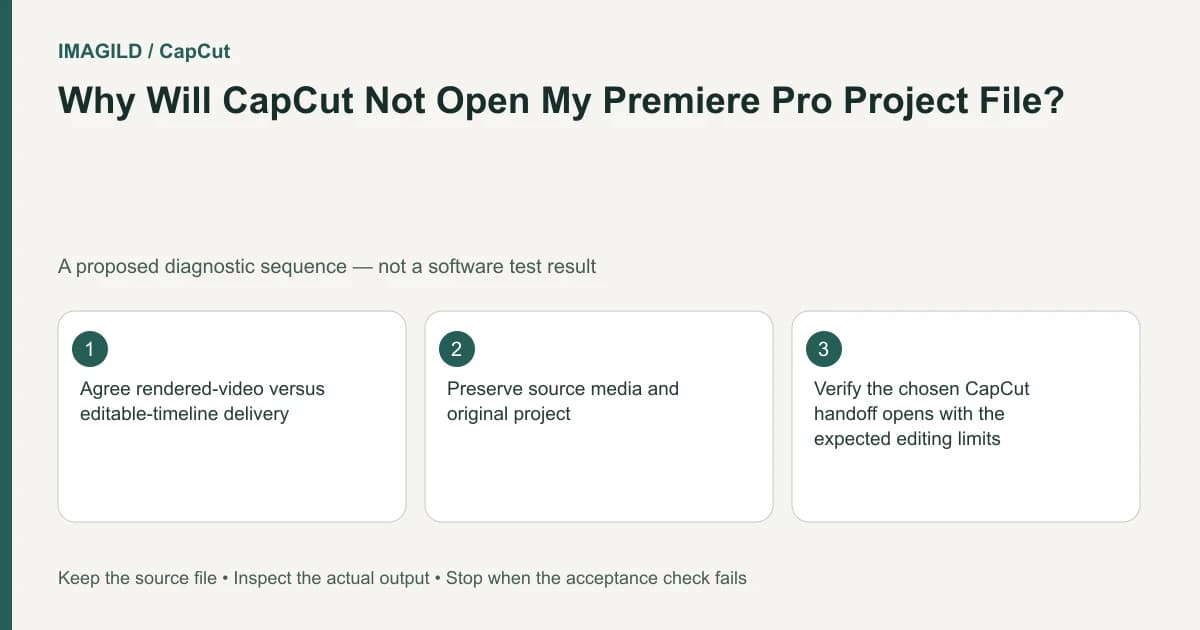
CapCut does not directly open a Premiere Pro .prproj as an editable timeline. Choose between importing a rendered movie and manually rebuilding from original media. A rendered handoff preserves the visible sequence as one video, while rebuilding is needed when separate cuts, titles and layers must remain editable.
Ask which kind of editing must survive
“Continue this project in CapCut” can mean adding a final logo to an approved movie, or changing every cut and caption. Those tasks require very different source material. Resolve the handoff requirement before exporting anything from Premiere.
The CapCut Premiere-project guide states that direct .prproj transfer is unsupported and describes rendered-video and original-media rebuild routes. Do not rename the project extension or promise that a generic converter preserves the timeline structure.
Imagine a hypothetical two-minute interview with three camera sections, lower-thirds and a music bed. If the CapCut editor only needs to add a closing card, a rendered base may be sufficient. If they must shorten answers and change speaker titles independently, a flat base makes those revisions much harder.
Evaluate a rendered-base handoff
Export an agreed, high-quality movie from the source application using settings suited to the destination. Include the intended picture and sound, then reopen the file to inspect the complete sequence. This guide does not prescribe one codec for every account or device; verify what the receiving environment can import.
List what is baked into the movie: titles, transitions, effects, crops and mixed audio. If a lower-third is already embedded in the picture, adding a new editable title in CapCut does not remove the original one. If music and dialogue are mixed into one track, a new timeline cannot automatically recreate the original isolated sources.
The CapCut missing-video guide covers a separate import/display diagnosis. A file playing in an ordinary media player does not guarantee that every editing environment handles its stream correctly. Test one representative rendered sample in the actual receiving application before sending the entire archive.
Evaluate a manual rebuild
For editability, collect the authorized original video, audio and stills, plus a reference movie. Create an edit-decision sheet with source filenames, intended passages and visible title text. Do not assume that a folder containing media also documents how the old timeline used it.
For the interview, identify the source for each answer, the chosen music passage and the lower-third timing. Rebuild a short representative section first. Compare it with the reference for cut timing, crop, sound and text. This proposed pilot exposes the work required without claiming a successful project conversion.
| Requirement | Rendered movie | Manual rebuild |
|---|---|---|
| Add a new end card | Often practical as a base | Possible but may be unnecessary |
| Change one baked title | Requires covering or returning to source | Separate title can be recreated |
| Reorder individual source shots | Limited by the flat picture | Rebuild from original clips |
| Rebalance separate audio sources | Not recovered from a mixed track | Use the original tracks |
| Retain exact proprietary effects | Appearance may be baked in | Must be recreated or replaced deliberately |
The table describes handoff consequences, not a guarantee that all source effects can be reproduced in CapCut.
Compare a bounded section before committing
Use a short passage containing a cut, title and sound transition. The CapCut range-export guide describes bounding an output sample in its supported environments. For the initial Premiere reference, use the source application's appropriate export controls rather than assuming CapCut shortcuts apply there.
Compare the saved reference and rebuilt sample at the same viewing size. Check title spelling, speech continuity and music boundaries. The preview-versus-export guide helps keep timeline appearance separate from the actual saved deliverable.
If the rebuild requires an effect unavailable in the receiving environment, agree on a substitute or keep that passage rendered. Record the compromise. A hybrid workflow can be appropriate, but it should not be described as full native timeline transfer.
Package the handoff for its actual purpose
For a flat handoff, send the verified movie with a note explaining what is baked in. For a rebuild, send organized original media, the reference, text and the edit-decision notes. Verify permissions before including fonts, stock assets or music; possession of a project file does not establish transfer rights.
The premium-asset handoff guide addresses a related licensing and account boundary. The proxy-versus-master guide helps distinguish a lightweight reference movie from a production source.
Completion means the recipient can perform the agreed changes with the material provided. It does not require claiming that the .prproj became a native CapCut timeline. If independent layers or source audio are missing, identify that limit before work begins rather than discovering it after an approval deadline.
Prepared by Imagild Editorial. AI assisted research and drafting. Documentation checked on 4 November 2026; examples and checks above are proposed, not claims of hands-on software testing. Report a correction.