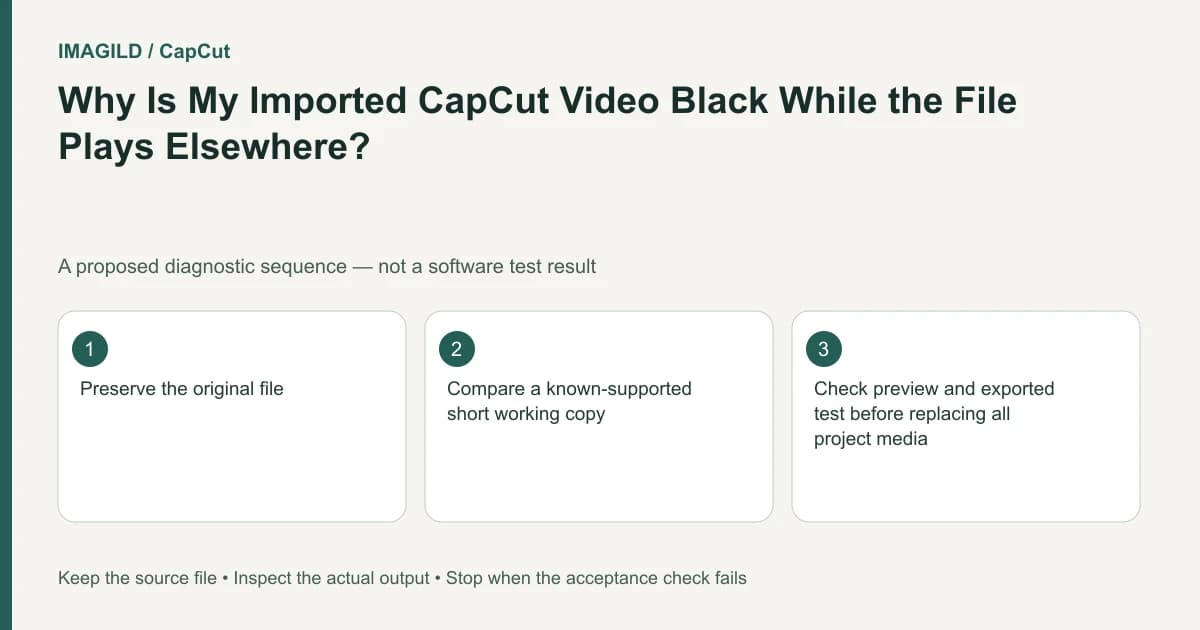
First check whether the playhead is inside the imported clip and whether another layer hides it. Then inspect the actual source file and its compatibility with the current CapCut environment. A video playing in an external player does not prove that its streams are supported for editing or that the timeline is displaying them.
Separate no clip, hidden clip and undecodable picture
Look at the media bin and timeline before converting the source. Is the file imported? Is a video clip actually placed at the current time? Is its opacity or visibility suppressing it? A black canvas outside the clip's interval is not evidence of a corrupt file.
The CapCut missing-video guide lists layer, playhead, format and rendering conditions. Use these as different branches of the diagnosis. Do not apply every suggested adjustment at once, because that removes the evidence showing which condition mattered.
Consider a hypothetical interview file that plays normally in a phone's gallery. After import into CapCut, audio is audible but the preview is black. The proposed diagnostic records whether the video stream is present in the timeline, whether it is covered and whether a simpler known-supported source displays in the same project.
Verify the source outside the current project
Open the original in an ordinary player and note the duration, visible content and audio. Where you have a trusted inspection tool, read both container and video-stream information. A filename ending in .mp4 describes a container label, not every codec and encoding property inside it.
The container-versus-stream metadata guide explains why these are separate layers of information. Do not rename an extension and call it a compatibility conversion.
If a compatible working copy is needed, export or transcode a separate copy using a tool you trust and settings supported by the intended destination. Reopen that copy and compare orientation, duration, sound and image. Preserve the source so a conversion can be redone without accumulating unnecessary loss.
Test one variable in a small diagnostic project
Place the original file alone on a simple timeline and move the playhead to a known visible moment. Then inspect the same moment using the compatible working copy if one was created. Keep both versions identified so the test does not silently replace the production source.
| Observation | Next investigation |
|---|---|
| Clip appears when playhead moves inside its interval | Timeline position, not source corruption |
| Clip appears after uncovering or restoring visibility | Compositing or object state |
| Original fails, verified working copy displays | Compatibility/encoding is a plausible factor |
| Both fail in one environment but not another | Environment-specific support or rendering |
| Preview works, saved file is black | Export-specific investigation |
This is a proposed comparison. A successful working copy does not prove the precise unsupported codec feature unless you have evidence isolating it. Report the actual observations rather than a more specific cause than the test supports.
Check the saved output only after picture display is understood
Use a small representative passage where supported. The range-export guide describes setting boundaries for a sample. If the output fails with an error code, use the export-error guide for that actual code rather than treating every black preview as the same export failure.
Reopen the saved sample in an ordinary player. Verify that it contains the intended interview image and corresponding sound. If the preview is correct but the saved movie is wrong, keep both observations; they locate the problem more narrowly than a generic “video not showing” description.
The preview-versus-export comparison provides a useful record structure. Do not approve a final file from the editor monitor alone.
Avoid a wrong-file replacement during recovery
If media has been moved, confirm the actual file rather than selecting a similarly named take. The same-basename relinking guide explains how a technically successful association can still point to the wrong recording.
For the interview, inspect the speaker's first visible action, duration and a distinctive spoken phrase. These checks can distinguish two files with the same camera-generated basename. A file picker closing successfully does not establish identity.
Do not weaken security controls or delete large source collections to test rendering. If the minimal project still fails, provide support with the platform/version, source properties, observed audio/picture behavior and the small test outcome. Use authorized non-sensitive material when a reproducible example is needed.
Completion means the intended source displays in the actual editing environment and the saved sample contains the correct picture and sound. External playback, an imported filename and a visible waveform are each useful clues, but none alone establishes a successful video-editing handoff.
Prepared by Imagild Editorial. AI assisted research and drafting. Documentation checked on 4 November 2026; examples and checks above are proposed, not claims of hands-on software testing. Report a correction.