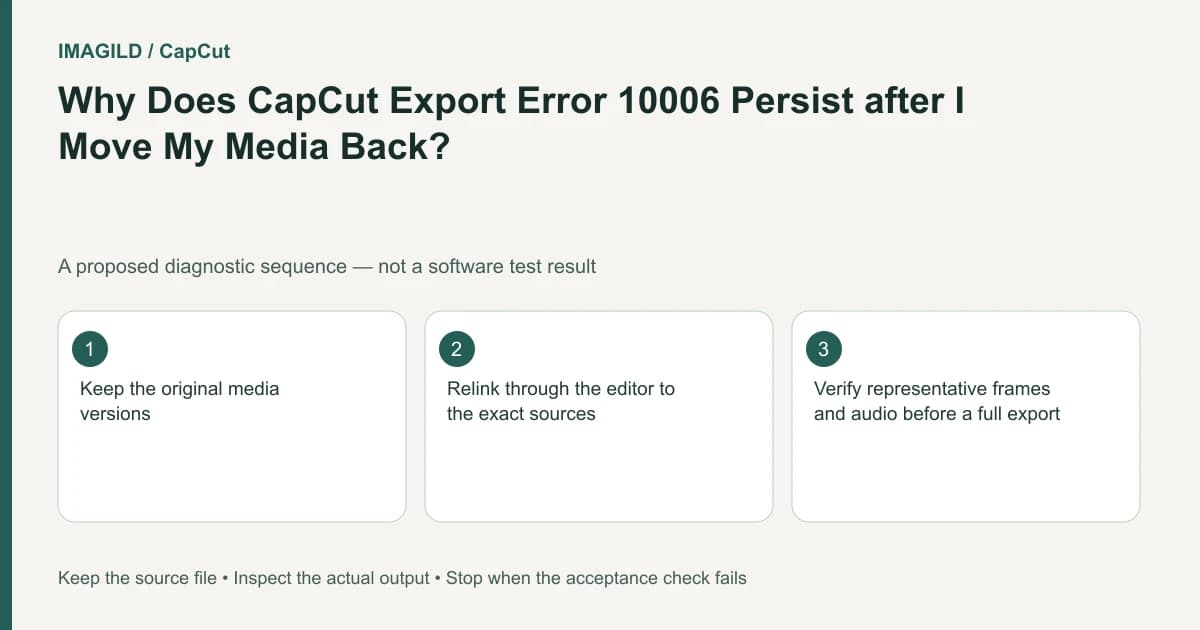
For CapCut export error 10006, relink the project's imported media to the correct source files. Restoring a folder with similar names does not by itself repair the project-to-file association. Verify each selected take, then test the affected passage and the complete export.
Confirm which association is missing
Read the exact error and identify any media the project marks as unavailable. Distinguish a moved source from a file that exists but does not decode or display. Relinking answers “which source does this project use?” rather than every possible video compatibility question.
The CapCut export-error guide maps 10006 to relinking imported media. Use the current application's supported relink flow and the actual files your project needs. Do not rename unrelated files to match old paths merely to silence the warning.
In a hypothetical interview project, two camera cards both contain a file named C0001.mp4. After moving the project to another disk, the editor finds one of them and relinks it. The association can become technically valid but still point to the wrong interview take. The proposed check therefore verifies content as well as existence.
Build a source-identity map
For each affected item, record its project use, expected filename, likely source location and distinctive content. Include duration and a recognizable visual or spoken cue where appropriate. If two files share a basename, keep their original folder context in the map.
Do not treat duration alone as a unique identifier. Two camera clips can have similar lengths. Use several cues together, such as the speaker's first action, clothing, opening words and approximate intended passage. The same-basename relinking guide addresses this exact identity risk.
| Project item | Identity evidence | Verification after relink |
|---|---|---|
| Interview answer | Correct speaker and opening phrase | Timeline shows the intended answer |
| Cutaway | Distinctive location/object | Crop and timing still fit |
| Music bed | Correct composition and passage | No unintended alternate track |
| Logo image | Approved version | No old or differently sized logo |
This is a proposed source map. Do not invent metadata values or claim a checksum match unless you actually computed one from an appropriate original reference.
Relink through the project, not only the filesystem
Make the authorized source files available in their intended location, then use the project's supported association control. Restoring a directory can help locate files, but the project still needs to resolve the actual source it references.
After each relink, inspect the affected timeline region. Confirm that the expected picture and sound return and that the source passage remains correct. If the app proposes several possible matches, do not accept them all based solely on names.
If the association exists but the picture stays black, use the separate missing-video guide to investigate visibility, playhead and compatibility. A relink operation can succeed without establishing that the stream is usable in the current editing environment.
Test the precise passage that depended on the source
Use the range-export guidance where supported to save a small section spanning the affected material. Include a little context on both sides so a wrong take or audio discontinuity is visible. Reopen the saved file and compare it with the intended edit.
For the interview example, listen to the actual answer and watch its beginning and ending. A file that contains the same speaker but a different sentence is still the wrong relink. Do not approve it merely because the error message disappeared.
The preview-versus-export comparison helps when timeline playback and the saved sample differ. Keep the artifact identity clear so another editor knows which state was checked.
Verify all media before the final render
Repeat the source-identity check for every affected item, including stills and audio. One recovered video clip does not establish that the rest of the project's material is linked. Export the full intended movie after the representative sample passes and inspect the entire sequence.
The library-backup versus source-media guide describes a related distinction in another editor: a project or library backup is not necessarily a copy of all original media. Do not import its specific storage behavior into CapCut, but use the distinction to check what your own backup actually contains.
If the original source is unavailable, say so. A proxy, similar take or rendered substitute may permit a revised workflow, but each changes the deliverable and should be approved explicitly. Do not describe a substitute as the restored original.
Completion means the project resolves to the intended sources and the actual saved movie contains the correct passages. If 10006 persists, provide support with the affected association, current file availability and narrow test result. A restored folder name, disappearing warning and successful export are useful observations, but source identity still needs its own check.
Prepared by Imagild Editorial. AI assisted research and drafting. Documentation checked on 4 November 2026; examples and checks above are proposed, not claims of hands-on software testing. Report a correction.