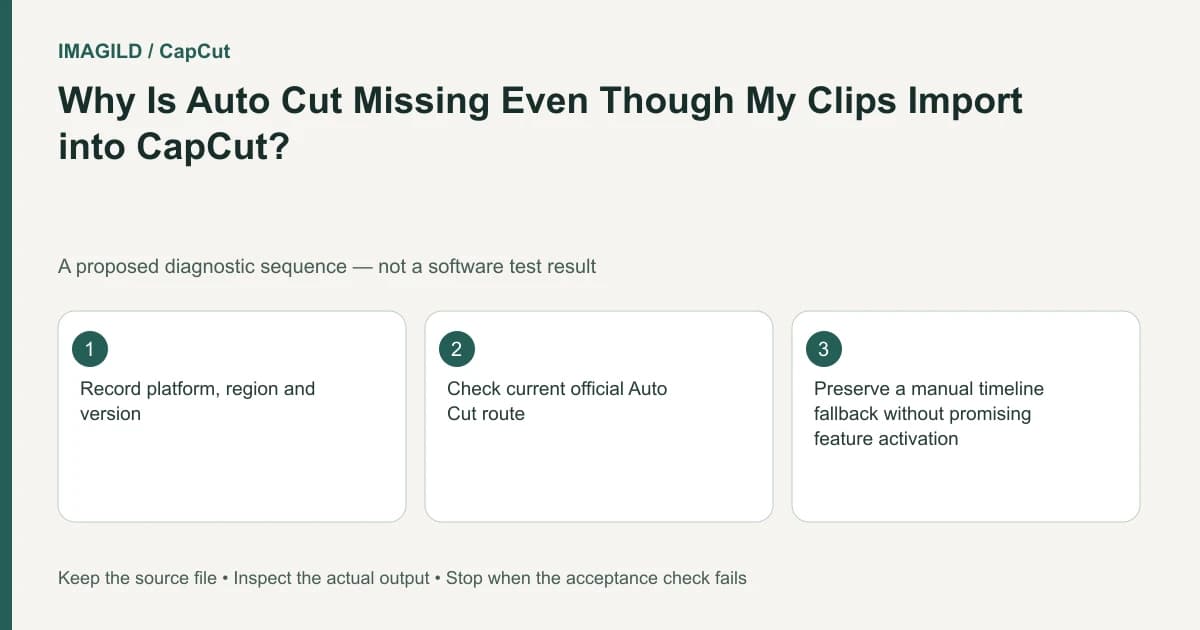
Check Auto Cut's platform and eligibility before changing the music. CapCut's help says Web does not offer the same Auto Cut route and describes app-side version, rollout and project conditions. An absent tool is different from a tool that runs but makes unsuitable beat edits.
Check the platform matrix
The Auto Cut help page supplies these availability branches:
| Environment | What the cited help documents | What remains to verify |
|---|---|---|
| Web | No equivalent Auto Cut feature in that documented web route | Use ordinary editing or an authorized supported app route |
| Desktop | App version, operating-system compatibility, connection and feature entry can matter | Your installed build, visible control and permitted access |
| Mobile | Version, device, account/region rollout and project type can matter | Whether your actual account currently exposes the feature |
The page includes version examples framed around early 2026. This guide does not turn those examples into a permanent current minimum or promise a rollout to your account. Current account eligibility is unknown until checked in the service.
Identify which stage is failing
Choose one of three observations:
- The entry is absent. Confirm platform, installed version and supported feature entry. Changing the song does not restore an unavailable control.
- The entry exists but cannot process. Read the actual message and inspect the required input, connection and project conditions.
- It produces cuts that do not fit. Review the editing result; availability has already been demonstrated for that attempt.
The template-search guide documents a different platform matrix. Do not assume that Auto Cut and Template Search share the same availability simply because both relate to templates.
Use a minimal supported project
The Auto Cut help distinguishes raw-clip or new-project contexts from some downloaded-template or collaborative contexts. Inspect the supported route your interface actually provides. Do not discard a complex original project to test the entry.
For a hypothetical sports montage, choose a few authorized clips with clear action and an allowed music passage. The pilot should first establish that the feature runs in the chosen environment, then whether the cuts serve the brief. No such pilot was executed for this guide.
| Pilot stage | Evidence | Decision |
|---|---|---|
| Entry | Auto Cut is actually visible | Proceed only through an available authorized route |
| Inputs | The intended clips/audio are accepted | Resolve the specific input message if rejected |
| Processing | A result or explicit failure appears | Do not call mere button presence a completed edit |
| Editorial review | Action and music relationships are suitable | Revise choices if cuts interrupt essential movement |
Review the actual action, then the beat choices
In the sports example, confirm that a jump includes its landing and a throw preserves the release. A cut on a strong beat can still remove the action the viewer needs. The motion-before-beat-sync guide explains that review order.
For manually edited alternatives, the music phrase and loop guide helps choose a clean ending. Do not expect beat detection to fix an awkward musical phrase or establish exact source-audio alignment.
Use a supported bounded export to inspect a representative result, then compare the saved movie with the preview using the preview/export checklist. Feature eligibility, technical completion and a usable sequence remain separate outcomes.
If Auto Cut is not available, choose ordinary editing or a supported app workflow. Do not bypass account/region restrictions or organizational access policies. If an eligible visible entry fails, report the exact platform, build, project type, message and minimal input description to support. Completion means a supported route produces an edit that meets the brief, not merely that a tutorial showed a similarly named tool.
Prepared by Imagild Editorial. AI assisted research and drafting. Documentation checked on 4 November 2026; examples and checks above are proposed, not claims of hands-on software testing. Report a correction.