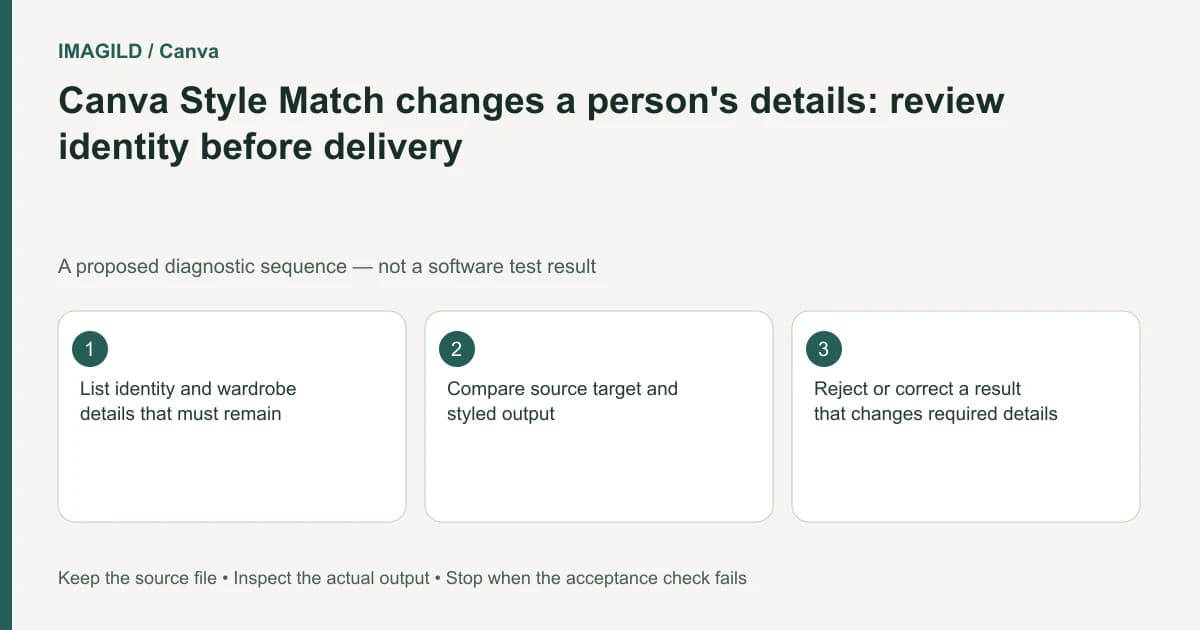
Compare the styled portrait with its original before approving it. Canva warns that Style Match can alter facial details and skin appearance. Define the features that must remain recognizable, inspect each person independently, and reject a candidate that changes required identity or clothing details even when its artistic treatment matches the reference.
Make the acceptance brief person-specific
Before applying a style, record what the intended change actually is. It might be a sketch-like texture, a coordinated palette or an illustrated finish. Keep that separate from features that must remain: face shape, eye placement, distinctive marks, hairstyle, clothing and accessories.
The Canva Style Match documentation is the basis for treating recognizable identity as something to review rather than something automatically protected. Do not infer reliable likeness preservation from a tool name or a convincing preview. A pleasant expression is not evidence that the depicted person remains the same.
Use an authorized source image with a clear view of the relevant features. Preserve it outside the experimental design. If the reference itself hides half a face or uses heavy retouching, record what cannot be verified instead of inventing a certainty score.
Separate visual treatment from ordinary formatting
Canva's copy-style guide covers basic formatting properties. If the brief is merely to match a border color or element transparency, do not expand it into a facial transformation. Changing the operation can change the risk even when the same informal word “style” is used.
Try one representative portrait in a duplicate. Keep the source, style reference and candidate visible as three distinct objects. Do not replace the original with the latest candidate before a review; that can make it difficult to identify which differences came from the new operation.
Check current AI usage information before repeated authorized attempts. Resource availability is not an instruction to keep generating until one result feels acceptable. Define a stop point and an alternative, such as using an unmodified portrait within a styled layout.
Use a feature-by-feature comparison
| Region | Specific check | Decision if the requirement fails |
|---|---|---|
| Face outline | Jaw, cheeks and recognizable proportions | Reject or correct from the source |
| Eyes and brows | Relative placement and expression | Review at a readable face size |
| Skin | Tone and meaningful marks | Obtain subject approval when appearance changes |
| Hair | Parting, outline and visible accessories | Keep the approved source as reference |
| Clothing | Neckline, uniform details and jewelry | Reject invented commercial or personal details |
| Multiple people | Each individual remains distinguishable | Do not approve only the most visible face |
This table is an editorial acceptance proposal, not an identity-verification algorithm. It cannot authenticate a person. It helps a reviewer state what changed and whether that change is permitted for this specific image.
Review multiple people separately
A pair portrait can look coherent while one person changes more than the other. Inspect each face against its own source region. Do not use overall resemblance as a substitute for individual comparison. Our two-person wedding portrait check covers that broader failure pattern.
Also inspect interactions: overlapping hands, glasses near another face, jewelry and the boundary between hair and background. A style can obscure errors that become obvious when the image is cropped for a profile card or printed at a larger size.
If the image involves a client, keep approval tied to the actual candidate. Approval of the source photograph or the style reference alone is not approval of every new generated interpretation. Ask for review of the precise export that will be published.
A hypothetical illustrated team card
Suppose a small studio wants three staff portraits in a coordinated illustrated style. One person wears distinctive round glasses and another has a uniform badge. This example is a proposed review routine, not a performed Canva experiment.
Create separately identified candidates and compare the glasses, face outline and badge text for each person. If a badge becomes unreadable, do not treat it as decorative noise when it is required content. Use the unchanged photograph, rebuild authorized text separately, or choose a less transformative presentation.
Review all three portraits at the actual card size. A detailed face check at large zoom does not establish that the finished cards remain recognizable. Conversely, a tiny thumbnail can conceal a substantial feature change.
Keep the review record useful
Record accepted changes and unresolved differences in plain language. The natural-retouching checklist helps distinguish image cleanup from altering identity. The before-and-after evidence guide explains why a single attractive example should not become a promise for every source.
Reopen the actual delivered file, verify the crop and confirm it is the approved candidate. This documentation-based guide offers a proposed comparison method. It reports no facial-accuracy measurement, biometric validation or guarantee that Canva or Imagild preserves identity during generative styling.
Documentation and production boundary
Runway: Creating with Gen-4 Image References is a vendor-specific workflow reference. The decision record above is our original manual review method. Use Imagild's current film planning workspace for supported planning steps and inspect the current interface before choosing an input or generation mode. Do not infer an available control from another vendor's documentation.