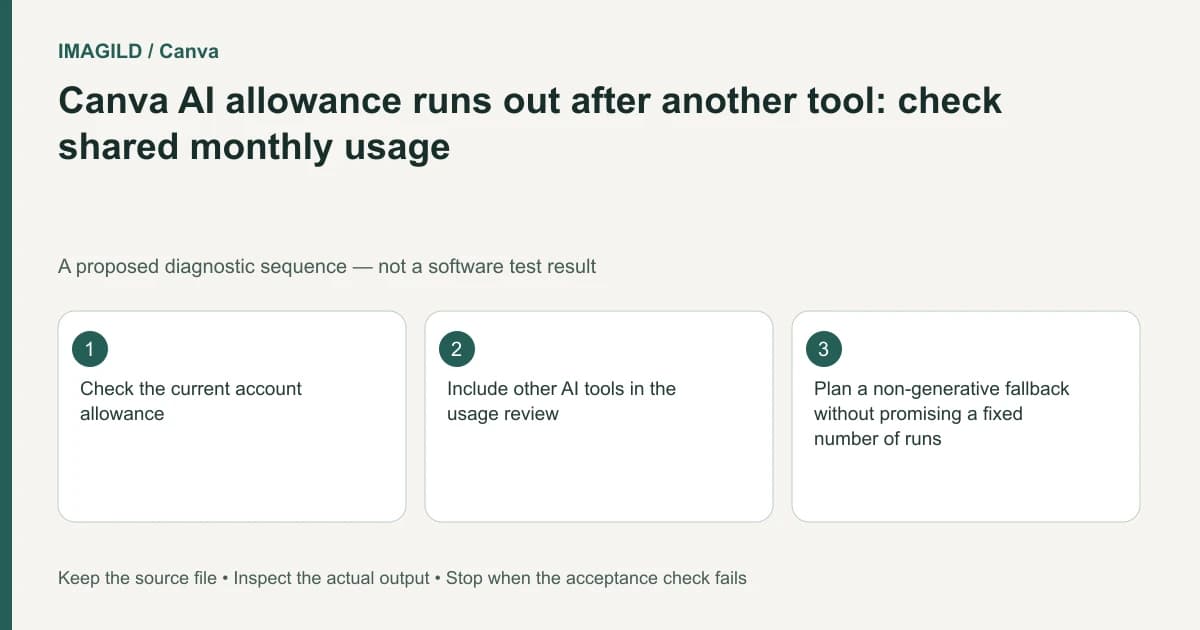
Check Canva's shared monthly AI usage before assuming one tool has unexpectedly lost its own independent quota. Different AI operations can draw from the same allowance and consume different amounts. Record the active account, recent tasks and displayed usage state, then decide which remaining work actually needs generation.
Start with the displayed condition
Write down the exact message and the account context. An allowance limit, unsupported image, inaccessible model and unavailable editing surface are different conditions. Do not buy another plan or repeat a generation before identifying which one the interface reports.
Canva's AI usage guidance explains the shared allowance and variable consumption. A count of button clicks in one feature is therefore not a complete record of relevant usage. Avoid calculating a precise number of remaining outputs from a marketing range or an older screenshot.
Preserve the current design and the last accepted result. If a job is already processing, identify its status rather than repeatedly starting replacements. This article does not inspect an account or determine whether a particular attempt was charged.
Build a task ledger, not an assumed credit formula
Record the types of work performed recently: image transformation, visual-style generation or another AI task. Keep the ledger descriptive unless the account interface provides a reliable measured value. A complex task and a simple task should not be treated as interchangeable units merely because each began with one click.
For each remaining task, name the output that will satisfy the brief. Generate more choices is less useful than produce one approved background while preserving the supplied product. Decide what can be completed through ordinary layout, explicit formatting or use of an existing accepted asset.
The Style Match documentation provides one concrete generative workflow; Magic Layers help describes another. Their different purposes are why a per-feature click count should not be treated as an account-wide usage model.
Separate access from input qualification
| Observed problem | Check first | What another attempt cannot establish |
|---|---|---|
| Usage-limit message | Current account usage and reset information | That the same attempt is now authorized |
| Unsupported source | The feature's current input rules | That a longer prompt fixes the file |
| Missing feature | Plan, role and editing context | That unused allowance guarantees access |
| Poor result | Actual source and acceptance criteria | That more attempts guarantee quality |
| Missing accepted asset | Project and saved-output identity | That regeneration is necessary |
| Upcoming deadline | Essential tasks and alternatives | That a quoted maximum equals available capacity |
Keep the exact condition attached to the next action. Our Canva Image to Video eligibility guide illustrates a feature-specific input boundary that should not be confused with usage exhaustion.
Budget attempts around a decision
Set a review point after one authorized representative operation. Compare the candidate with the brief before choosing another attempt. Write what would change: the input image, the specific visual requirement or the selected supported route. If nothing changes, repeated attempts may produce more files without resolving the original requirement.
Retain an accepted asset with a clear approved-version record. A teammate should not spend another generation merely because the approved file is difficult to locate. The ledger should identify the accepted artifact, not only the prompt used to request it.
For work that does not need generation, use explicit editing operations in a capable tool. That is a planning decision, not a guarantee that every manual action is free or that every plan exposes the same controls.
A hypothetical campaign deadline
Suppose a designer has used several AI tools earlier in the month and now needs one additional campaign image. The designer remembers only two attempts in the current feature. This is an illustrative scenario, not an observed account usage history.
Check the displayed shared allowance and account context. List the remaining essential output, retain any accepted prior asset, and determine whether ordinary layout work can complete the campaign. If the account reports a limit, follow its documented reset or account options rather than pretending the current feature has a separate untouched pool.
If the next operation is authorized, use a specific acceptance brief and inspect the actual result. The before-and-after evidence checklist helps define what must be preserved; it does not predict a successful attempt count. Keep rejected candidates identifiable so they do not enter the delivery folder merely because they were generated later.
Close the job with evidence of the artifact
Deliver the reviewed image, its correct revision and any editable source the recipient needs. Record unresolved tasks if the allowance or feature access prevents completion. Do not mark a task complete because usage was consumed, or mark a file approved because it was expensive to create.
This documentation-based guide reports no account balance, billing investigation, refund entitlement or measured consumption rate. The account's current official display remains the source for its available allowance.