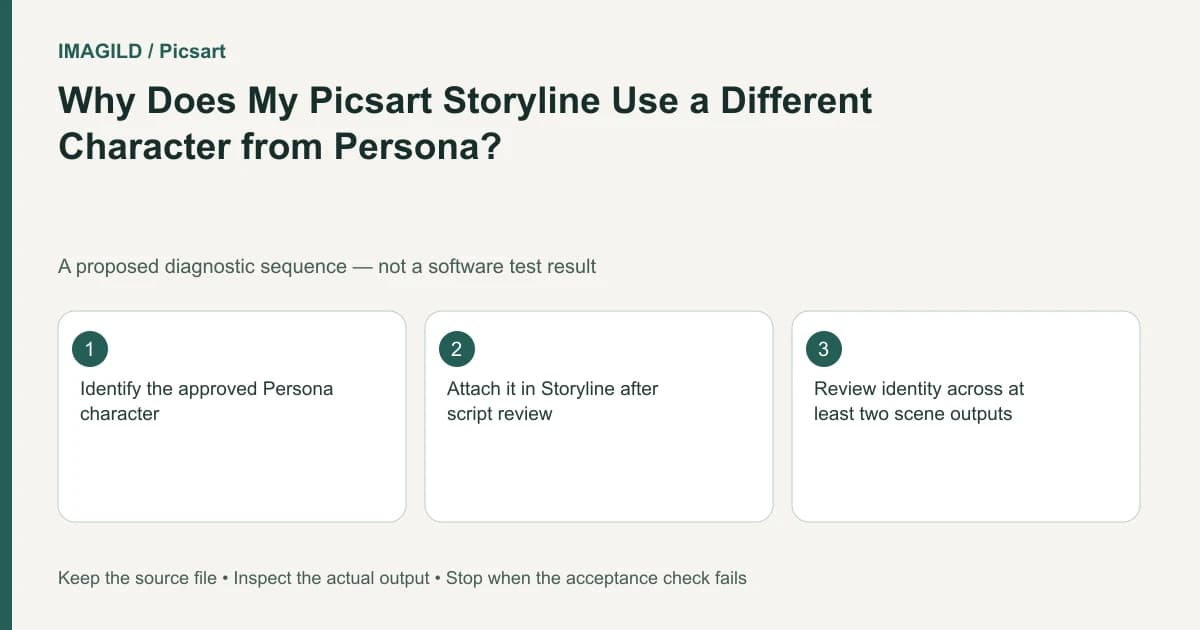
Select the intended Persona in Storyline's character step; repeating a character name in the script does not establish that selection. Then compare each resulting scene with the approved character. Correct input binding and acceptable generated appearance are separate decisions.
Confirm the workflow is available
The official Persona and Storyline instructions warn that availability differs by platform and app version. Check your current interface before creating a production plan around the tools. This is a Picsart workflow; it does not establish saved Persona selection inside Imagild.
For a constructed museum story, approve one original adult explorer with short dark hair, a yellow raincoat and a striped satchel. Keep its chosen image identifiable beside the script. Do not treat every yellow-coated candidate as the same approved explorer. If a real person is the intended subject, use authorized material and confirm their representation separately.
Review the script before adding the character
The documented sequence proceeds from describing a story to editing its script, adding Persona characters, reviewing narration and scenes, then exporting. Use that ordering to separate two failures: an obsolete character was selected, or the selected character did not survive a particular scene.
Read the edited script for unnecessary wardrobe changes and ambiguous actor labels. A museum arrival, gallery close view and return journey can use the same explorer. If a scene requests a completely different hairstyle or age, resolve that instruction before blaming character selection. Explicitly choose the approved Persona in the available character step; do not invent a per-scene assignment widget that the documentation does not describe.
Fill a scene-by-scene identity record
| Scene in this hypothetical story | Approved identity evidence | Candidate observation | Decision |
|---|---|---|---|
| Station arrival | Short hair, yellow coat, striped satchel | An older Persona draft with long hair was selected before generation | Correct the chosen input; do not spend attempts adjusting motion first. |
| Gallery close view | Same face and hair, with coat collar visible | Correct Persona selected, but close view depicts an unfamiliar face | Hold this scene as output drift; correct selection alone does not approve it. |
| Return journey | Same person and satchel after the visit | Appearance matches but the striped bag becomes plain halfway through | Hold the affected interval; decide whether that prop is a protected identity cue or an approved change. |
This filled record is invented, not a report of Picsart results. In your own job, replace observations with what the selected input and actual scenes show. Record the input state before generation, then inspect normal playback and the intervals where face, viewpoint or costume changes. A narration line naming the explorer does not prove that the picture depicts the approved character.
Keep the reference systems distinct
Persona selection in Storyline and an asset attached elsewhere are different workflows. If work moves to another interface, record which visual reference was transferred and inspect the available selection controls there. Do not assume a typed name or an attachment from another tool remains a live character binding.
If the selected Persona is correct but scenes remain unacceptable, retain the rejected scene and setup. Use the supported revision route actually present, simplify the scene or choose another production method. A consistent title and costume cannot compensate for the wrong face. Avoid silently replacing the entire film after some scenes have already been approved.
Approve the saved film
Reopen the exported movie and compare all scenes again, including the ending. Keep the approved character, edited script, selected Persona record and final output separately identified. Finish any exact assembly in an external editor where needed. In an Imagild project, the transferable lesson is traceable character input plus full-scene review; /en/film-script and /en/film-studio do not inherit Picsart's controls. No Persona generation, export or identity-success measurement was performed for this guide.