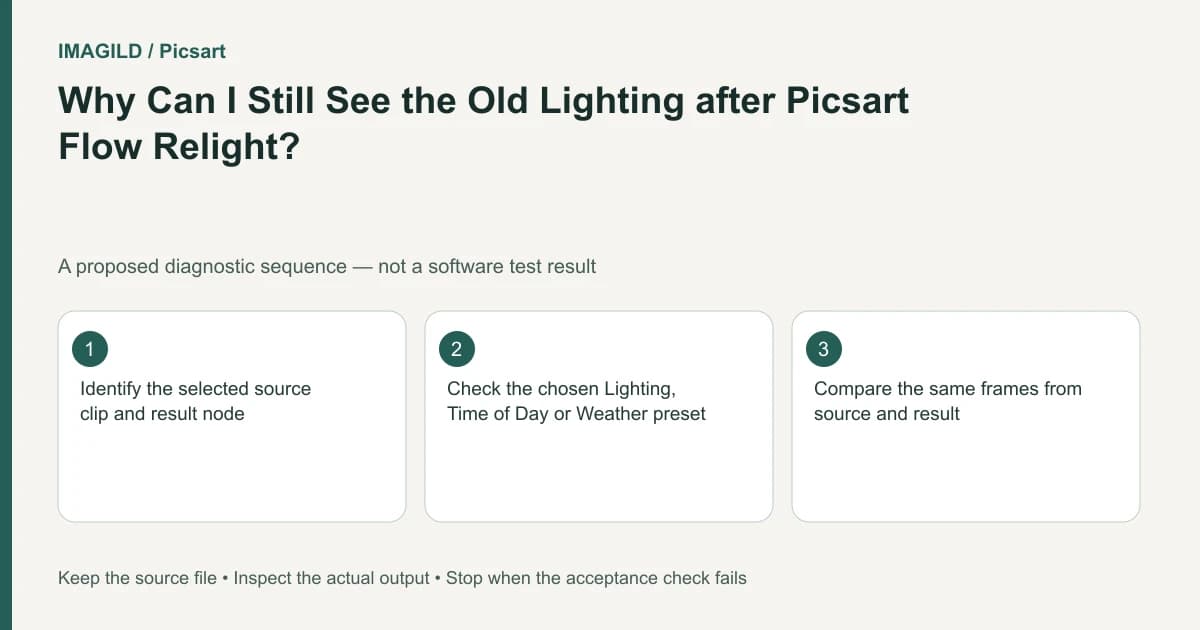
Open Flow's generated Relight video node before deciding that the lighting is unchanged. The original clip remains separate. Choose a preset from the documented Lighting, Time of Day or Weather groups, then compare matching moments in the new video for light direction, shadows and reflections.
Confirm the selected clip and preset group
The Flow instructions describe Relight as a video operation with three preset groups. They also state that the returned video appears in a new node. Read the selected node and preset before running; the unchanged input is not the artifact to judge afterward.
Use the three groups according to the creative question:
| Documented preset group | Question to resolve before choosing | Result to inspect |
|---|---|---|
| Lighting | What light treatment should this shot have? | Illuminated surfaces, shadow direction and reflections |
| Time of Day | What time-of-day mood is intended? | Whether brightness and scene cues fit that mood |
| Weather | What weather treatment is wanted? | Whether the new atmosphere fits the visible scene |
The group names are documented; this table's review questions are editorial recommendations. It is not a list of available individual presets, which you must inspect in your current interface.
Run a single lighting decision
Select the intended source clip on the canvas. Open Relight, choose one visible preset from the appropriate group, inspect the displayed run estimate and generate only when the setup matches the brief. Identify the new returned video, then play it rather than returning to the source node.
For a hypothetical shot, a person turns beside a window while holding a glossy blue cup. Suppose the brief asks for a warmer evening mood. Use the relevant available treatment and record which group and preset were chosen. Do not describe this as a tested recommendation or claim a specific preset exists without seeing it.
Compare three matching moments: before the turn, during the turn and after it. Inspect the lit side of the face, the cast shadow and the cup highlight at each moment. Then watch the complete motion. A suitable first frame can hide a jumping reflection later.
The background light-direction checklist provides a related spatial review. The original-shadow video check helps when a source shadow remains visually inconsistent with the intended change.
Distinguish the wrong artifact from a rejected treatment
| Observation | Next investigation |
|---|---|
| Only the input node looks unchanged | Open the returned Relight video |
| The returned video is playable but the mood is unsuitable | Review the chosen group and actual preset |
| The face changes during the turn | Reject for identity/temporal quality |
| Cup highlights jump between frames | Reject or revise reflection treatment |
| The downloaded file has the old look | Check which node was downloaded |
If you need a text-described lighting change instead, the separate AI Video Editor guidance recommends short sections and explicit light direction. Switching to it is a different editing route, not another preset inside Flow. Keep the comparison tied to the actual tool used.
Check the approved file
Use the creation-download route to save the accepted video. Reopen it and inspect the same three moments. If a low-resolution approval copy is sent, label it separately from the final file using the review proxy versus master distinction.
The result passes only when the full returned video and saved file meet the lighting brief without unacceptable identity or temporal changes. A source thumbnail, a preset group name or an attractive still does not establish that outcome. No Relight generation was performed for this guide.
Prepared by Imagild Editorial. AI assisted research and drafting. Documentation checked on 4 November 2026; examples and checks above are proposed, not claims of hands-on software testing. Report a correction.