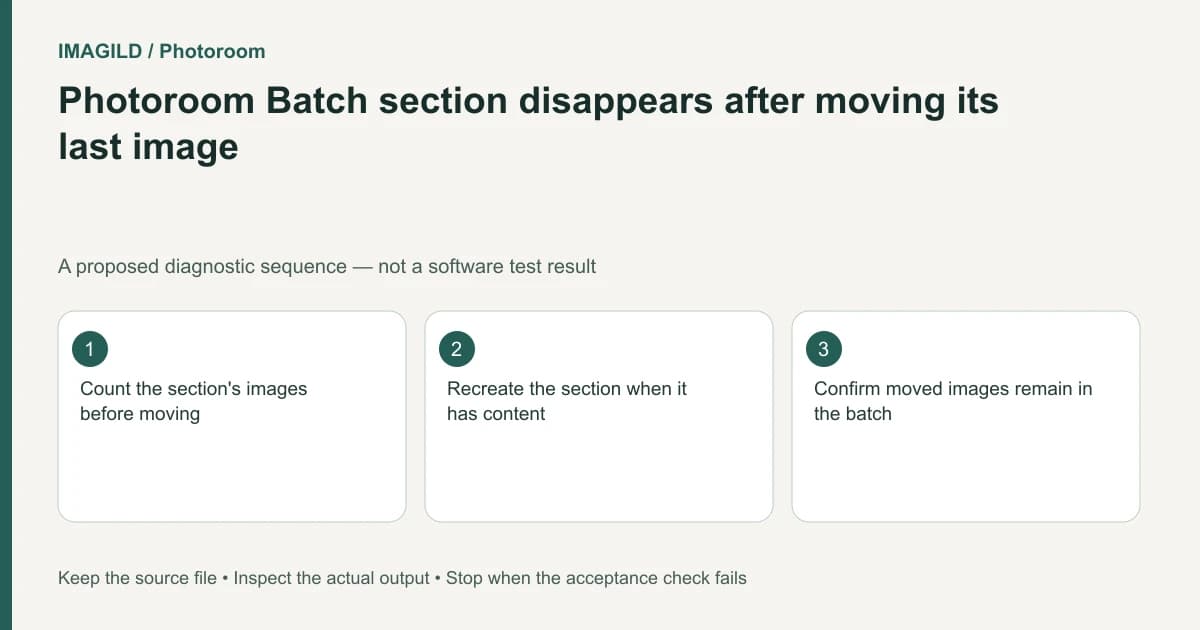
An empty Photoroom Batch section disappears automatically. Its heading groups images; it is not a persistent empty planning folder. If the heading vanishes after you move its last image, check the moved image's destination before assuming the batch or its contents were deleted.
Track image membership, not only headings
Write down the section name and image count before reorganizing. A heading can disappear because it has no remaining members, while all of its former images still exist elsewhere in the batch.
Photoroom's sections guide describes creating sections, moving images and automatically removing empty sections. That behavior is different from deleting a populated section, which can delete its images.
For a proposed catalog review, a section named “Needs review” may become empty after the final image is moved into “Approved.” Its disappearance can be expected. It does not establish that approval has been recorded anywhere outside the image grouping; keep any required review record separately.
Follow the last moved image
Locate the image by product identity or another distinctive feature. Confirm its new section and inspect its edit state. Compare the total relevant image count before and after the move. Avoid reimporting the source solely because the old heading is gone; that can create duplicates.
If the team needs the grouping again, create it when it contains the appropriate images. Do not fill it with an unrelated product merely to preserve a visual placeholder and then forget that the product is in the wrong delivery group.
| Observation | Check | Safe interpretation |
|---|---|---|
| Last image moved and heading vanished | Destination section and image count | Empty-section cleanup may explain the missing heading |
| Image cannot be found | Whole-batch identity check and recent actions | Do not assume it is only a heading issue |
| Populated section was deleted | Recoverable copies and deletion consequences | Different from moving the last image out |
| Empty planning category is needed | Separate job tracker or a later populated section | A Batch section is not a permanent folder guarantee |
Distinguish organization from copying
The copy and duplication guide concerns creating another image. Moving an existing image between sections is a different operation. Confirm whether the final count should stay the same or increase before troubleshooting.
The Batch scope guide helps identify the selected image. Use whole-image selection for membership work rather than attempting to move a product layer out of its image.
Check the delivery set after reorganizing
Before downloading, inspect which section or selection defines the deliverable. The Batch download instructions distinguish all images, selected images and individual images. A vanished empty section should not make the creator default to exporting everything.
Unzip the delivered files and compare them with the intended list. The check passes when every moved image is accounted for, the final membership is correct and no duplicate source was introduced. Stop if an image is genuinely missing after a destructive action; preserve remaining work and investigate recovery rather than assuming recreating a heading restores deleted image content.
Worked section check: Needs review becomes empty
For a proposed batch, Needs review contains one remaining bag image and Approved contains nine. Move the reviewed bag to Approved, then identify that bag and its accepted badge there. A total of ten intended images with the correct content is stronger evidence than seeing ten similar thumbnails.
The old heading may disappear because it is now empty. Do not reimport the bag simply to restore a heading; that can create an eleventh duplicate. If the team needs a persistent task category, keep that state in its job record rather than assuming an empty Batch section acts like a permanent planning folder. Before delivery, recheck the actual membership and scope rather than exporting everything because the earlier section vanished.
- move the whole image rather than a product layer: Use this when the intended operation concerns section membership.
- check the moved image’s approved revision: Use this when similar products or badge variants make count alone insufficient.
- plan retention separately from section organization: Use this before treating a well-organized batch or its ZIP as a saved editable design.
Prepared by Imagild Editorial. AI assisted research and drafting. Documentation checked on 4 November 2026; the examples are proposed review plans, not claims of hands-on software testing. Report a correction.