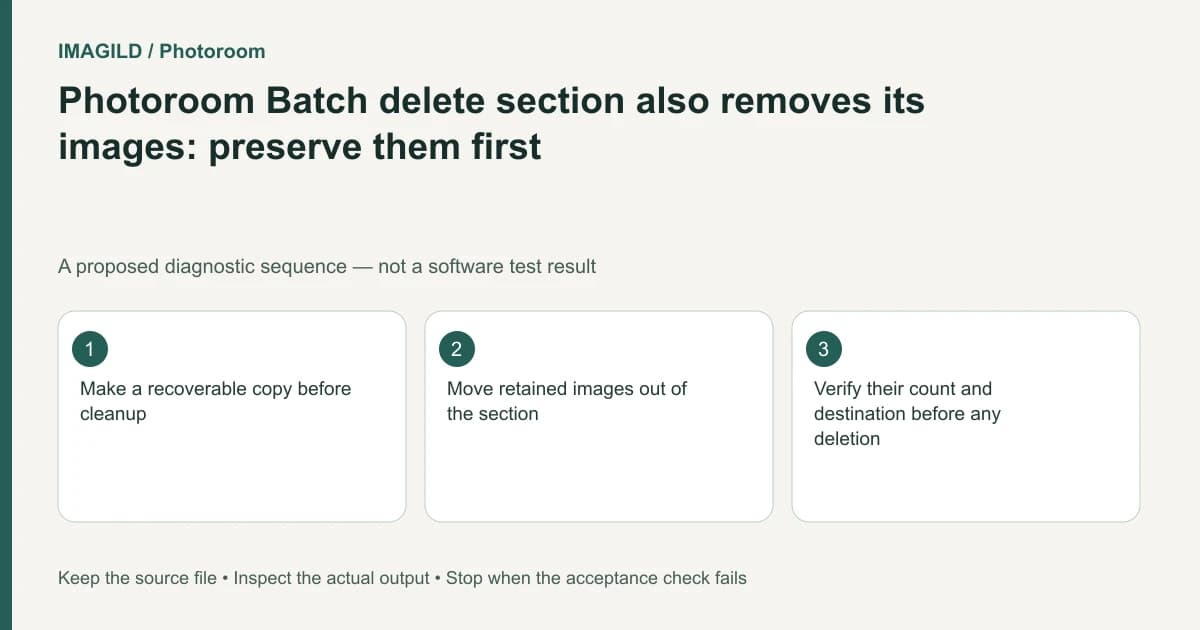
Deleting a Photoroom Batch section also deletes the images it contains. If you only want to remove a grouping, move the images you need into another section first and verify them there. Do not treat a section heading as cosmetic while it still contains work you must retain.
Inventory the images before cleanup
List the section's product identities and count. Identify which images are still needed, which are approved for delivery and which have recoverable originals or exports. A source photograph alone may not preserve all current Batch edits.
Photoroom's section organization instructions distinguish moving images, empty-section behavior and deleting a section with its images. Read the current confirmation carefully before any destructive action. This guide describes preparation; it is not a recommendation to delete needed work.
For a proposed seasonal catalog, a “Draft layout” section may contain approved images that were never moved out. Removing the heading to tidy the view can therefore remove deliverables. The safe goal is a correct retained set, not a visually shorter section list.
Move retained images before considering deletion
Choose an appropriate destination for every image that must remain. Move them, then check the destination by product identity and visible revision. Do not rely only on a matching count; two similar products can make a replacement go unnoticed.
An empty section may disappear automatically once its last image is moved. That is different from deleting a populated section. If the original grouping vanishes at that point and all images are verified elsewhere, no additional deletion may be necessary.
| Before cleanup | Evidence to check | Proceed only when |
|---|---|---|
| Image list | Product identity and required revision | Every retained image has a destination |
| Recovery | Originals and needed edited outputs | Important work is recoverable |
| Membership move | Destination section contents | Images are present, not merely assumed moved |
| Any final deletion | Current section contents and confirmation | Only intentionally discarded content remains |
Do not mistake downloads for editable design retention
Photoroom's Batch download guide states that Batch images are not automatically saved as designs. A local export is useful evidence and a deliverable, but it should not be described as preserving the original editable Batch structure.
The existing Batch download versus saved-design guide covers that distinct handoff decision. If future editing matters, confirm the supported retention workflow before cleaning up the current working batch.
Keep copying and moving separate
The copy-image instructions create another snapshot. A copied image may be a useful deliberate variant, but copying the wrong revision and deleting the current original can still lose the intended state. Verify actual content and time of copy.
After reorganization, export the intended retained set and open representative files. Check count, wording, crop and product details. Keep a short record of what was moved and what was intentionally discarded. Stop if you cannot establish a recoverable copy or the contents of the section; tidy grouping is not worth an unverified loss of existing work.
Worked cleanup check: remove the grouping while retaining the work
For a proposed cleanup, Draft layout contains two bags still needed for delivery. Record their identities and badges, then move both into the intended retained section. Open each there and inspect its revision before considering any deletion. If the old section becomes empty and disappears automatically, there may be nothing further to delete.
A downloaded image can protect a rendered deliverable, but it does not prove every editable layer survives. Keep the working state or supported retention artifact needed by the next task. If any remaining section still contains images whose status is unclear, stop cleanup and resolve the inventory. A tidy heading list is not evidence that the project’s necessary content is safe.
- confirm membership operations affect whole images: Use this while moving retained work, before any destructive section action.
- distinguish rendered backups from editable retention: Use this when deciding whether the available copy protects the work required for later revisions.
- record the retained versions and destinations: Use this so moved candidates are not mistaken for discarded or approved revisions.
Prepared by Imagild Editorial. AI assisted research and drafting. Documentation checked on 4 November 2026; the examples are proposed review plans, not claims of hands-on software testing. Report a correction.