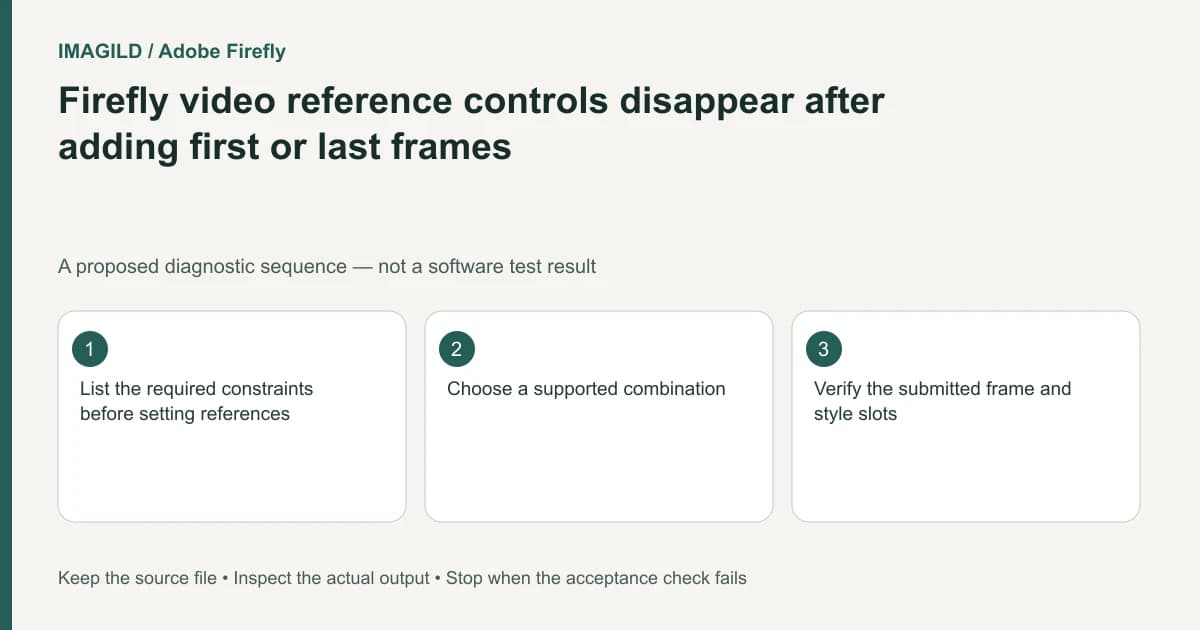
Adding a first or last frame can disable other Firefly video controls. In the documented Firefly-model Timeline workflow, keyframe images conflict with composition reference, motion reference, shot size, camera angle and style settings. Decide which constraints matter most instead of trying to force every control into one request.
Rank the constraints before choosing inputs
For a hypothetical product reveal, the opening still may be approved while a camera-motion reference is only a suggestion. In that case, preserving the opening-frame requirement can be the priority. Another brief may allow a different opening image but require a particular composition. These are creative decisions, not a browser troubleshooting problem.
Adobe's Firefly-model video instructions document the keyframe and style-control exclusions. A greyed-out option after adding a frame can therefore be expected behavior. The source applies to that workflow; do not generalize the same control matrix to every partner model.
Write a short requirement list with a required/optional column. Keep the original references available, but do not populate a slot simply because you have an image for it.
Build a supported combination
Inspect the current First frame and Last frame slots. If either is populated, compare the unavailable controls with the documented restrictions. Choose whether to retain the frame constraint or remove it in a working copy to pursue a different reference route.
| Highest-priority requirement | Setup to investigate | What must be reviewed |
|---|---|---|
| Approved opening composition | First-frame route | Opening frame and subsequent motion |
| Approved final image | Last-frame route | Landing frame and transition into it |
| Composition reference | A supported reference setup without conflicting keyframes | Spatial arrangement in the generated clip |
| Style setting | A supported style setup | Appearance without assuming endpoint compliance |
Adobe's composition-reference guide supplies separate input requirements for that reference workflow. Meeting file-size or duration limits alone does not make an otherwise conflicting combination available.
Use the prompt to describe the remaining intent
After choosing supported controls, describe the required action clearly. Do not claim that a prompt can secretly re-enable a disabled parameter. A written camera suggestion may be interpreted by a model, but it is not the same evidence as a supported motion-reference input.
Keep the first candidate bounded. If the approved start is correct but motion is unsuitable, review that result against the prioritized requirements. Changing endpoint images and motion instructions simultaneously makes it harder to diagnose which change helped.
The general generation guide emphasizes model-dependent controls. Record the model with the chosen setup so another editor does not reproduce your prompt in an incompatible mode and expect the same inputs.
Verify the actual clip, then state the remaining tradeoff
Open the downloaded result and inspect beginning, middle and end. A matching opening frame does not prove the final frame is correct, and a convincing camera move does not prove product lettering remained unchanged. Note any optional constraint you could not enforce.
The mode-compatibility checklist provides a broader way to separate visual endpoints from audio requirements. For Firefly, use its current documented control set. Stop if the brief requires a combination the workflow cannot provide; plan a separate edit or a different supported route rather than promising a hidden workaround.
Worked constraint decision: keep the approved start or choose composition guidance
For a proposed bottle reveal, mark the approved opening still as required and a camera reference as optional. In the documented Firefly-model Timeline route, populating First frame or Last frame disables composition reference, motion reference, shot size, camera angle and style. Keeping the endpoint therefore means accepting that supported control combination, not trying to re-enable a grey control through prompt text.
If composition guidance is the fixed requirement instead, test a working setup without the conflicting endpoint images and confirm that its reference controls are available. Do not describe this as preserving the original endpoint contract. For every candidate, record which requirement was relaxed. A table row suggesting composition or style is conditional on that control being supported by the selected model and no conflicting keyframe being present.
- choose an action compatible with the endpoints: Use this when deciding whether the movement can plausibly connect the required stills before selecting controls.
- distinguish an endpoint from general visual guidance: Use the conceptual boundary without importing Imagild API field names into Firefly.
- review the motion implied by the selected image: Use this if the available supported combination still produces movement unsuitable for the source geometry.
Prepared by Imagild Editorial. AI assisted research and drafting. Documentation checked on 4 November 2026; the examples are proposed review plans, not claims of hands-on software testing. Report a correction.