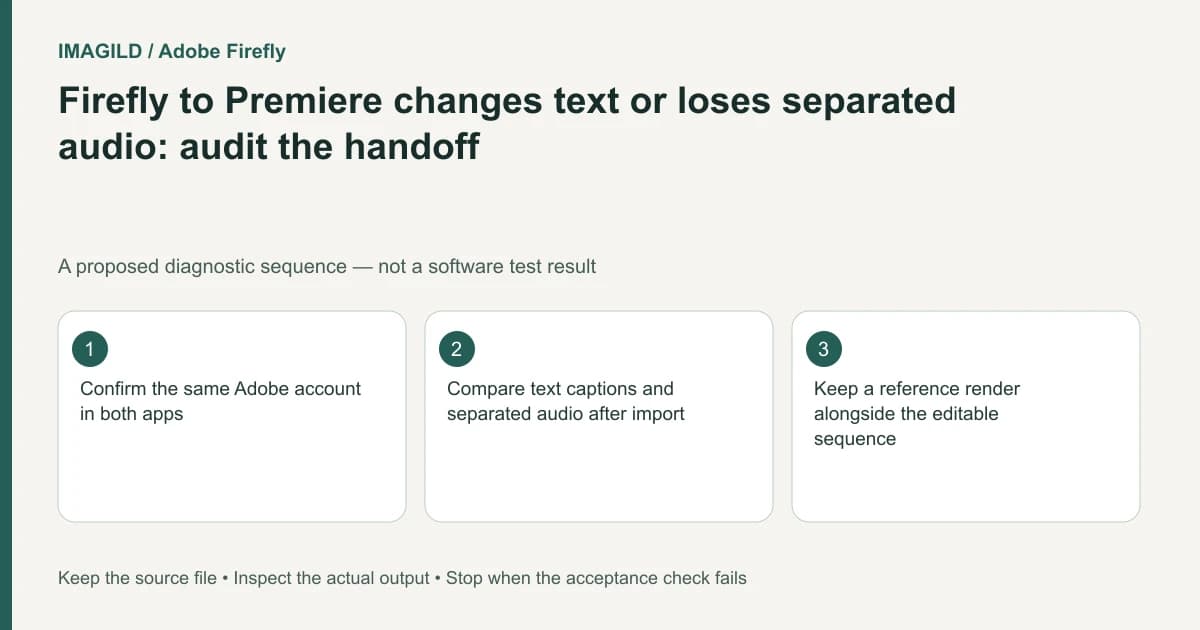
Keep a reference render before sending a Firefly Timeline beta project to Premiere. Confirm the same Adobe account, import through the supported handoff, and compare text, fonts, captions, effects and separated audio. An editable sequence arriving successfully does not establish that every element matches the Firefly preview.
Decide whether you need a render or an editable sequence
A finished MP4 records one played composition. An editable sequence carries supported media and editing relationships into another application. State which artifact the recipient needs before choosing the handoff. A client who only needs a viewing copy may not need the same package as an editor who must revise timing.
Adobe's Firefly-to-Premiere instructions describe a Timeline beta transfer and its current limitations. Preserve the source timeline and export a visual reference through the project-export workflow before diagnosing differences in the receiving application.
Identify the exact source project and accepted revision. Similar timeline names can make a successful transfer look wrong when the editor opened an older draft. Record the source, transfer attempt and imported sequence as separate identifiers.
Confirm the supported account and import route
Check that Firefly and Premiere use the same Adobe account. Follow the documented Send to apps route and wait for preparation to finish. In Premiere, use the offered project notification or the documented Import Web and Mobile Projects route for later access.
Do not equate an exporting indicator with a completed import. Confirm that the intended sequence is actually open and that its media is available before changing fonts or rebuilding effects. Keep any warning text with the transfer record.
Avoid distributing account credentials as part of the handoff. If a different editor will continue the project, agree on a supported collaboration or asset-delivery arrangement rather than assuming your personal transfer list is a shared project archive.
Compare the fragile elements first
| Element | Compare with the reference | Required decision if it differs |
|---|---|---|
| Text | Position, scale and line breaks | Rebuild or approve a deliberate revision |
| Fonts | Family, style and actual glyphs | Resolve availability before substitution |
| Captions | Words, timing and visible presence | Recreate unsupported portions if necessary |
| Effects and transitions | Appearance across the boundary | Retain or replace with an accepted method |
| Audio enhancement | Intelligibility and tonal changes | Review the receiving mix |
| Separated audio | Media availability and audible playback | Relink or reconstruct from authorized sources |
Adobe notes approximate text positioning/scaling, font dependencies and limits affecting some effects, captions, transitions and audio. Separated audio may require attention because the video can arrive muted while its detached audio is missing. Verify the actual sequence instead of assuming one limitation explains every symptom.
Resolve dependencies before approving substitutions
A missing typeface can change line breaks and push a title outside its intended area. Obtain the required font through an authorized route or agree on a replacement explicitly. Our Express-to-InDesign font-dependency guide addresses the same dependency principle in another transfer; its InDesign menus do not apply here.
For captions, distinguish the text itself from its formatting and its presence in the sequence. Adobe's Firefly caption guidance is useful when reviewing what the source timeline contained. Correct source words do not prove that the imported caption element remains available.
If a component must be rebuilt, preserve a source reference and document what changed. Do not silently replace a precise client title with an approximation merely because the sequence now plays without warnings.
A hypothetical narrated product film
Suppose a product film contains a stylized title, generated captions and narration previously separated from its video. After transfer, the title wraps differently and the narration is silent. This is an illustrative audit scenario, not a performed import test.
Compare the title with the reference render, check the font dependency, and inspect the imported audio media record. Do not unmute every unrelated clip or add new music to conceal missing narration. Establish whether the accepted voice source is present and audible, then verify its timing against the picture.
Review transitions and the ending after repairs. A localized fix can change the surrounding timing or mix. Play the complete sequence once before accepting the handoff as ready for further editing.
Deliver two clearly named artifacts
Keep the editable sequence and the reference viewing copy distinct. Record the accepted import revision through the version-handoff procedure, including any elements rebuilt or deliberately changed.
This documentation-based guide reports no transfer execution or compatibility guarantee for a particular installation. Timeline beta and Premiere can change; verify the current official support boundary and the actual imported project.