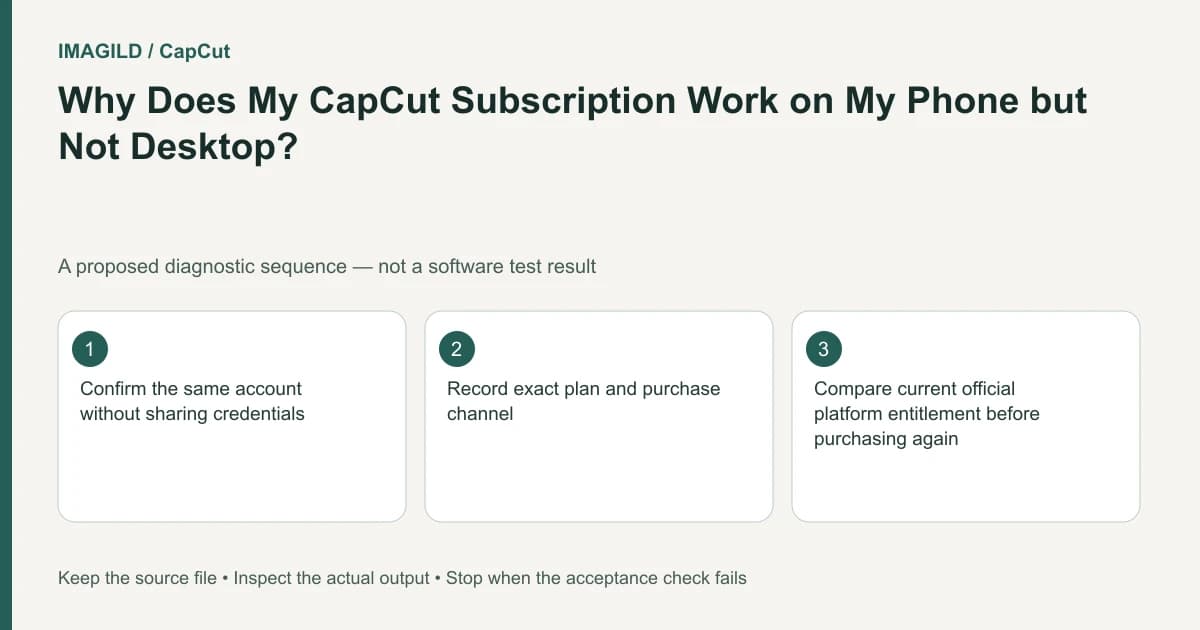
Check whether the CapCut purchase is Standard or Pro and verify the same account on the receiving device. The official guide gives these plans different platform scopes. Successful sign-in and project visibility do not establish that the current platform has the purchased benefit or the requested feature.
Compare plan scope before troubleshooting media
The cross-platform subscription guide describes the following distinction:
| Plan | Documented scope |
|---|---|
| Pro | Membership benefits across Mobile, Desktop and Web are described in the cited guide. |
| Standard, where offered | Membership benefits apply on mobile. The same sign-in does not extend those mobile benefits to Desktop or Web. |
Read the current purchase record and applicable terms for the actual account. The matrix is not a price list and does not prove every feature exists on every platform. Standard is documented as region-dependent; this guide does not infer whether it is sold in your location.
Verify account identity and the exact blocked action
Compare the current account identity with the purchase record through the provider's private account interface. Similar display names do not prove the sessions are the same account. Do not send passwords or complete payment records in a public support post.
Then identify the action that fails: a specific effect, template, export option or another service operation. Read the actual message. A project can sync correctly while a particular benefit is outside the plan's platform scope.
For a hypothetical editor, Standard is recognized on a phone but a paid control is unavailable on Desktop. Check the Standard row before converting source media, rebuilding the project or buying a second plan. Those actions do not diagnose a documented scope difference.
Keep feature existence separate from plan inclusion
The template-search guide gives a concrete example: Desktop does not provide the same online template-search route as Mobile or Web. A plan upgrade should not be promised as a way to create that absent control.
The high-resolution export guide describes platform and device conditions for another feature. Recognized membership is not proof that hardware-dependent options appear or that a source has the required recorded detail.
Use this investigation order:
| Check | Evidence needed | Do not infer |
|---|---|---|
| Purchase | Exact plan and applicable channel/terms | “Paid” means all benefits everywhere |
| Account | Current session matches the purchase account | Same device means same account |
| Platform scope | The plan includes this environment | Project sync proves entitlement |
| Feature | It exists in the current environment | An upgrade restores any missing menu |
| Message | The stated condition for the actual action | Every limitation is a corrupt media file |
This is a proposed diagnostic, not an observed subscription test. If the plan and platform are correct but the benefit is still absent, the remaining account issue needs provider review rather than a guessed purchase recommendation.
Resolve the stated condition
Do not remove every premium-looking item before identifying the blocked one. The premium-asset access guide helps distinguish an account benefit from a particular asset's use condition. Neither the project file nor a clean preview establishes all permissions.
If the tool accepts an action but no task starts, use the export-button state guide for that separate execution boundary. If a task starts and fails, the render-versus-save guide helps classify the failure. These are diagnostics, not additional plan promises.
For the hypothetical Standard user, completion may mean continuing the included mobile workflow, selecting an available alternative or deliberately changing the plan after checking its actual terms. It does not automatically mean buying Pro.
If the correct account should have the benefit, contact support privately with the plan, platform, purchase channel, relevant account context and exact message. No sign-in, purchase, subscription restoration or export was performed for this guide.
Prepared by Imagild Editorial. AI assisted research and drafting. Documentation checked on 4 November 2026; examples and checks above are proposed, not claims of hands-on software testing. Report a correction.