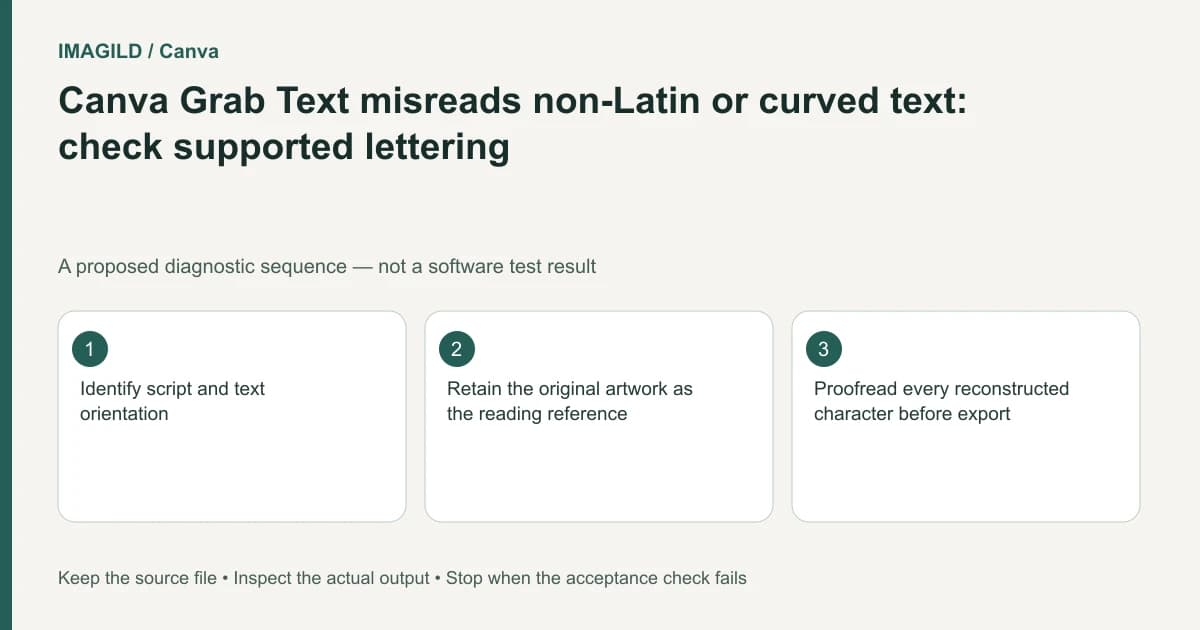
Do not keep retrying Canva Grab Text when the source lettering is outside its documented script or orientation support. Keep an approved text reference, identify non-Latin, curved or rotated content, and rebuild those words deliberately. Verify every character and its displayed form before exporting the design.
Separate supported extraction from readable-looking artwork
A person being able to read an image does not establish that an extraction feature supports its writing system or arrangement. Curved lettering, a rotated label and ordinary horizontal text are different input conditions even when the same language appears in each.
Canva's Grab Text instructions document Latin-text support and limitations on arched or rotated text. Treat those as reasons to choose an appropriate reconstruction route. A different font choice after extraction cannot retrospectively make an unsupported source reliably recognized.
List the actual strings before editing: personal names, addresses, numerals, punctuation and language-specific marks. Ask the owner to supply them as text where possible. A screenshot is useful for appearance, but an approved typed reference is better for checking literal characters.
Make a character record before retypesetting
For each text region, preserve its source location, confirmed wording, intended language and reading direction. Do not silently replace an unfamiliar character with the nearest one on your keyboard. If the exact wording is uncertain, leave that uncertainty for review rather than generating a plausible replacement.
A hypothetical bilingual invitation may contain a Latin venue name and a Chinese family name on a curved ornament. This is an editorial example, not an extraction test. Handle the supported and unsupported regions separately. An apparently successful Latin extraction does not validate the family name or the curved line.
Our regional Han glyph proofing guide explains why correct characters can still look different in another font. Literal text accuracy and culturally appropriate visible forms are separate checks.
Rebuild the words in editable text
Use the approved wording in a normal text element and choose a font that supports it. Canva's text-display troubleshooting describes checking language-appropriate fonts when text displays as missing-glyph boxes. That is a rendering issue after you have established the intended characters.
If you need a custom font, consult the official Brand Kit font workflow and use an authorized compatible source. Do not treat an AI guess about a font name as a verified font file. The reverse-prompt font-identification guide covers that different uncertainty.
Recreate the arrangement only after the wording is confirmed. Match line breaks, spacing and orientation to the brief, not to an extraction candidate that may have already changed the text.
Use a proof sheet rather than a single visual guess
| Proof item | Compare against | Acceptance condition |
|---|---|---|
| Literal characters | Approved plain-text reference | No omitted, added or substituted characters |
| Accents and punctuation | Owner-confirmed wording | Meaning and spelling are preserved |
| Font coverage | Required character set | No boxes or unintended fallback glyphs |
| Curved arrangement | Authorized visual reference | The intended reading sequence is clear |
| Small-size readability | Real output size | Essential words remain legible |
| Exported result | Reviewed editable design | No substituted or missing glyphs |
Keep the proof readable without requiring a reviewer to remember the original. Place the source crop and typed line beside each other and identify unresolved characters explicitly. A clean-looking reconstruction can still contain an important error.
Check the background independently
Replacing unsupported text may require removing or covering old lettering. Inspect that area after moving the new text aside on a duplicate. Old strokes, invented fragments and texture discontinuities can remain hidden beneath the replacement.
If the source is meaningful artwork or a signed document, do not reconstruct surrounding content without authorization. A fresh typeset layout may be more honest and easier to verify than making a modified image look like an untouched original.
Keep decorative lettering separate from essential information. If an artistic curve makes an address hard to read, provide that address in a conventional readable location as well when the design brief permits it. Ask a reader familiar with the language to check the final wording where you cannot confidently proof it yourself.
Reopen the delivered file
Compare the actual PDF or image with the approved reference, including the least familiar characters. The PDF font-substitution check is relevant if the export differs from the editor. Do not return to OCR settings when the actual new failure is font rendering.
Retain the source, approved wording, editable reconstruction and export. This guide is based on documented limits and a proposed proofing routine. It does not report OCR testing, identify an exact typeface from an image or certify a translation.