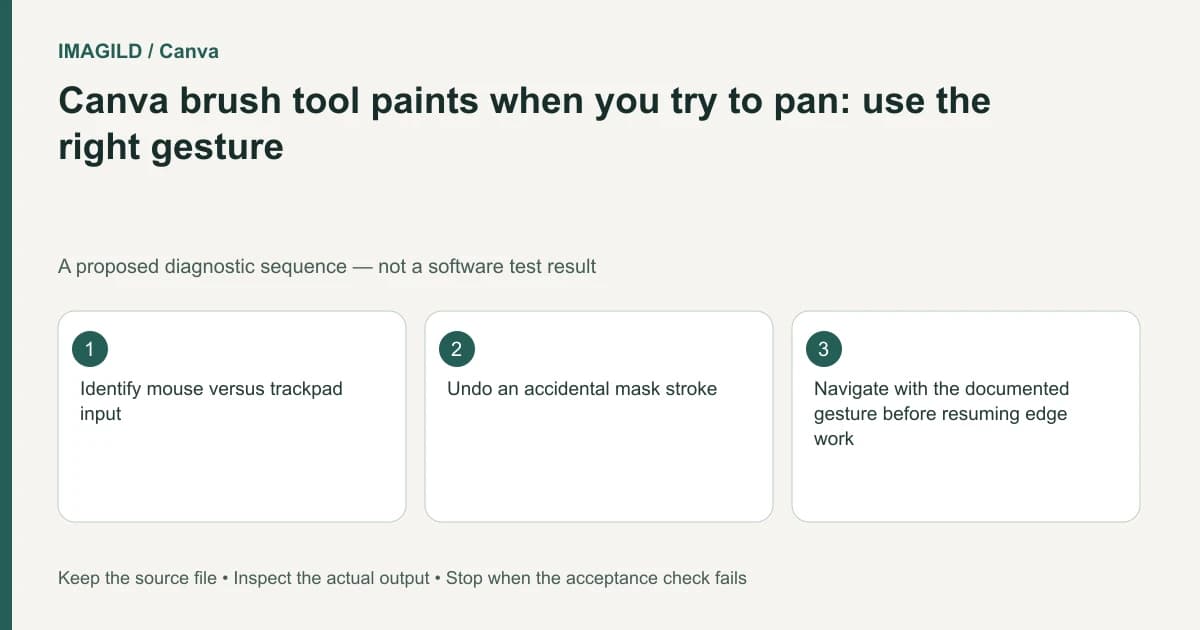
Stop painting and undo the accidental stroke before trying to navigate again. Canva's brush tools distinguish mouse and trackpad gestures; dragging with the drawing action can change the mask rather than pan the view. Identify your input device, practice the navigation gesture on a copy, and recheck the edited edge before continuing.
Separate navigation from mask editing
A brush cursor usually means that some pointer actions are active editing commands. Moving the pointer across the picture while pressing the drawing button is not a neutral way to reposition the canvas. An accidental stroke can be subtle when the mask overlay or zoom level hides its effect.
The official brush-gesture guide applies these desktop actions to brush tools including Background Remover, Magic Eraser, Magic Edit, Blur Effect, Magic Grab and Pixel Eraser. Use the row for the device currently controlling the pointer:
| Input | Draw | Pan without drawing | Zoom |
|---|---|---|---|
| Mouse | Left-click drawing action | Hold the middle or right button, as supported by the mouse, and drag | Hold Ctrl while turning the wheel |
| Trackpad | Press with one finger and drag | Drag with two fingers | Pinch |
Do not replace the mouse's documented Ctrl modifier with a guessed shortcut for another platform. If hardware remapping changes an action, stop and confirm the current device setup on the working copy.
Check which device the operating system is actually receiving. A laptop trackpad, an external mouse and a pen tablet may not behave identically. Do not assume that a tutorial's hand movement maps directly to your hardware or remapped buttons.
Undo before the next operation obscures the mistake
If the picture changes when you intended only to pan, stop and inspect the last action. Undo the unintended stroke using the editor's supported undo route. Avoid adding another stroke to compensate before identifying where the original mistake landed.
Preserve a source copy before fine edge work. Note the active tool and the region being edited. If you are working on a product mask, inspect small handles, holes and label edges after undoing; a large zoomed view can make one region look correct while a distant accidental mark remains unnoticed.
The source-preserving product composite guide helps define which material must remain intact. The navigation problem should not be solved by generating a different product or flattening an unchecked result.
Rehearse a short navigate-and-paint cycle
On a duplicate, place the view at a recognizable edge. Use the documented pan gesture without making an editing stroke. Confirm that the view moved while the mask and picture did not. Then make one small intended edit and undo it. This is a proposed control check, not a measured Canva test.
Only resume production work after you can distinguish those two actions consistently. If a device's button mapping makes the gesture unreliable, use another supported input method or documented navigation control instead of adapting the whole edit around repeated accidents.
| Intended action | Observable result | Warning sign |
|---|---|---|
| Pan the view | Canvas position changes | Subject pixels or mask coverage changes |
| Zoom | Viewing scale changes | An unexplained new painted area |
| Paint a mask correction | Only the planned region changes | A long stroke crosses unrelated details |
| Undo an accidental stroke | Prior mask state returns | Several accepted edits disappear too |
| Inspect the edge | Same content at different views | A defect becomes hidden by zoom alone |
| Resume production | Deliberate bounded edits | Navigation remains unpredictable |
Use the observable result rather than a cursor icon alone. The rehearsal is intended to clarify current controls, not create an application performance benchmark.
Confirm what the active brush changes
The Magic Grab workflow concerns subject selection and separation. A brush refining that selection can change the applied result even when it does not paint visible color directly. Inspect both the mask overlay and the resulting edge. If the operation is extracting lettering instead, consult the Grab Text instructions: editable text reconstruction is a different task from refining a subject mask.
After an accidental drag, inspect more than the place where the cursor stopped. The neighboring-object mask-spill check helps distinguish selected content, an overly broad edge transition and color already present in the source. Follow the accidental stroke's path and compare the protected neighboring object with the original before increasing or widening a correction.
For a portrait edge, the hair-halo and mask review gives a second acceptance check: compare the close boundary and the whole silhouette at delivery size. A bright band can reflect a mask problem, compression or genuine backlight, so do not erase every light edge automatically. These are cross-tool review principles, not claims that Canva exposes the controls of another editor; use the device-action table above for Canva navigation.
A hypothetical handle-edge refinement
Suppose you are refining a mug handle and accidentally draw across the product while trying to shift the view. Stop, undo the stroke, and inspect both the handle opening and the crossed surface. Then pan with the appropriate device gesture and continue from the preserved state. The example is a proposed recovery plan, not an observed editing result.
Before export, view the mug against contrasting backgrounds where the workflow permits it. Look for missing handle pixels, stray transparency and any mark along the accidental drag path. Reopen the final image and repeat the edge check at its actual display size.
Keep the source and accepted edit separate through an approved-version handoff record. Identify the actual reopened export that passed the handle or portrait-edge check, not just the latest thumbnail. This manual acceptance record is not a claim that Canva has a dedicated approval feature. This guide describes documented controls and an illustrative verification routine; it reports no device compatibility test or observed mask-quality result.