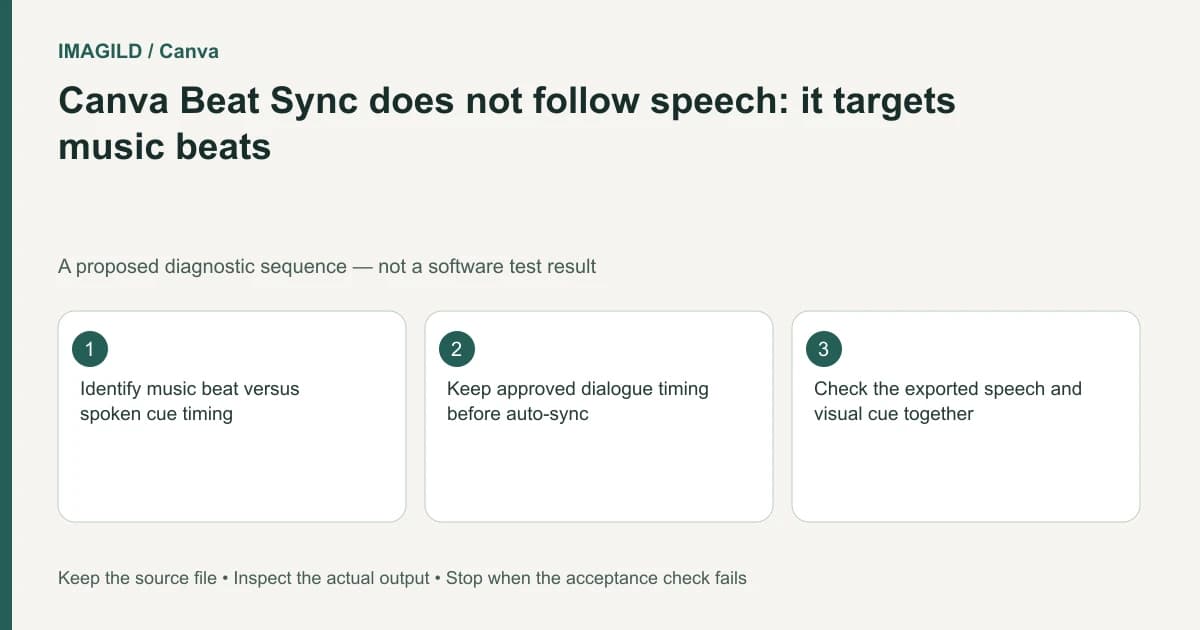
Use Beat Sync to organize edits around music, not to align a sentence word by word. Preserve the narration and approved meaning first, then choose visual cuts and musical accents that support it. Check the finished timeline with speech audible and inspect the exported file before delivery.
Decide which timing must remain authoritative
A spoken tutorial and a music montage do not have the same timing target. In a tutorial, a demonstration must remain visible while the relevant instruction is spoken. In a montage, shot changes may primarily follow musical accents. Write which requirement controls the edit before applying automation.
Canva's Beat Sync feature description concerns music beats rather than speech snippets. A track containing a voice is therefore not evidence that the tool will identify the intended words, phrase endings or demonstration cues.
Keep a version of the sequence before synchronization. If narration is part of the source footage, note whether it remains attached or is represented separately in the editing workflow. Do not change several timing relationships at once without a reference for comparison.
Build a speech-first cue sheet
Listen to the narration and record the beginning and end of each meaningful instruction. Mark any moment when a visual action must be visible: a control selected, an object placed, a label introduced or a result shown. Those cues come from the actual recording and task, not from a song's pulse.
For each cue, specify whether the visual may move earlier or later. A decorative establishing shot can be flexible. A safety warning or a product instruction may require a more exact relationship to speech. If the recording is unclear, obtain a corrected line rather than editing around a guessed word.
Canva's video timeline documentation explains element timing as a separate editing task. Use the documented controls for the actual design surface; an absent timeline should not be treated as a reason to expect Beat Sync to handle narration automatically.
Add music without surrendering the meaning
Choose a music section that supports the accepted speech sequence. Move optional visual cuts toward musical accents when that does not conceal an instruction or cut off an important action. You do not need a visual change on every beat.
Review audio levels as well as timing. Canva's audio trimming and volume guide is relevant to the track's placement and audibility. Our dialogue-and-music headroom check covers the separate risk of a mix becoming distorted or difficult to understand.
| Cue type | Primary timing reference | Musical adjustment permitted only if |
|---|---|---|
| Spoken instruction | Actual phrase and demonstration | The action remains understandable |
| Caption | Correct words and readable duration | Reading time is preserved |
| Decorative B-roll | Editorial rhythm | It does not replace essential evidence |
| Music accent | Chosen track section | Speech is not clipped or obscured |
| Product detail | The feature being described | Required detail remains visible |
| Ending | Complete message and final hold | The last instruction is not truncated |
This is a proposed editing hierarchy, not a claim that Canva automatically classifies cue types. The editor is responsible for deciding what the viewer needs to understand.
A hypothetical three-step tutorial
Imagine a short video explaining how to package a print. The narration says to protect the surface, add a backing board and label the parcel. This is an illustrative edit plan, not a tested Beat Sync result.
Keep each demonstrated action visible during its spoken instruction. A musical beat may be a useful place to enter the next shot, but it should not cut away before the backing board is placed. If the song's rhythm conflicts with the explanation, choose another musical passage or keep a longer shot.
The dance-action-before-beat-sync guide applies a similar separation to movement accuracy. Musical coherence cannot prove that the underlying action or spoken instruction is correct.
Run three playback passes
First listen to the narration without judging the picture: the words should be complete and intelligible. Next watch the video with speech, checking each cue and caption. Finally play the complete mix at ordinary volume on a likely destination device.
Inspect the actual downloaded file with the video delivery checklist. Confirm duration, final hold, speech and picture. Keep the editable timeline and the accepted export separately identified.
This guide interprets official documentation and proposes an editing routine. It does not report speech detection, automatic word alignment or a measured synchronization result.