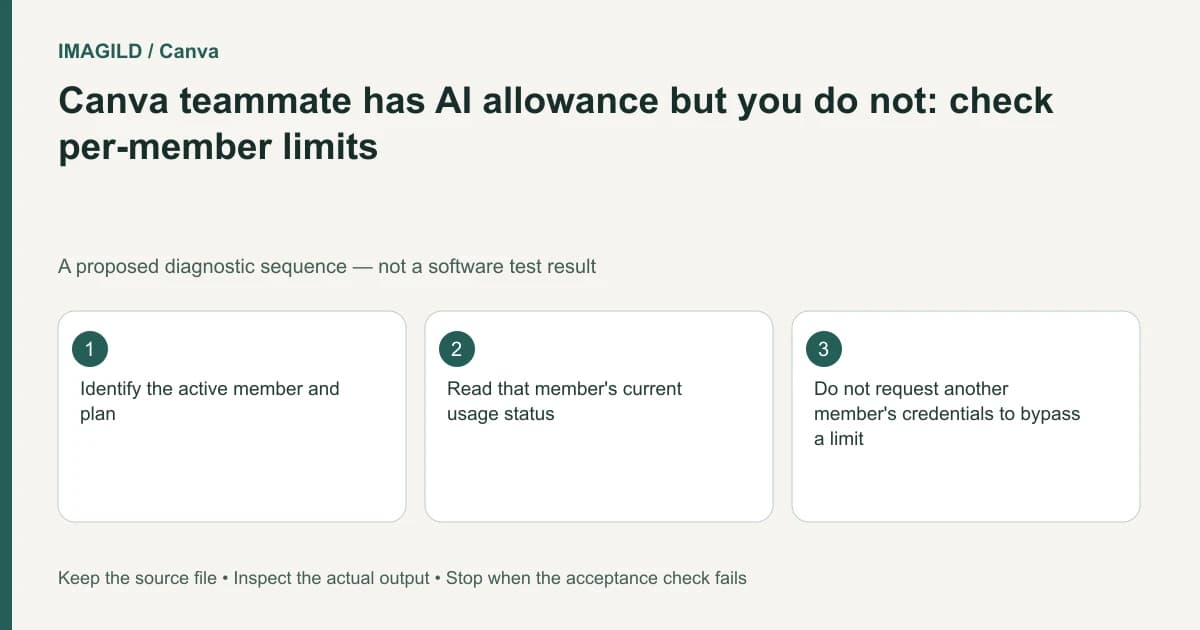
Do not assume a teammate's unused Canva AI allowance can be pooled into yours. Canva's current AI usage documentation says members of Business, Nonprofits, Education and Enterprise each have their own allowance; these allowances are not pooled. Check your own account and team context, agree who is responsible for an authorized task, and keep the resulting design and approval record accessible through the normal collaboration workflow.
Confirm the member and workspace before comparing usage
Record which account is active and which team contains the design. A team administrator seeing a subscription does not establish that every member has the same current usage state. Likewise, one person's successful operation does not prove another person has remaining capacity.
The Canva AI usage page explicitly identifies Business, Nonprofits, Education and Enterprise for this per-member rule. Match the active account's actual plan to that list. The statement does not establish the current balance or every feature entitlement of an individual member, and it should not be extended to a different plan from memory.
Do not add several members' displayed balances to create a supposedly spendable team total. An organization paying for the subscription and a member having an allowance are different account relationships; neither documents a transfer operation.
Preserve the design and its authorized source assets before changing task ownership. Collaboration should remain tied to the correct project, not to whoever happens to have a different usage screen.
Separate four kinds of access
A shared link does not answer all four access questions. Check them separately for the member who will actually perform the task:
| Question | Evidence to inspect | What it does not prove |
|---|---|---|
| Can this member view the design? | The intended design opens in the intended team | Permission to change it |
| Can they edit it? | Their actual editing permission for that design | Access to every AI feature |
| Can they use this feature? | The current feature and plan access shown for them | Remaining monthly capacity |
| Do they have allowance remaining? | Their own current usage state | A balance transferable to someone else |
Resolve a failed permission check before discussing capacity. A visible allowance does not grant access to a source asset or another person's private design.
Canva's copy-style guidance provides an example of account/team-scoped behavior. Its Brand Kit font documentation provides another example of roles and team context affecting an editing task. Neither example implies that a member's personal usage allocation is transferable.
If someone else is legitimately responsible for an operation, assign that task through the organization's established collaboration process. Share only the assets and instructions they are authorized to access. Do not share credentials or describe an informal account swap as an allowance-transfer feature.
Keep a responsibility table
| Item | Record for the project | Mistake to avoid |
|---|---|---|
| Design | Exact team and design link | Editing a personal copy by accident |
| Source material | Authorized assets and restrictions | Assuming every member may upload everything |
| Operation | The specific requested transformation | Requesting vague repeated generations |
| Responsible member | Person assigned to perform the task | Treating another account as a spare quota bucket |
| Review owner | Person approving the actual result | Assuming generation completes approval |
| Delivered artifact | File, revision and destination | Losing the accepted version among duplicates |
This record concerns accountable production work. It is not a workaround for platform rules, a method of expanding a subscription or a statement that every team role can use every feature.
Resolve a blocked deadline honestly
If the assigned member reaches a limit, identify the exact outstanding work. Ask whether the project can use an approved existing asset, a manual layout revision or another authorized production route. A deadline does not turn an unavailable capacity assumption into a supported feature.
When work is reassigned for legitimate project reasons, keep the brief and source provenance with it. State the protected details, expected output and acceptance checks. The next person should not need to guess which draft was approved or whether the new task replaces earlier work.
Use the approved-version handoff guide to keep that chain readable. A downloadable export and an editable team design are different artifacts; identify both if both are required.
A hypothetical nonprofit poster team
Imagine a nonprofit team preparing a poster with one person creating artwork and another checking event information. The artwork creator's interface shows an allowance limit while the proofreader has barely used AI tools. This is a planning example, not a tested Canva account scenario.
The team should not assume a numerical transfer is available. First preserve the approved design and identify whether more generation is necessary. If another authorized member takes responsibility for a defined production task, keep that assignment and its result in the proper team project. The proofreader still needs to verify event names, dates and accessibility information on the actual export.
If copies are made during the handoff, distinguish the original from a resized or revised copy. The Canva resize-and-copy check addresses that separate identity risk. Record the link of the accepted copy before continuing so the two members do not unknowingly review different files.
Check dependencies before final approval
Fonts and other assets can create their own role or compatibility issues. Our Canva custom-font eligibility guide helps diagnose one such dependency without confusing it with AI allowance.
Reopen the final delivered file and confirm its content and revision. Record any work that remains blocked. This article explains documented account boundaries and a proposed responsibility workflow; it reports no inspected team balance, transferred allocation or verified entitlement for a particular account.